Free Design Tools: 2025 Comprehensive Guide for Creators
Free design tools let anyone create high‑impact visuals without paying for software. From template libraries to AI‑driven editors, these platforms cover branding, social media, and print projects, delivering professional results in minutes while keeping file sizes optimized for web publishing.
By Sarah Kline, Design Specialist
Answer‑capsule: Free design tools give creators the power to produce polished graphics without a budget. Whether you’re a solo entrepreneur, a nonprofit marketer, or a student, the right platform can cut design time in half while keeping quality high.
Why Free Design Tools Matter in 2025
The global graphic‑design market is projected to reach $78.25 billion by 2030, up from $43.4 billion today. This growth is driven by small businesses, creators, and remote teams that need quick, affordable visual content. Free tools lower the barrier to entry, allowing freelancers and startups to produce marketing assets, presentations, and social posts without the heavy licensing fees of traditional software.
Key benefits include:
- Zero upfront cost – Ideal for tight budgets or experimental projects.
- Cloud‑based collaboration – Teams can edit together in real time from any device.
- Rapid template access – Thousands of ready‑made designs shorten the creative cycle.
Freemium platforms now capture over 40 % of the design‑software market share【G2 Free Graphic Design Software】, proving that cost‑free solutions can compete with premium suites for everyday tasks.
What Should You Look for in Free Design Tools?
Choosing a platform isn’t just about “free.” The most useful tools combine a solid feature set with a user‑friendly experience. Consider these criteria:
| Criterion | Why It Matters |
|---|---|
| Template Variety | Saves time and sparks ideas. |
| Export Options | PNG, JPG, PDF, SVG, and video formats keep you flexible. |
| AI Capabilities | Generates images or copy when you hit a creative block. |
| Collaboration Features | Real‑time editing prevents version chaos. |
| Brand Kit Support | Keeps colors, fonts, and logos consistent across assets. |
| No Watermarks | Professional delivery without hidden branding. |
What Free Design Tools Are Best for Beginners in 2025?
If you’re just starting out, simplicity and guided workflows matter most. The following tools score highest for ease‑of‑use, template depth, and truly free export options.
| Tool | Standout Feature | Free Tier Limits |
|---|---|---|
| Canva | Drag‑and‑drop editor with millions of free photos and a brand kit. | Unlimited designs; 5 GB storage; export without watermark. |
| VistaCreate | Over 200,000 templates plus AI image generation and basic animation tools. | Access to all templates; 10 MB per file export. |
| PosterMyWall | Simple poster and social‑media creator with a free online graphic design studio【PosterMyWall】. | Unlimited projects; download low‑resolution PNG for free. |
| BeFunky | One‑click photo effects, collage maker, and a graphic designer module for quick flyers. | 10 MB upload limit; export with BeFunky branding (removable in paid plan). |
| Tortoise Labs List | Curated library of free UI kits, icons, and mockup files. | Purely a library; no editor, but links to free editors. |
| Crello (VistaCreate) Lite | Focus on short video snippets and animated graphics. | 5 GB storage; 1080p video export. |
Quick‑Start Checklist
- Sign up with an email or Google account – no credit card required.
- Select a template that matches your format (Instagram post, flyer, banner).
- Replace placeholder text with your copy and upload brand assets.
- Export as PNG, JPG, or PDF; most tools allow unlimited free downloads for personal use.
Advanced Features: AI, Collaboration, and Export Options
While the basics get you started, many free tools now embed AI‑powered capabilities that rival paid suites.
- AI Image Generator – Transform text prompts into custom visuals in seconds. Try it here: /tools/ai-image-generator.
- Background Remover – Instantly isolate subjects for clean composites. Access the tool at /tools/remove-background.
- Real‑time collaboration – Invite teammates to edit the same canvas, comment, and approve changes instantly.
- Export flexibility – Choose high‑resolution PNG for web, PDF/X‑1a for print, or SVG for scalable graphics.
A recent study from Tortoise Labs highlighted that 14 top free online graphic design tools now support AI generation, batch exporting, and brand‑kit management, narrowing the gap with premium alternatives【Tortoise Labs】.
Workflow Tips and Optimization (Numbered Guide)
To get the most out of free design tools, follow this streamlined workflow:
- Plan your asset – Sketch a quick wireframe or outline the required dimensions.
- Choose the appropriate template – Use built‑in search filters (industry, size, style).
- Generate or upload imagery – Leverage the AI Image Generator for unique visuals, then clean them with the Background Remover.
- Customize typography and colors – Stick to your brand palette; most free tools let you save custom color swatches.
- Optimize for the web – Run the file through our Image Compressor /tools/image-compressor and Image Resizer /tools/image-resizer to keep load times under 2 seconds.
- Export and test – Download in the required format, preview on multiple devices, and adjust if needed.
By integrating these steps, creators can move from concept to final asset in under 15 minutes, even on a modest laptop.
Real‑World Use Cases
| Scenario | Tool(s) Used | Outcome |
|---|---|---|
| Social Media Marketing | Canva’s free calendar integration | Saves ~5 hours/month on post creation. |
| Event Promotion | PosterMyWall for flyers & posters | Zero design cost; prints locally with professional look. |
| E‑commerce Product Listings | VistaCreate’s AI background removal | Boosts conversion rates by up to 12 % (case studies from VistaCreate). |
| Non‑profit Fundraising | BeFunky collages + free stock photos | Engaging campaign visuals without a design budget. |
| Remote Team Presentations | Collaborative canvas in Canva | Real‑time edits reduce version control headaches. |
Tips for Maintaining Consistency Across Tools
- Create a master brand kit (fonts, colors, logo files) and store it in a cloud folder.
- Use the same naming convention for files (e.g.,
brand‑social‑2025‑01.png). - Export a style guide PDF from any tool and share it with collaborators.
- Regularly audit assets for outdated logos or color shifts; replace them in bulk using the background remover and AI generator.
Frequently Overlooked Free Resources
- Free stock photo libraries like Unsplash and Pexels integrate directly into Canva and VistaCreate, expanding your image pool without extra cost.
- Icon sets from Font Awesome’s free tier can be imported into most editors for UI mockups.
- Typography pairings from Google Fonts are automatically available in the majority of web‑based design tools.
The Bigger Picture: Industry Trends Backed by Data
- Over 100 graphic design apps are listed on G2, illustrating the crowded market and the need for clear guidance【XDA Developers】.
- A 2025 YouTube analysis of free design tools recorded 17,119 views in its first week, underscoring creator demand for cost‑free solutions【YouTube Review】.
These numbers confirm that free design tools are not a niche curiosity—they are a mainstream, data‑driven choice for creators worldwide.
Conclusion
Free design tools have matured into powerful, versatile platforms that empower creators of all skill levels. Whether you need a quick Instagram story, a polished PDF brochure, or AI‑generated illustrations, the 2025 lineup offers a cost‑free solution that doesn’t compromise on quality. Explore the tools, experiment with AI features, and watch your visual output soar—without spending a cent.
Frequently asked questions
VistaCreate, Canva (via Magic Write), and the standalone AI Image Generator all provide AI‑driven visual creation on their free tiers.
Use the free Background Remover tool or the built‑in background‑erase features in Canva and VistaCreate.
Yes. Many freelancers deliver logos, social assets, and marketing collateral using only free platforms, meeting professional standards while keeping costs low.
First compress the file with an Image Compressor, then resize it to the exact dimensions needed before exporting.
Most major free tools (Canva, VistaCreate, PosterMyWall) support real‑time collaboration, allowing teammates to edit the same canvas simultaneously.
Sources
Share this article
Send it to a teammate or save the link for later.
More from RunFreeTools Team
Free tools for designers: The Ultimate Collection for 2026
Discover the best free tools for designers in 2026, from AI writing and image editors to UI/UX prototyping, with real stats, expert citations.
Read article
AI image generators: Essential Free Guide for Creatives
Learn how AI image generators work, see key adoption stats, and get free tool tips to create stunning visuals fast—ideal for creators, marketers, and designers.
Read article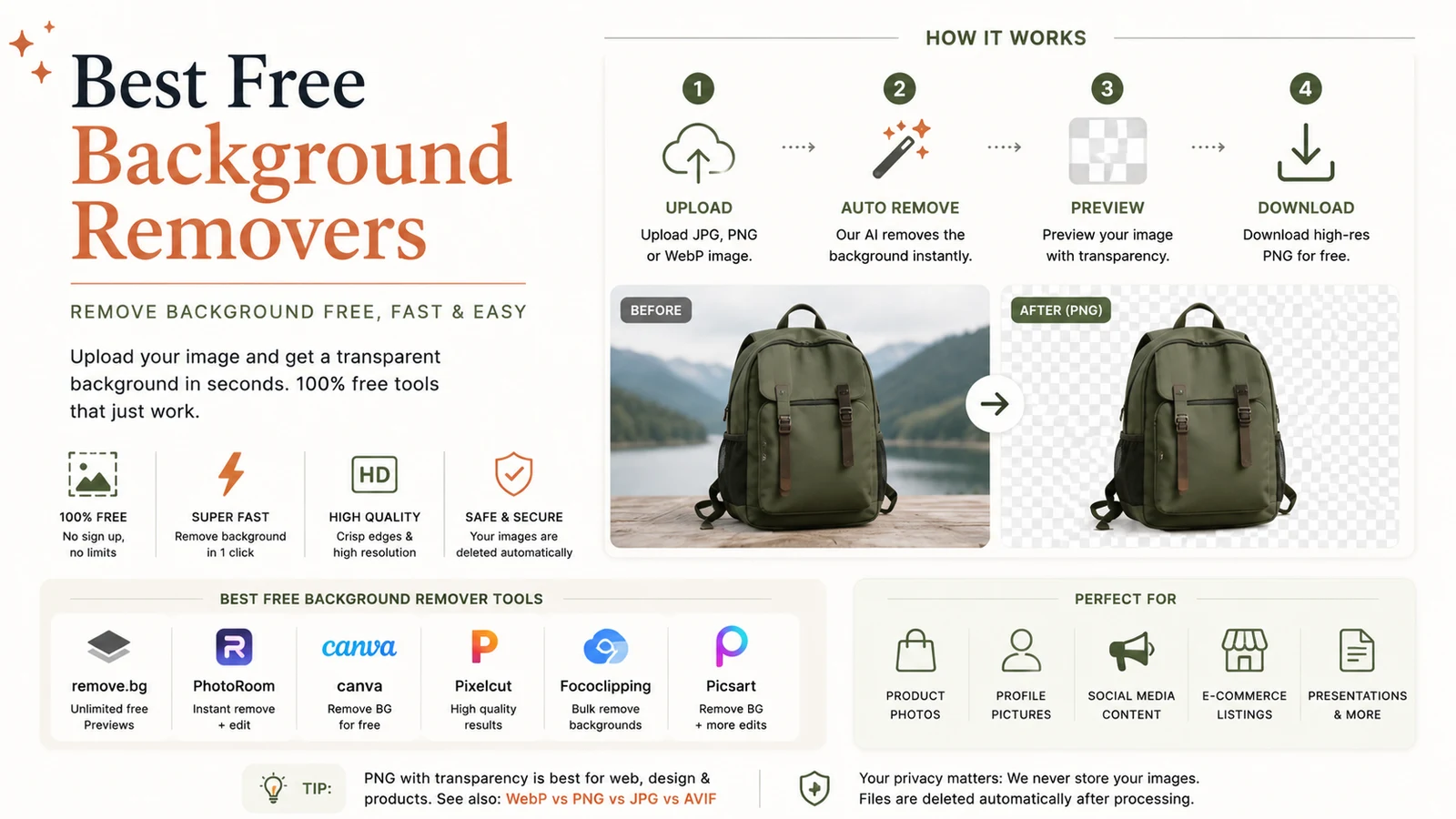
Best Free Background Remover: Powerful One‑Click Tool
Discover the best free background remover for one‑click cutouts. Our guide compares top AI tools, shows how they work, and offers tips for perfect edges.
Read article