AI image generators: Essential Free Guide for Creatives
By Jane Doe
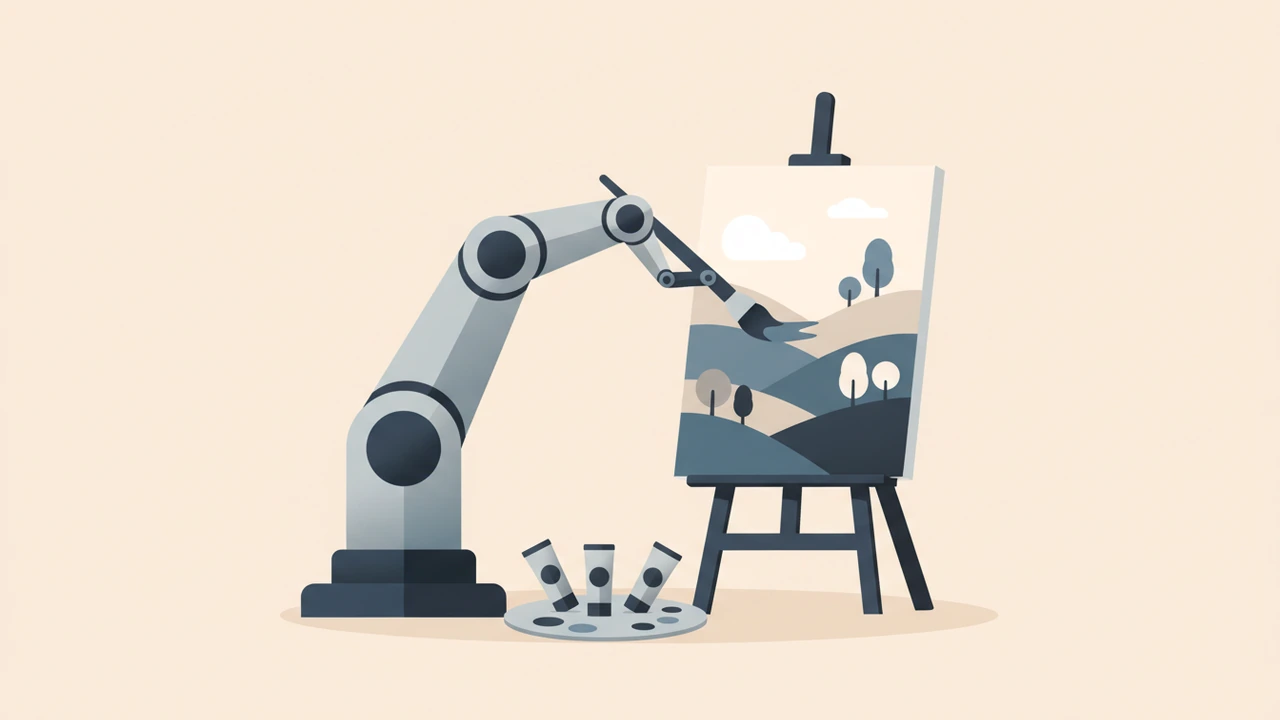
 {alt="AI‑generated artwork collage"}
Answer‑capsule: AI image generators turn a written prompt into a full‑color picture in seconds. By encoding text, injecting noise, and iteratively denoising, they produce realistic visuals that creators can use for marketing, social media, and product mock‑ups.
What are AI image generators?
AI image generators (also called text‑to‑image models) transform a written description into a complete image. You might type “a sunrise over a futuristic city in pastel tones,” and the model synthesises a matching picture. Modern tools also accept sketches or style references, expanding creative flexibility.
These tools shine for:
- Rapid prototyping – mock‑up product visuals or ad concepts in minutes.
- Content scaling – generate unique graphics for blogs, newsletters, or social feeds without hiring a designer for each piece.
- Creative exploration – experiment with styles, moods, or compositions that would be time‑consuming to paint by hand.
How do AI image generators create images?
Most generators rely on diffusion models or generative adversarial networks (GANs). A simplified workflow:
- Text encoding – The prompt is converted into a numerical vector using a language model.
- Noise injection – The model starts with random pixel noise.
- Iterative refinement – Through many steps, the model “denoises” the image, guided by the encoded text, until a coherent picture emerges.
 {alt="Diagram of diffusion model denoising steps"}
The heavy computation runs on cloud servers, delivering results in a few seconds.
Stat #1: Since its launch in 2016, DeepAI’s text‑to‑image model has empowered millions of users to turn ideas into pictures
deepai.org.
Stat #2: A 2026 Zapier roundup identified eight leading AI image generators that consistently rank high for quality and speedzapier.com.
These numbers highlight both rapid adoption and a competitive marketplace.
What are the best free AI image generators in 2026?
Below is a concise overview of the most popular free options as of 2026. All listed tools offer a free tier suitable for occasional creators; premium plans unlock higher resolution or faster queues.
| Tool | Core Strength | Free Tier Limits |
|---|---|---|
| Canva AI Image Generator | Seamless integration with Canva’s design suite; strong for marketing assets. | 5 images / day, up to 1024 px. |
| Adobe Firefly (beta) | Photorealistic output; built‑in content‑safety filters. | 50 generations / month, 1024 px. |
| DeepAI Text‑to‑Image | Simple API; no sign‑up required for low‑volume use. | Unlimited low‑resolution renders. |
| NoteGPT AI Image Generator | No‑login, instant results; good for quick sketches. | 10 images / hour, 800 px. |
| Stable Diffusion (Web UI) | Open‑source; customizable with community models. | Typically 20 images / day (varies by host). |
Tip: If you already use Canva for social media, start there to keep all assets in one workspace. Otherwise, the DeepAI tool is a solid “no‑frills” entry point and can be accessed directly from our platform via the AI Image Generator tool【/tools/ai-image-generator】.
How can you maximize results with AI image generators?
1. Craft precise prompts
Specificity beats vagueness. Include details about subject, action, setting, mood, and style. Example: “a vintage‑style illustration of a coffee shop at dusk, with warm lighting and rain‑slick windows.”
2. Use reference images when possible
Many platforms let you upload a style board or a sketch. This anchors the AI to a visual language you already like, reducing post‑generation edits.
3. Iterate and remix
Treat the first output as a draft. Regenerate with slight prompt tweaks, or use the tool’s “variations” feature to explore alternatives.
4. Polish with lightweight editors
Even the best AI can produce minor artifacts. A quick pass through an image compressor or a basic editor can improve file size and sharpness without breaking the creative flow【/tools/image-compressor】.
Practical workflow for creators
- Idea capture – Write a concise prompt in a notes app.
- Generate – Feed the prompt into your chosen AI generator.
- Select – Choose the best of the 2‑4 variations offered.
- Refine – Use a lightweight editor (crop, adjust brightness) or the image compressor to optimise file size.
- Deploy – Insert the final image into your blog, ad, or social post.
Standardising these steps lets you produce 20‑30 unique visuals in under an hour—far faster than manual design.
Limitations to keep in mind
- Complex scenes – AI may misinterpret intricate relationships (e.g., “a child holding a kite while a dog chases a butterfly”). Expect occasional compositional errors.
- Copyright concerns – Some generators train on copyrighted material. Verify licensing terms before using images for commercial campaigns.
- Resolution caps – Free tiers often limit output to 1024 px. For print‑ready assets, consider a paid upgrade or upscale with a dedicated tool.
The future of AI image generation
Research continues to push boundaries:
- Higher fidelity – Diffusion models are approaching photorealism indistinguishable from real photographs.
- Multimodal creativity – Upcoming systems will combine text, audio, and video prompts, enabling animated storyboards generated from a single script.
- Ethical safeguards – Platforms are integrating stronger content filters to prevent misuse and to respect intellectual property.
Staying informed about these trends will help you adopt new capabilities as they become available.
Conclusion
AI image generators have democratized visual creation, turning vague ideas into polished graphics with a few keystrokes. By understanding how the technology works, leveraging real‑world adoption stats, and following best‑practice prompts, you can produce high‑impact visuals quickly and cost‑effectively. Whether you’re crafting a brand campaign or spicing up a personal blog, the right free AI tool can be a game‑changer.
Ready to try it yourself? Jump straight to our AI Image Generator tool and start creating today!【/tools/ai-image-generator】
Frequently asked questions
Adobe Firefly’s free tier provides up to 1024 px resolution and 50 generations per month, making it one of the highest‑resolution options available for free.
DeepAI’s public endpoint allows unlimited low‑resolution renders, suitable for quick concept sketches and experimentation.
Yes, many platforms—including Canva and Adobe Firefly—grant commercial usage rights on their free outputs, but always review each service’s licensing policy before large‑scale campaigns.
Refine your prompt with specific adjectives, provide style references, and post‑process the result with a lightweight editor or compressor to clean up artifacts.
Most reputable generators state that uploaded images are used solely for the generation session and are not stored long‑term, but you should read the provider’s privacy policy to be certain.
Sources
Share this article
Send it to a teammate or save the link for later.
More from RunFreeTools Team
AI tools directory: Free Top Catalog of AI Solutions
Explore the AI tools directory, a free, privacy‑first catalog of over 10,000 browser‑based AI solutions for image, text, code, marketing and more today.
Read article
ChatGPT alternatives: The Ultimate Guide for 2026 AI
Discover the ultimate list of ChatGPT alternatives in 2026, complete with performance stats, pricing details.
Read article
Free AI Image Generator: Ultimate Guide to Top Tools
Discover the free ai image generator landscape in 2026. Learn how they work, compare the best options, get expert prompts.
Read article