Free Guide to Package Stuck in Transit – What to Do
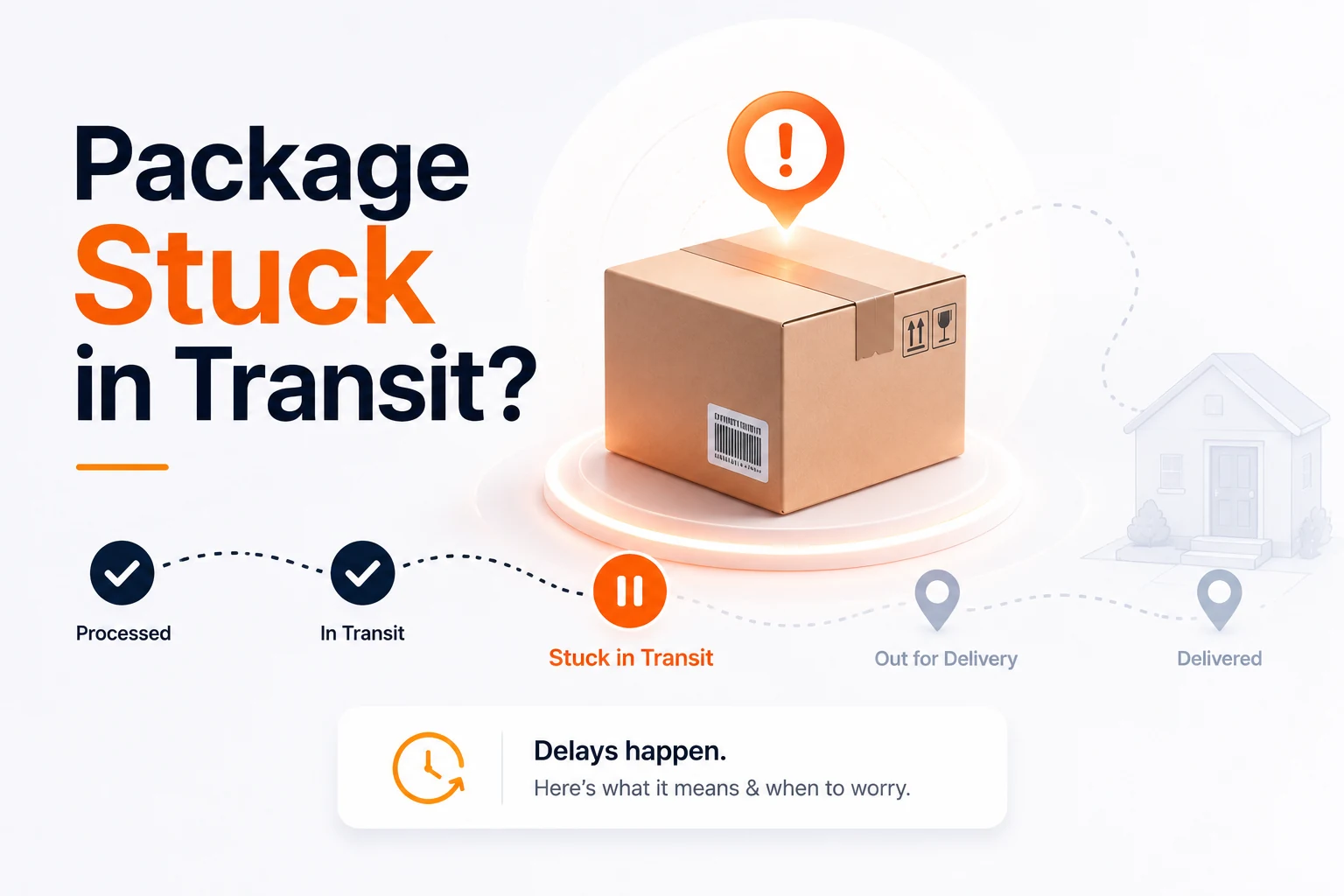
When a package stuck in transit shows no recent scan, it usually means the parcel is moving between sorting hubs but hasn’t hit a scanner yet. Tracking updates only when a barcode is read, so a quiet stretch of a few days is normal. Below you’ll find the exact reasons for these gaps, carrier‑specific timelines, and a step‑by‑step plan to act only when it truly matters.
What “package stuck in transit” really means
A package that appears stuck in transit is still in motion; the network simply isn’t reporting it. Most carriers scan at each facility, but ground and economy services often scan only once every 1‑3 days. If the last visible scan was a city hub and the estimated delivery date hasn’t passed, the parcel is likely on a truck or plane heading to the next hub.
Key points:
- One‑to‑three days without a new scan is typical for domestic ground shipments.
- Seven days of zero movement after the estimated delivery date usually signals a problem for U.S. shipments.
- Two‑to‑four weeks of silence is common for international parcels, especially when customs are involved.
Understanding that “in transit” is a status of motion—not trouble—helps you avoid unnecessary panic.
Why is my package stuck in transit? Common causes
Below are the most frequent reasons a parcel pauses on the map:
- Between‑facility gaps – The parcel is on a truck or aircraft and won’t be scanned again until it reaches the next hub.
- Sorting backlogs – High volume can delay processing at regional centers, leaving the tracking frozen.
- Peak‑season spikes – Black Friday, holiday shopping, and major sales increase volume dramatically; delays that would be unusual in March are routine in December.
- Weather or infrastructure disruptions – Snowstorms, hurricanes, and road closures force carriers to reroute, adding days without updates.
- Address issues – Missing apartment numbers or transposed ZIP codes send the package to a manual lane, slowing progress.
- Customs clearance (international) – Inspections, duties, or paperwork can hold a parcel for days to weeks.
- Mis‑sorts – Occasionally a package is loaded onto the wrong truck; the network usually corrects it, but extra time is added.
- Lost or damaged – The rare outcome where the label is destroyed or the parcel is damaged beyond forwarding; this triggers a formal claim.
According to the United States Postal Service, 85 % of ground shipments are delivered within three days of the last scan — a statistic that underscores how normal short gaps are. USPS Service Standards
How long is normal? Domestic vs. international timelines
| Shipment type | Typical scan‑gap | When to start worrying |
|---|---|---|
| Domestic (U.S.) | 1‑3 days (ground), < 3 days (priority) | No movement for ≈ 7 days after the last scan or after the estimated delivery date |
| International | 1‑2 weeks quiet period; customs can add 7‑14 days | 2‑4 weeks of silence after the last scan or after the estimated delivery date |
FedEx’s policy states a package must be 20 business days past the last scan before a loss investigation begins — another concrete benchmark you can rely on. FedEx Claims Guide
Why is my package stuck in transit? (Question‑shaped heading)
If you’re asking “Why is my package stuck in transit?”, the answer lies in the network’s design. Scanners are only at fixed points; the space between those points is invisible to you. The most common culprits are the six items listed above, and they resolve themselves without any action from you in the majority of cases.
Carrier‑by‑carrier guide: status wording, when to act, and how to open a case
| Carrier | Typical “stuck” wording | When to act | How to open a case |
|---|---|---|---|
| USPS | “In transit to next facility”, “Moving through network”, “In transit, arriving late” | No scan ≈ 7 days after last update (domestic) or 2‑4 weeks (international) | File a Missing Mail Search Request at the USPS site; for insured items, submit an insurance claim within 60 days. Use the USPS tracking tool first. |
| UPS | “In transit”, “Departed from facility”, “Delay” | 1 day past scheduled delivery with no movement, then wait an additional 24 hours | Start a claim online; notice of claim must be filed within 60 days, full claim within 9 months. Verify with the UPS tracking tool. |
| FedEx | “In transit”, “On the way”, “Arriving late”, “We have your package” | Delay of ≥ 1 day → open a ticket; loss review after 20 business days past last scan | File a case at FedEx.com; claims for damage within 60 days, lost‑package claims within 9 months. Check the FedEx tracking tool. |
| DHL | “In transit”, “Shipment on hold”, “Processed at facility”, “Clearance processing” | Customs hold 2‑14 days; if not delivered ≈ 10 days past expected arrival, act | Contact the seller/shipper to start a lost‑item investigation; handle customs directly with DHL. Use the DHL tracking tool. |
Pro tip: Use our free AI Email Writer to draft a concise, professional inquiry to the carrier. A well‑crafted email speeds up the response.
Step‑by‑step: What to do when your package is truly stuck in transit
Verify the estimated delivery date and last scan
Open the carrier’s tracking page, note the estimated delivery date, and record the most recent scan (city, facility, timestamp). If the estimate hasn’t passed, the parcel is still on schedule.Wait the normal window
Patience is your best tool. For domestic parcels, wait ≈ 7 days after the last scan; for international, wait 2‑4 weeks. During peak seasons, add an extra day or two. Our guide on why USPS tracking is not updating explains the silent periods in detail.Contact the carrier
Once the window has passed, reach out with your tracking number, last‑scan details, and a clear request: “Please locate the package or escalate to the originating facility.” Use the carrier’s official support channels—phone for USPS, online forms for UPS/FedEx, or DHL’s customer service portal.Open the appropriate case or claim
Follow the carrier‑specific timelines listed above. Keep original packaging, receipts, and photos of the contents; carriers may request them for damage claims.Ask the sender to file if you’re the recipient
Many contracts are between the shipper and the carrier. The seller often has priority claim lines and may hold the insurance. Provide them with all tracking info and request that they initiate the claim on your behalf.
When to relax and when to act
- Relax if you are still within the estimated delivery window or if the last scan was less than a week ago (domestic) / two weeks ago (international).
- Act when the estimated delivery date has passed and there has been no movement for the carrier‑specific period (≈ 7 days domestic, 2‑4 weeks international).
Using a single view of all scans—our free multi‑carrier tracker—helps you pinpoint the exact moment the package stopped moving, turning anxiety into a clear action plan.
Bottom line: A package stuck in transit is almost always just a quiet segment of a massive logistics network. By understanding normal scan gaps, checking carrier timelines, and following the structured steps above, you can avoid unnecessary claims while still protecting your shipments when a real issue arises.
Frequently asked questions
Usually it isn’t truly stuck. Packages travel between hubs faster than scanners can record them. Typical delays stem from sorting backlogs, peak‑season volume, weather, address errors, customs, or occasional mis‑sorts. Most resolve within a few days.
For U.S. shipments, a 1‑3 day gap is normal; start acting after **≈ 7 days** of no movement past the estimated delivery date. International parcels may be silent for **2‑4 weeks**, especially when customs are involved.
It indicates the carrier’s system has not received a new scan since the last hub. The parcel is en route to the next facility and will update once it arrives there.
Begin with the carrier—provide tracking details and request a locate request. If a formal claim is needed, the sender (shipper) usually files it because the carrier’s contract is with them.
Yes. “Arriving late” simply means the carrier missed the original delivery window but still expects delivery. Most such parcels arrive within a few additional days.
Sources
Share this article
Send it to a teammate or save the link for later.
Related articles
USPS Tracking Not Updating: The Ultimate Guide (2026)
usps tracking not updating? Discover why scans pause, how long to wait, and the exact steps to resolve it—including using Informed Delivery and filing a
Read article
USPS Says Delivered But No Package? Do These 7 Things
USPS says delivered but no package? Here's a calm, expert 7-step plan: check the scan, search your property, ask neighbors, then file a Missing Mail search.
Read articleIs the AI Bubble Bursting? Big Tech's $725B Reckoning
Is the AI bubble bursting in 2026? Big Tech is set to spend ~$725B on AI as the Magnificent 7 shed $2.3T — the bull and bear case, no hype, no advice.
Read article