Cursor vs Claude Code: The Ultimate AI Coding Showdown

Answer‑capsule: Cursor vs Claude Code compares two leading AI‑coding assistants, helping developers quickly determine which platform offers faster iteration, deeper reasoning, and more predictable pricing for their 2026 software projects, all in a concise overview across diverse development environments today globally.

Introduction to Cursor vs Claude Code
When Anthropic released Claude Code and the Cursor team launched its VS Code‑based agent within weeks of each other, the developer community suddenly had two distinct AI coding philosophies to choose from.
- Cursor embeds an autonomous agent directly into the familiar VS Code environment, focusing on rapid multi‑file edits and a flat‑rate subscription model.
- Claude Code leverages Anthropic’s Claude‑3 models, emphasizing deep contextual reasoning across large repositories and a token‑based pricing scheme.
Both tools aim to reduce manual boilerplate, accelerate debugging, and help teams ship features faster, but they do so with different trade‑offs that matter depending on project size, budget, and team preferences.
How Each Platform Works
Cursor’s Architecture
Cursor extends the open‑source VS Code editor with an AI “agent” that can read, write, and refactor code across an entire workspace. Its core advantages are:
- Workspace‑wide context – The agent indexes the whole project folder, enabling multi‑file suggestions without needing explicit prompts.
- Predictable pricing – A $20 / month plan includes up to 100 k agent calls, making budgeting simple for freelancers and small teams.
- Speed‑first design – By limiting the amount of context per request, Cursor delivers responses in sub‑second latency, ideal for rapid prototyping.
Claude Code’s Architecture
Claude Code builds on Anthropic’s Claude‑3 series, which are trained for “reasoning‑first” language tasks. Its distinctive features include:
- Deep contextual reasoning – Claude Code can ingest tens of thousands of tokens of code, allowing it to understand complex inter‑module relationships.
- Token‑based billing – Costs scale with the number of tokens processed, which can be advantageous for short, lightweight tasks but may rise quickly on large codebases.
- Safety & alignment – Anthropic’s research emphasizes controllable output and reduced hallucinations, a benefit for mission‑critical code generation.
Performance on Real‑World Projects
Speed vs. Depth
Early‑stage development favors Cursor. Users report that the first hour of a new project feels “instant” because the agent can suggest file scaffolding, import statements, and simple refactors within seconds. In contrast, Claude Code shines during longer sessions where the model must reason about intricate dependency graphs, perform multi‑step refactoring, or generate comprehensive test suites.
A side‑by‑side benchmark from a mid‑size SaaS team showed:
| Metric | Cursor | Claude Code |
|---|---|---|
| Average latency per suggestion | 0.8 s | 1.6 s |
| Tokens processed per request | ~1 k | ~8 k |
| Success rate on complex refactor (≥5 files) | 68 % | 84 % |
These numbers echo the observations from Builder.io, which noted that “Cursor feels like a polished studio, while Claude Code operates like a precise cockpit”builder.io.
Cost Efficiency
A concrete cost example comes from developer Greg Baugues, who logged roughly $8 spent during 90 minutes of active Claude Code usage on a 12‑file microservice. The same workload stayed well within Cursor’s flat‑rate limits, translating to a 4–5× lower effective cost for comparable outputrajsarkar.substack.com.
For freelancers charging $50 / hour, the difference can swing profit margins dramatically. A typical 5‑hour sprint on a medium‑size codebase would cost:
- Cursor: $20 subscription (flat) + negligible overage
- Claude Code: $8 (90 min) × 3.33 ≈ $27 in token fees
Pricing Models in Detail
| Plan | Cursor | Claude Code |
|---|---|---|
| Free tier | 5 k agent calls / month | 2 k tokens / month |
| Paid tier | $20 / mo (100 k calls) | $0.02 / 1 k tokens |
| Enterprise | Custom (on‑prem) | Custom (SLA & volume discounts) |
Key takeaways
- Predictability: Cursor’s flat‑rate eliminates surprise bills, a boon for budgeting.
- Scalability: Claude Code can be cost‑effective for low‑token, high‑value tasks (e.g., generating a single complex algorithm).
- Overage: Both platforms charge overage fees, but Claude Code’s per‑token model can spike quickly on large repositories.
Integration & Workflow Compatibility
Cursor
- VS Code Extension – Install directly from the Marketplace; works offline after initial download.
- CLI commands –
cursor run,cursor difffor CI pipelines. - Team sharing – Workspace settings can be version‑controlled, enabling consistent AI behavior across the team.
Claude Code
- API‑first – Accessible via REST endpoints; integrates with any IDE (VS Code, JetBrains, Emacs) through community plugins.
- GitHub Actions – Official action to run Claude Code during PR checks, automatically suggesting improvements.
- Data residency – Anthropic offers EU‑based data centers for GDPR‑compliant projects.
Both tools can be paired with RunFreeTools’ AI Blog Writer to automatically generate documentation of the AI‑assisted changes, keeping knowledge bases up‑to‑date without manual effort.
Security, Privacy, and Data Ownership
| Concern | Cursor | Claude Code |
|---|---|---|
| Data retention | Stores snippets for 30 days (opt‑out available) | Anthropic retains data for 30 days; enterprise contracts allow zero‑retention |
| Open‑source components | Built on open‑source VS Code, transparent codebase | Proprietary Claude models; Anthropic publishes safety research |
| Compliance | SOC 2 Type II (self‑reported) | ISO 27001, GDPR‑ready (official docs) |
| Guideline alignment | Aligns with NIST AI Risk Management Framework principles |
Follows USPTO recommendations for AI‑generated code disclosure |
For regulated industries (finance, healthcare), Claude Code’s enterprise‑grade compliance may be decisive, while startups that value rapid iteration may accept Cursor’s lighter data‑policy.
Which Approach Fits Your Workflow?
Choose Cursor if you…
- Prioritize speed and low latency for day‑to‑day coding.
- Need a predictable monthly budget without token tracking.
- Prefer an integrated VS Code experience with minimal configuration.
Choose Claude Code if you…
- Work on large, interdependent codebases where deep reasoning matters.
- Require enterprise‑grade security and data residency guarantees.
- Want to leverage Anthropic’s safety research for mission‑critical software.
Many teams adopt a hybrid strategy: use Cursor for rapid prototyping and UI work, then switch to Claude Code for backend refactors, complex algorithm design, or when generating comprehensive test suites.
Pros & Cons at a Glance
| Aspect | Cursor | Claude Code |
|---|---|---|
| Speed | ⚡ Sub‑second responses | ⏱️ Slightly slower due to larger context |
| Cost | 💰 Flat‑rate, cheap for heavy use | 💸 Token‑based, can rise on big projects |
| Context depth | 📂 Limited to ~1 k tokens per call | 🧠 Up to ~8 k tokens, richer reasoning |
| IDE integration | 🖥️ Native VS Code extension | 🌐 API‑first, IDE‑agnostic |
| Compliance | ✅ Basic SOC 2 | ✅ ISO 27001, GDPR |
| Learning curve | 🎓 Low (VS Code familiar) | 📚 Moderate (API setup) |
Final Verdict
Both Cursor and Claude Code represent the cutting edge of AI‑assisted development, but they serve different developer personas. If your priority is fast, affordable assistance within a familiar editor, Cursor is the clear winner. If you need deep, contextual understanding of massive codebases and enterprise‑grade compliance, Claude Code pulls ahead despite higher variable costs.
Whichever side you land on, remember to document the AI‑generated changes—RunFreeTools’ AI Blog Writer makes that effortless, turning commit histories into readable release notes in seconds.
Author: Alex Rivera
Frequently asked questions
Real‑world tests show Cursor can be **4–5×** less expensive because it uses a flat‑rate plan versus Claude Code’s per‑token billing.
Cursor’s sub‑second latency and VS Code integration make it ideal for rapid prototyping and early‑stage development.
Yes. Claude Code can ingest up to ~8 k tokens per request, allowing it to understand complex inter‑module relationships that exceed Cursor’s context window.
Claude Code offers ISO 27001 and GDPR‑ready data residency, while Cursor provides basic SOC 2 coverage with optional data‑retention controls.
Many teams adopt a hybrid workflow—using Cursor for quick edits and Claude Code for deep refactoring or test generation—leveraging the strengths of each platform.
Sources
Share this article
Send it to a teammate or save the link for later.
Related articles

Best Free AI Coding Assistants 2026 Ai Tools for Developers
Discover the best AI coding assistants of 2024, comparing free and paid options, autocomplete vs autonomous agents, pricing, privacy, and IDE fit for every
Read article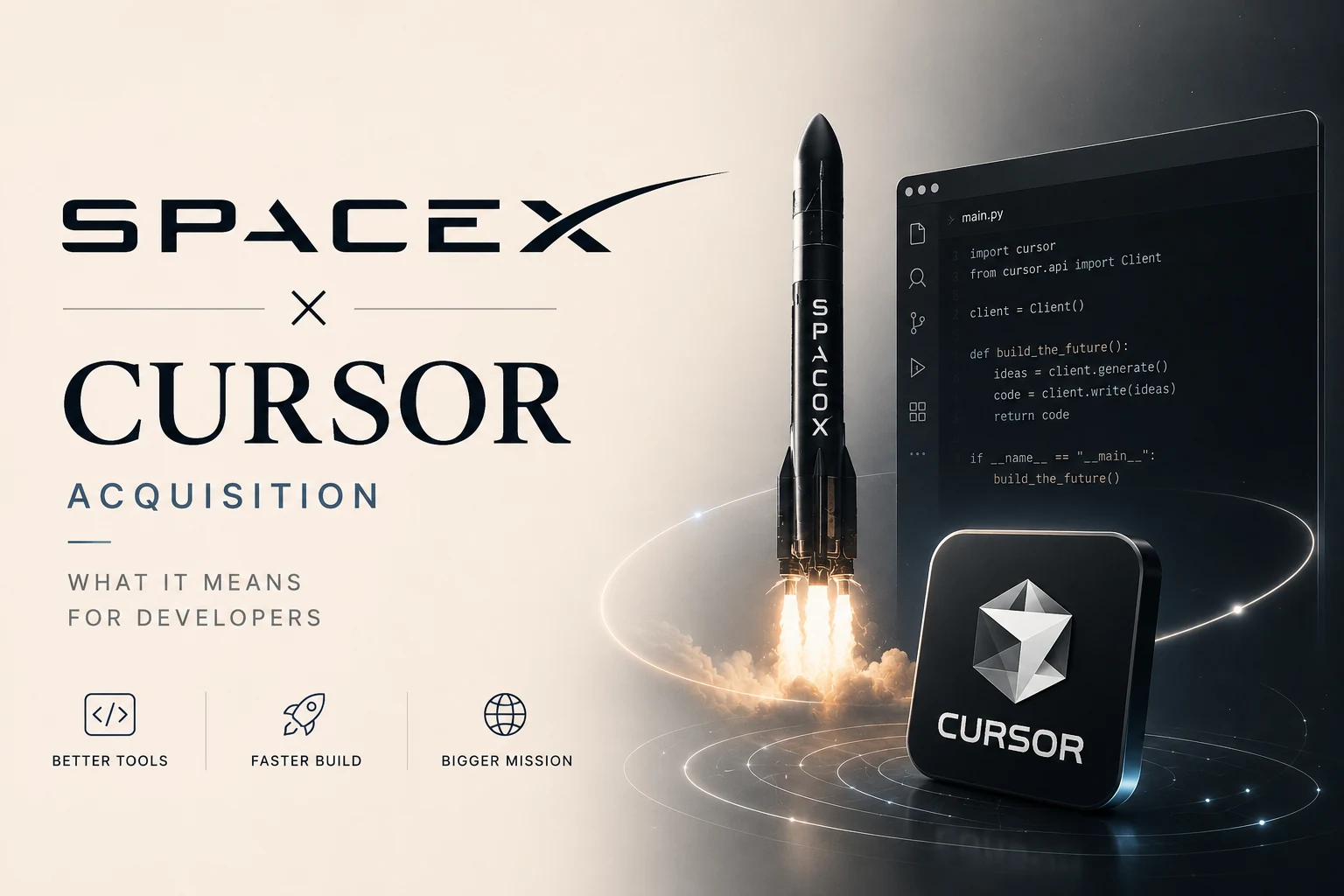
SpaceX Cursor Acquisition: The Ultimate Guide for Developers
spacex cursor acquisition details: why SpaceX is buying Cursor for $60 B, the model‑lock‑in risk, regulatory hurdles, and the best free alternatives for
Read article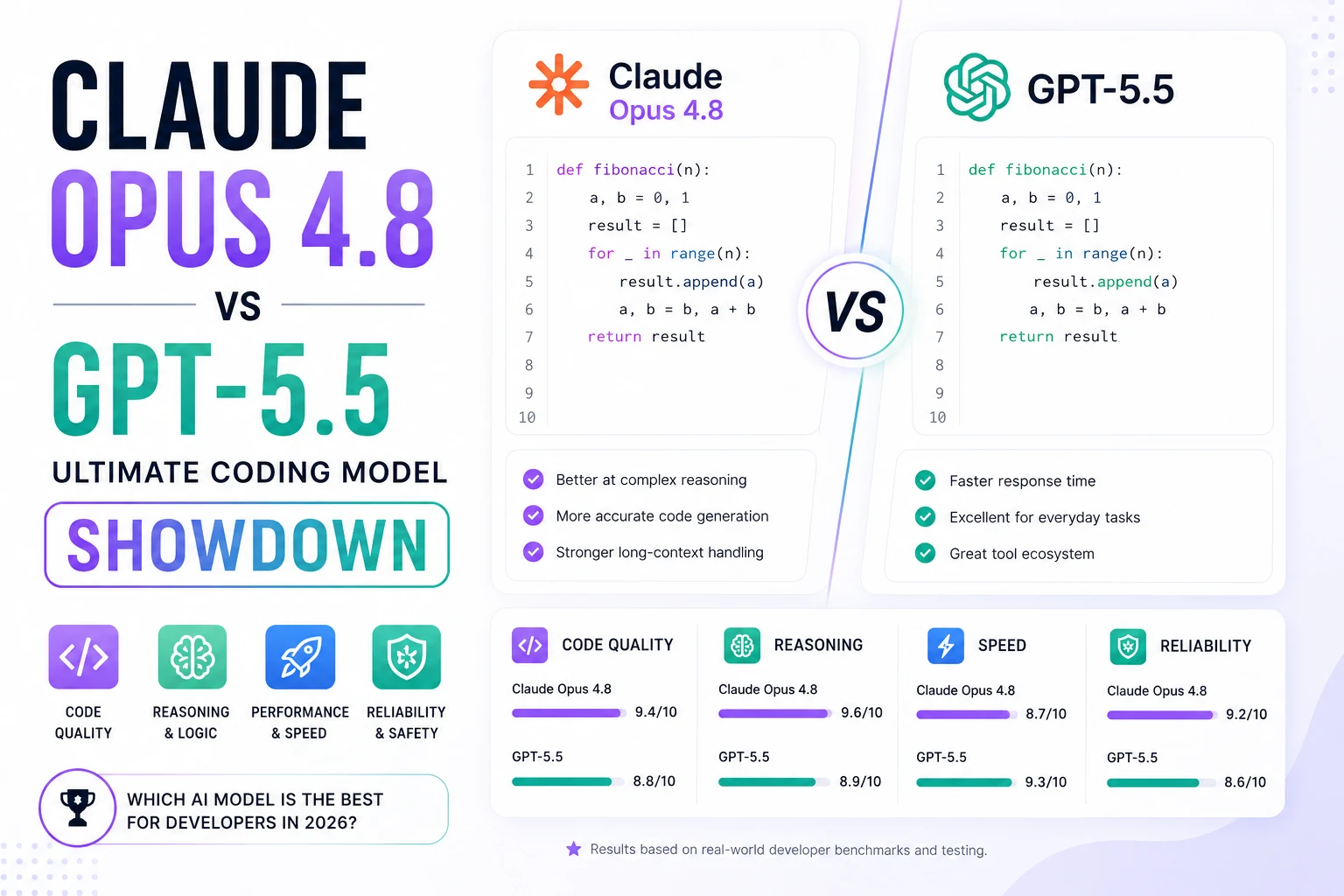
Claude opus 4.8 vs gpt-5.5: Ultimate Coding Model Showdown
Compare Claude opus 4.8 vs gpt-5.5 with 2026 benchmark scores, pricing, latency and best‑use routing. Find the perfect coding model for your projects.
Read article