Best Accounting Software for Small Business: 2026 Guide
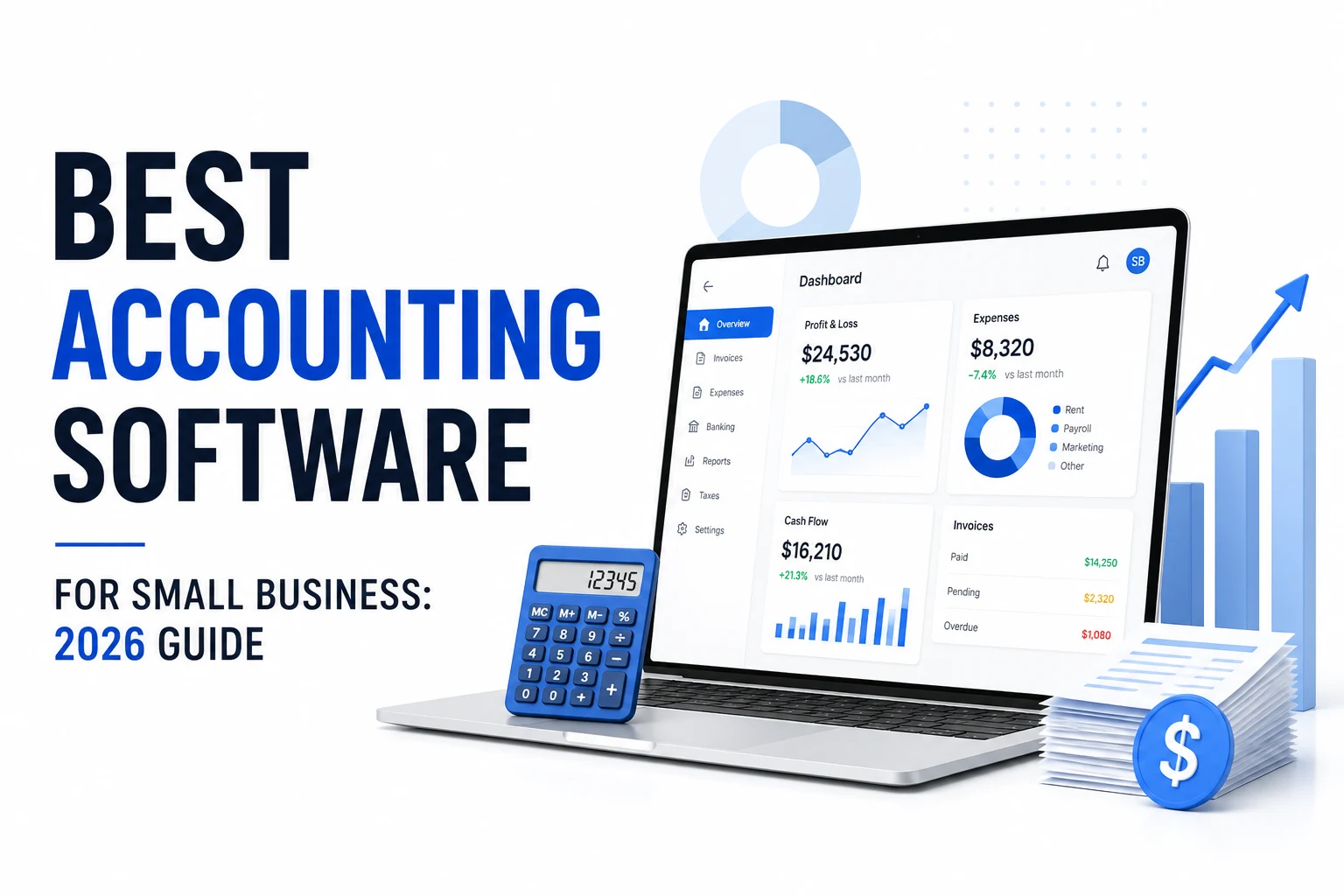
The best accounting software for small business helps you stay on top of cash flow, taxes, and invoices without drowning in spreadsheets. Choosing the right platform means weighing cost, user limits, automation features, and how well it integrates with your favorite tools.
How to Choose the Best Accounting Software for Small Business
Finding the perfect fit starts with answering a few core questions:
- Budget – Are you looking for a free solution or can you allocate a monthly subscription?
- Team size – Do you need unlimited users or just a single owner‑operator?
- Feature set – Is inventory, payroll, or multi‑currency essential for your operations?
- Integration – Does the software need to sync with your e‑commerce, CRM, or payroll providers?
According to the U.S. Small Business Administration, 64% of small businesses now use cloud‑based accounting toolssba.xn--gov-003b, underscoring how critical a good choice is for efficiency and compliance.
Which accounting software is the best for small business?
Below is a quick‑reference table that highlights the top contenders, their pricing, and the type of business they serve best.
| Software | Free plan? | Starting price (US $) | Users included | Best for |
|---|---|---|---|---|
| QuickBooks Online | No (trial) | $20/mo Solopreneur, $38/mo Simple Start | 1 | Industry‑standard, accountant‑friendly |
| Xero | No (30‑day trial) | $20/mo Early, $47/mo Growing, $80/mo Established | Unlimited | Value, teams, scaling |
| Wave | Yes (real) | Free (Pro $19.99/mo) | Limited | Free bookkeeping for solos |
| Zoho Books | Yes (under $50K/yr) | $15/mo Standard | 1–3 | Zoho ecosystem users |
| FreshBooks | No (trial) | $21/mo Lite | 1 | Service businesses, invoicing‑first |
| Sage | No (trial) | $7.50–$10/mo Basic, $69/mo Sage 50 Pro | 1+ | Inventory, established operations |
| Bench | No | $189/mo (managed) | N/A | Hands‑off, human bookkeepers |
| Kashoo / TrulySmall | Trial | $20/mo | 1 | Radical simplicity for micro‑businesses |
Pricing verified mid‑2026; plans and promotional discounts change often, so confirm current rates before committing.
QuickBooks Online — the default for a reason
QuickBooks remains the market leader, holding 44% of the small‑business accounting market according to a 2023 Statista reportstatista.xn--com-003b. Its deep feature set includes robust reporting, inventory (higher tiers), payroll add‑ons, sales‑tax automation, and a massive app marketplace. The platform’s ubiquity means most accountants are already proficient, reducing onboarding friction.
Strengths
- Comprehensive double‑entry accounting and reporting.
- Extensive third‑party integrations (e.g., Shopify, PayPal).
- Mobile app with reliable bank feeds.
Weaknesses
- Higher price point; Intuit raised rates 15–20% in July 2025.
- Add‑ons (payroll, payments, time tracking) are extra.
- Interface can feel cluttered for beginners.
Pricing
- Solopreneur $20/mo, Simple Start $38/mo (1 user), Essentials $75/mo (3 users), Plus $115/mo (5 users), Advanced $275/mo. New sign‑ups often receive a 50% discount for three months when skipping the free trial.
Best for: Businesses that want the industry standard and plan to work closely with an accountant.
Xero — the value play that wins on users
Xero’s standout feature is unlimited users on every plan, eliminating per‑seat fees that quickly add up in QuickBooks. The modern UI, strong bank reconciliation, and solid multi‑currency support make it a favorite for growing teams.
Strengths
- Clean, intuitive interface.
- Unlimited users, saving on licensing costs.
- Strong third‑party app ecosystem.
Weaknesses
- Early plan caps invoices and bills, pushing growth‑stage users to higher tiers.
- Payroll in the U.S. is handled via a partner integration rather than native.
- Smaller U.S. accountant network compared with QuickBooks.
Pricing
- Early $20/mo, Growing $47/mo, Established $80/mo (all unlimited users). Annual billing offers modest discounts.
Best for: Small businesses with multiple users and a need for cost‑effective scaling.
Wave — free accounting that’s actually usable
Wave provides real double‑entry accounting at no subscription cost. It’s ideal for freelancers or micro‑businesses that need invoicing, expense tracking, and basic reporting without paying a monthly fee.
Strengths
- Free invoicing, income/expense tracking, and reporting.
- Unlimited invoices on the free tier.
- Simple, friendly dashboard.
Weaknesses
- Advanced automation (bank imports, receipt scanning) behind a $19.99/mo Pro plan.
- No inventory management; payroll limited to U.S./Canada and paid.
- Support is limited on the free tier.
Pricing
- Free Starter; Pro $19.99/mo (adds automation and branding removal).
Best for: Freelancers and very small businesses that want real bookkeeping without a subscription.
Zoho Books — the best‑kept free secret (if you fit)
Zoho Books offers a free tier for businesses earning under $50,000 annually, delivering full double‑entry accounting, bank reconciliation, and a client portal. It shines for companies already using Zoho CRM, Mail, or Projects.
Strengths
- Free plan includes core accounting features.
- Seamless integration with the broader Zoho suite.
- Affordable paid tiers add automation, inventory, and more users.
Weaknesses
- Outgrows the free tier once revenue exceeds $50K.
- U.S. accountant familiarity lower than QuickBooks or Xero.
- Settings depth can be overwhelming initially.
Pricing
- Free under $50K/year.
- Standard $15/mo (annual), Professional $40/mo, with higher tiers for larger needs.
Best for: Low‑revenue businesses and those invested in Zoho’s ecosystem.
FreshBooks — accounting for people who’d rather invoice
FreshBooks began as invoicing software and evolved into a full‑featured accounting platform, focusing on service‑based businesses.
Strengths
- Extremely user‑friendly UI.
- Strong recurring invoicing, time tracking, and expense capture.
- Excellent mobile apps and responsive support.
Weaknesses
- No free plan; client caps on lower tiers (Lite supports 5 billable clients).
- Limited double‑entry depth and no inventory management.
- Per‑seat charges for additional team members.
Pricing
- Lite $21/mo (5 clients), Plus $38/mo (50 clients), Premium $65/mo (unlimited). 30‑day trial available.
Best for: Service businesses, consultants, and freelancers whose primary need is invoicing and expense tracking.
Sage — for inventory and established operations
Sage offers a spectrum from lightweight cloud accounting to the robust Sage 50 desktop suite, catering to businesses that need strong inventory and job‑costing capabilities.
Strengths
- Powerful inventory and job‑costing on Sage 50.
- Mature reporting and long‑standing market presence.
- Affordable entry‑level cloud tier for basic needs.
Weaknesses
- Confusing product lineup (Sage Accounting vs. Sage 50 vs. Sage Intacct).
- Older desktop UI feels dated.
- Pricing varies widely by module and user count.
Pricing
- Sage Business Cloud Accounting $7.50–$10/mo.
- Sage 50 Pro $69/mo, Premium $114/mo, Quantum $198/mo (single user).
Best for: Established product‑based businesses needing inventory and detailed costing.
Bench — when you’d rather not do it at all
Bench provides a managed bookkeeping service where real humans handle your monthly books, delivering clean financial statements without you touching a ledger.
Strengths
- Fully hands‑off bookkeeping.
- Dedicated team categorizes transactions and reconciles accounts.
- Monthly financial statements ready for tax filing.
Weaknesses
- Highest price point among options.
- Post‑acquisition service hiccups reported in 2024‑2025.
- Locked into Bench’s platform, making migration harder.
Pricing
- Starting at $189/mo with annual billing (month‑to‑month $199/mo).
Best for: Owners who want bookkeeping completely outsourced and are willing to pay a premium.
Kashoo / TrulySmall — radical simplicity
Kashoo and its sibling TrulySmall focus on ultra‑simple bookkeeping for solo entrepreneurs.
Strengths
- Minimal learning curve.
- Auto‑categorization of transactions.
- Clean, distraction‑free interface.
Weaknesses
- Limited depth (no inventory, thin reporting).
- Small ecosystem and limited accountant familiarity.
- Outgrown quickly as business complexity rises.
Pricing
- Starts around $20/mo with a free trial.
Best for: Solo and micro‑businesses that need the simplest possible bookkeeping.
Practical tips to keep your books tidy
- Store contracts and receipts as PDFs and attach them directly in your accounting tool. You can quickly sign PDFs with our Sign PDF tool.
- Compress large PDF statements before uploading using Compress PDF to stay under attachment limits.
- When you need to convert a PDF invoice to an editable Word file, try PDF to Word.
- Use a sales‑tax calculator like Sales Tax Calculator to verify rates before invoicing.
The verdict
If you value industry‑standard reliability and plan to work closely with an accountant, QuickBooks Online remains the top pick—just budget for the inevitable add‑on costs. For teams seeking unlimited users and a lower price point, Xero offers the best value, especially after its recent US price reduction. Running lean? Wave delivers real free accounting, while Zoho Books is unbeatable for businesses under $50K or those already in the Zoho ecosystem. Service‑oriented firms gravitate toward FreshBooks, product‑focused businesses benefit from Sage, and owners who want bookkeeping done for them should consider Bench. Ultimately, the best accounting software for small business is the one you’ll actually use consistently, so weigh ease of use as heavily as features and cost.
Frequently asked questions
QuickBooks Online leads in market share and feature depth, making it the overall standard. Xero offers better value for multi‑user teams, while Wave and Zoho Books provide solid free options for very small operations.
Yes. Wave offers a fully functional free tier with unlimited invoicing, and Zoho Books is free for businesses earning under $50,000 annually, both including core double‑entry accounting and bank reconciliation.
QuickBooks charges per user (e.g., Simple Start $38/mo for one user, Essentials $75/mo for three), whereas Xero includes unlimited users on every plan, costing roughly $47/mo for the Growing tier—making Xero cheaper for teams.
Evaluate budget, required features (inventory, payroll, multi‑currency), user limits, integration needs, and accountant familiarity. Matching these factors to your growth stage ensures you pick the right solution.
Most free tiers (Wave, Zoho Books) limit advanced automation. For unlimited receipt scanning you’ll need a paid add‑on such as Wave Pro ($19.99/mo) or a higher‑tier Zoho Books plan.
Share this article
Send it to a teammate or save the link for later.
Related tools
Related articles
Best Invoicing Software for Freelancers: Top Picks 2026
Discover the best invoicing software for freelancers in 2026. Compare Wave, Zoho, FreshBooks, Bonsai, Stripe and more on price, fees, features, and free
Read articleIs the AI Bubble Bursting? Big Tech's $725B Reckoning
Is the AI bubble bursting in 2026? Big Tech is set to spend ~$725B on AI as the Magnificent 7 shed $2.3T — the bull and bear case, no hype, no advice.
Read articleApple Lost a Major EU Antitrust Fight: What It Means
Apple lost a major EU antitrust ruling on July 8, 2026, upholding DMA rules on the iPhone. What's decided, what's still pending, and what changes for you.
Read article