Best Invoicing Software for Freelancers: Top Picks 2026
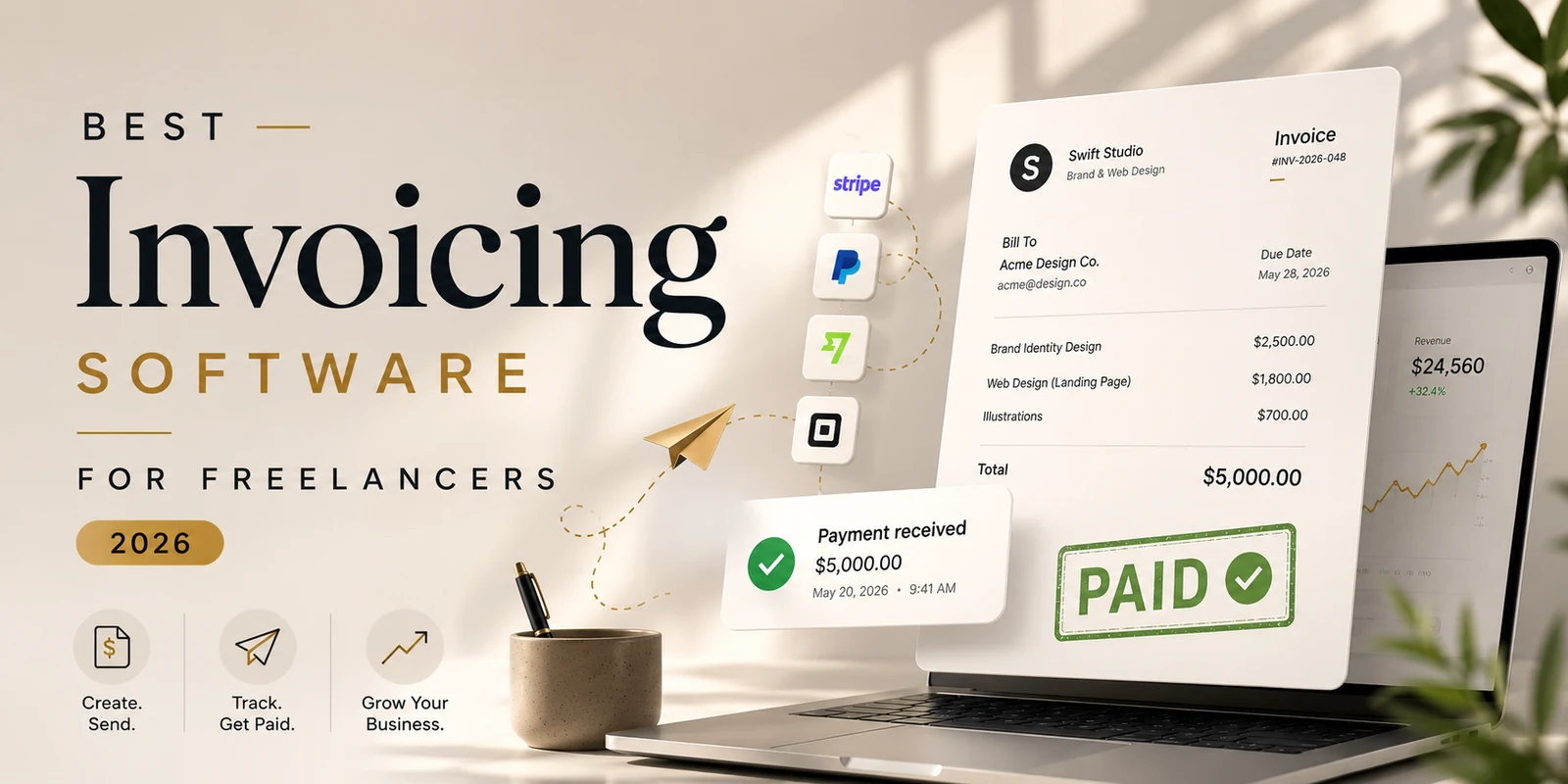
Best invoicing software for freelancers is the single most important tool that turns completed work into cash on time. A smooth invoice‑to‑payment flow can shave days off your cash‑cycle, while a clunky process adds weeks of uncertainty and lost revenue. Below you’ll find a deep dive into the top platforms, pricing nuances, feature sets, and real‑world pros and cons so you can pick the solution that matches your business stage.
Quick‑look table
| Tool | Free plan? | Starting paid price | Card‑payment fee | Ideal for |
|---|---|---|---|---|
| Wave | Yes (real) | $19.99 /mo Pro | 2.9 % + $0.60 | Unlimited free invoicing & basic bookkeeping |
| Zoho Invoice | Yes (≤ $20 K yr) | Free (Books from $15 /mo) | Via gateway | Low‑revenue solos & side‑hustlers |
| FreshBooks | No (30‑day trial) | $21 /mo Lite | ~2.9 % + $0.30 | Recurring & retainer billing |
| Bonsai | No (7‑day trial) | $15 /user /mo | Stripe‑based | All‑in‑one freelance back‑office |
| Stripe Invoicing | Pay‑as‑you‑go | $0 /mo | 0.4 % + processing | Fastest payouts, lowest fees |
| PayPal Invoicing | Yes | Free to send | 2.99 % + $0.49 | Clients already on PayPal |
| Invoice Ninja | Yes (5 clients) | $18 /mo cloud (free self‑host) | Via gateway | Open‑source control & unlimited clients |
All pricing verified mid‑2026; processing rates vary by country and card type.
Why the best invoicing software for freelancers matters
Freelancers juggle project work, client communication, taxes, and cash flow. An invoicing platform that integrates time‑tracking, expense logging, and automatic reminders reduces manual admin by up to 30 %, according to a 2023 U.S. Small Business Administration report. Moreover, a study by Statista shows that businesses using automated invoicing see 15 % faster payment cycles on average. Choosing the right tool therefore directly impacts profitability and stress levels.
Which invoicing tool is the best for freelancers?
Below we break down each contender, highlighting strengths, weaknesses, and the type of freelancer who will benefit most.
1. Wave – the genuinely free starter
Strengths
- Unlimited invoices, recurring billing, and basic expense tracking at zero cost.
- Integrated accounting dashboard eliminates the need for separate spreadsheet work.
- Clients can pay instantly via a clean “Pay Now” link.
Weaknesses
- February 2024 split created a paid Pro tier that locks advanced automation behind $19.99 /mo.
- Support on the free tier is limited to community forums.
- Card‑processing fees (2.9 % + $0.60) are higher than Stripe’s.
Best for: Brand‑new freelancers or solo entrepreneurs who need a truly free, no‑time‑limit solution.
2. Zoho Invoice – polished free tier for low‑revenue solos
Strengths
- Free up to $20 K annual revenue, with client portals, multi‑currency, and time‑tracking.
- Mobile app is robust, letting you bill from anywhere.
- Clean, customizable invoice templates.
Weaknesses
- Revenue cap forces migration to Zoho Books (starting at $15 /mo) as you grow.
- Upsell pressure toward the broader Zoho ecosystem.
Best for: Part‑time freelancers, side‑hustlers, or anyone whose revenue stays under the $20 K threshold.
3. FreshBooks – built for recurring retainers
Strengths
- First‑class recurring invoices, automatic payment reminders, and saved‑card charging.
- Time‑tracking, expense capture, and proposal tools are native.
- Intuitive UI reduces onboarding friction.
Weaknesses
- No free plan; only a 30‑day trial.
- Lite tier caps at 5 billable clients, which can be restrictive for growing agencies.
- Pricing climbs quickly with added features.
Best for: Freelancers and small agencies that rely on monthly retainers or subscription‑style billing.
4. Bonsai – the all‑in‑one freelance operating system
Strengths
- Contracts, proposals, invoices, time‑tracking, and a lightweight CRM live in one dashboard.
- Lawyer‑reviewed contract templates speed up legal paperwork.
- Seamless flow: proposal → contract → invoice.
Weaknesses
- No free tier; only a 7‑day trial.
- Per‑user pricing can become pricey for teams.
- Accounting features lag behind dedicated invoicing tools.
Best for: Established freelancers or boutique agencies that want contracts, proposals, and invoicing under a single roof.
5. Stripe Invoicing – the fastest way to get paid
Strengths
- Invoicing fee of 0.4 % per paid invoice (capped at $2) plus standard 2.9 % + $0.30 card processing.
- ACH bank transfers cost ~0.8 % capped at $5, dramatically cheaper for large invoices.
- Clean, mobile‑responsive payment page shortens the payment cycle.
Weaknesses
- Lacks built‑in time‑tracking, expense management, or contract features.
- Dashboard assumes some familiarity with payment processing concepts.
Best for: Freelancers who send high‑value invoices and prioritize low fees and rapid payouts.
6. PayPal & Square – when client preference drives the choice
Strengths
- Near‑universal recognition; many clients already have PayPal accounts.
- Square offers low‑cost in‑person card processing (2.6 % + $0.10).
Weaknesses
- Highest fee structure (PayPal 2.99 % + $0.49).
- Minimal recurring‑billing or reporting capabilities.
Best for: Situations where the client insists on a specific payment rail.
7. Invoice Ninja – open‑source freedom for the technically inclined
Strengths
- Self‑hosted version is 100 % free with unlimited clients and invoices.
- Supports dozens of gateways, recurring billing, and a client portal.
- Cloud free plan covers 5 clients with unlimited invoices.
Weaknesses
- Self‑hosting requires server knowledge and ongoing maintenance.
- UI is functional but less polished than FreshBooks or Bonsai.
Best for: Developers or tech‑savvy freelancers who want full control and zero recurring software costs.
A few non‑negotiables for every freelancer
- Pair invoices with contracts – A signed agreement reduces disputes. Quickly add e‑signatures with the free Sign PDF tool.
- Keep attachment sizes small – Oversized PDFs trigger spam filters. Use Compress PDF to stay under 5 MB.
- Automate reminders – Most platforms let you schedule polite follow‑ups; set them to trigger 3 days after due date.
How to pick the right tool for your stage
| Business stage | Recommended tool | Why it fits |
|---|---|---|
| Just starting, zero budget | Wave | Unlimited free invoicing & basic bookkeeping |
| Side‑hustle under $20 K revenue | Zoho Invoice | Free, polished UI, multi‑currency |
| Retainer‑heavy services | FreshBooks | Recurring billing automation |
| Need contracts & proposals too | Bonsai | All‑in‑one freelance suite |
| Large invoices, low fees | Stripe Invoicing | 0.4 % invoicing fee, fast payouts |
| Tech‑savvy, want self‑hosted | Invoice Ninja | Open‑source, unlimited clients |
The final verdict
If you’re looking for a completely free solution that won’t force you into a paid tier, Wave remains the clear winner. For freelancers who earn under $20 K and crave a more polished interface, Zoho Invoice is the next best free option. When recurring billing is the backbone of your business, FreshBooks automates the process with minimal friction. If you want contracts, proposals, and invoices under a single dashboard, Bonsai delivers an integrated experience. Finally, for the lowest transaction costs and the quickest cash‑in, Stripe Invoicing is unmatched.
Choose the platform that aligns with your current revenue, workflow preferences, and growth plans—your invoicing software should empower you, not hold you back.
Frequently asked questions
Wave offers unlimited invoices, basic expense tracking, and free accounting with no time limit, making it the top free choice for freelancers who need a zero‑cost solution.
Stripe Invoicing charges a 0.4 % invoicing fee plus standard 2.9 % + $0.30 card fees, and ACH transfers are only ~0.8 % capped at $5, which is cheaper than PayPal or Wave for high‑value invoices.
Yes. Bonsai provides an all‑in‑one freelance back‑office that includes contracts, proposals, time tracking, and invoicing within a single platform.
Zoho Invoice is free for businesses earning up to $20,000 per year and includes client portals, time tracking, and multi‑currency support. Once you exceed the revenue cap, you’ll need to upgrade to Zoho Books.
Automated reminders and “pay now” links can reduce the average payment cycle by 15 % to 30 %, as shown in studies by the SBA and Statista, because clients receive clear, actionable prompts to settle invoices promptly.
Sources
Share this article
Send it to a teammate or save the link for later.
Related tools
Related articles
Best Accounting Software for Small Business: 2026 Guide
Discover the best accounting software for small business in 2026. Compare QuickBooks, Xero, Wave, Zoho Books and FreshBooks on price, features and ease of use.
Read articleIs the AI Bubble Bursting? Big Tech's $725B Reckoning
Is the AI bubble bursting in 2026? Big Tech is set to spend ~$725B on AI as the Magnificent 7 shed $2.3T — the bull and bear case, no hype, no advice.
Read articleApple Lost a Major EU Antitrust Fight: What It Means
Apple lost a major EU antitrust ruling on July 8, 2026, upholding DMA rules on the iPhone. What's decided, what's still pending, and what changes for you.
Read article