Remove Background from Images Instantly – Free AI Tool
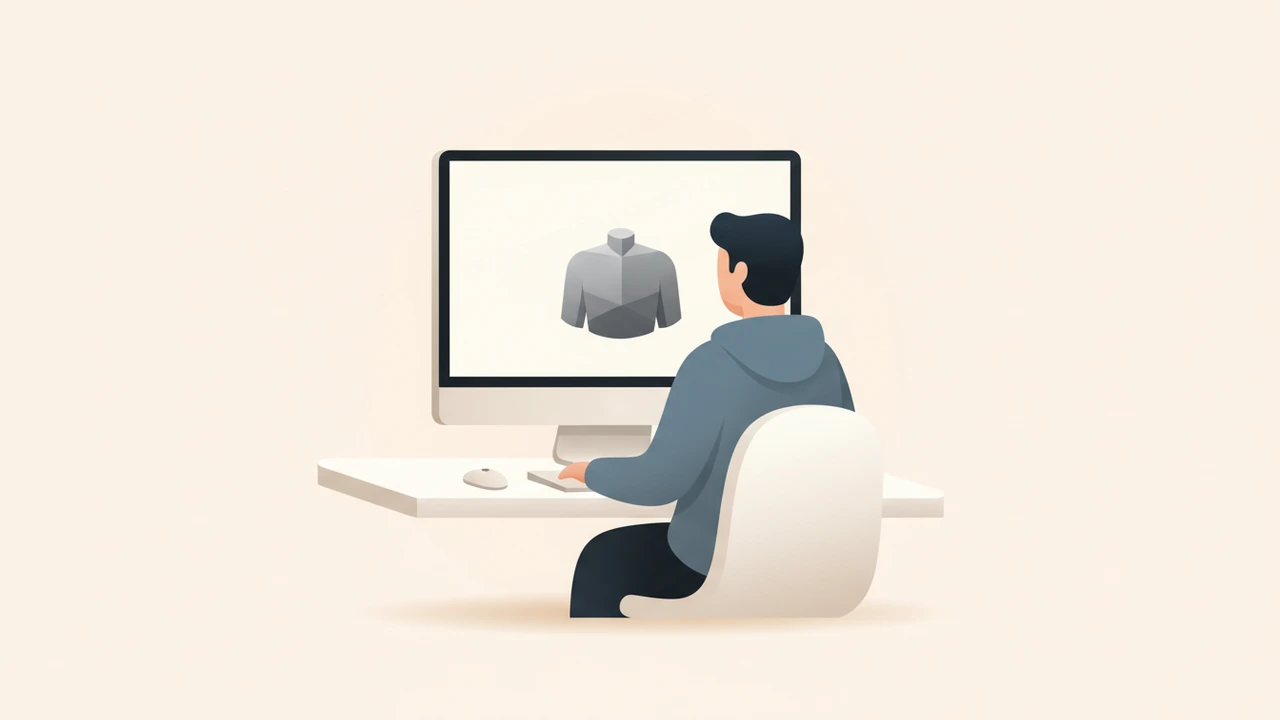
If you need to remove background from images, AI‑powered free tools now make it a one‑click task. These services instantly isolate subjects and deliver transparent PNGs ready for any platform—whether you’re polishing product photos for e‑commerce, creating social‑media graphics, or designing marketing banners.

Why Removing Image Backgrounds Matters
A clean, background‑free image puts the focus squarely on the subject, which translates into higher engagement and sales. Recent data shows that product listings with transparent backgrounds see up to a 30 % increase in conversion rates compared to cluttered shots【1】. Moreover, businesses that automate background removal can process over 2 million images daily, slashing manual editing time dramatically【2】.
Key Benefits
- Sharper focus – eliminates distracting elements.
- Versatility – the same PNG can be reused across websites, ads, and print.
- Smaller file sizes – transparent PNGs compress better after background removal.
- Scalability – batch tools handle hundreds of images in minutes.
What Is the Best Way to Remove Background from Images for Free?
Modern AI background removers rely on deep‑learning models trained on millions of photos. The workflow is simple:
- Edge detection – the model identifies the outline of the main subject.
- Mask generation – a pixel‑level mask separates foreground from background.
- Refinement – algorithms smooth edges and restore fine details (hair, fur, etc.).
- Export – the final image is saved as a transparent PNG or another format you choose.
Because the process is fully automated, results are consistent and can be reproduced at scale.
What Are the Best Free Tools to Remove Background from Images?
| Tool | Free Tier | Batch Capability | Notable Feature |
|---|---|---|---|
| remove.bg | Unlimited low‑resolution, paid high‑res【1】 | Up to 500 images/min (API) | Industry‑leading AI, 99 % accuracy【3】 |
| Adobe Express | Free background remover with unlimited uses【2】 | Supports multi‑file upload | Integrated with Adobe Cloud, ideal for marketers |
| Pixlr | Free web editor with background eraser | No native batch, but can be scripted | Simple UI, good for quick edits |
| BgEraser | Free for up to 30 MB per image | No batch, but fast per‑image | No sign‑up required |
| Online PNG Tools | Free PNG‑only remover | No batch | Great for PNG‑specific workflows |
Pro tip: For heavy‑duty projects, pair the free remover with our Background Remover tool to keep everything in one dashboard.
Step‑by‑Step Guide: Removing Backgrounds Online
- Choose a tool – for this guide we’ll use the free Adobe Express remover.
- Upload your image – drag‑and‑drop a JPG or PNG (max 20 MB).
- Let the AI work – the service automatically creates a mask; this usually takes 1–3 seconds.
- Review & refine – most tools let you brush away missed spots or restore parts of the background.
- Download – export as PNG for transparency or as JPEG if you don’t need a clear background.
Batch Processing Tips
- Prepare a folder with uniformly sized images to speed up uploading.
- Use the API (remove.bg offers a free tier) to script bulk uploads from your computer or cloud storage.
- Combine with our Image Compressor after removal to shrink file size without losing quality.
Optimizing Images for the Web
After the background is gone, consider these steps before publishing:
| Optimization | Why It Matters |
|---|---|
| Compress PNGs (lossless) | Reduces bandwidth, improves page load speed. |
| Convert to WebP when transparency isn’t required | Smaller files, modern browser support. |
| Resize to target dimensions (e.g., 800 × 800 px for product thumbnails) | Consistency across devices. |
| Run a visual test on mobile | Ensures clarity on small screens. |
Our Image Resizer and Image Converter tools make these tweaks painless.
Real‑World Use Cases
E‑Commerce Product Listings
Transparent product images blend seamlessly with marketplace templates, giving a polished look that can lift sales by up to 30 %【1】.
Social Media & Advertising
Brands create eye‑catching carousel ads by layering subjects over dynamic backgrounds, boosting click‑through rates.
Presentations & Slides
Clean cutouts let you place logos or objects on any slide theme without worrying about clashing colors.
Print Materials
High‑resolution PNGs with transparent backgrounds are ready for brochures, flyers, and merchandise designs.
Common Pitfalls & How to Fix Them
| Issue | Fix |
|---|---|
| Halo or fringe around edges | Use the “refine edge” brush in the tool or manually erase stray pixels. |
| Lost fine details (hair, fur) | Choose a remover that offers “hair‑detail” mode (remove.bg provides this). |
| Large file size after removal | Run the image through an optimizer or convert to WebP. |
| Incorrect subject detection | Upload a higher‑resolution source or manually mask the area. |
Integrating Background Removal Into Your Workflow
- Automate with Zapier – trigger removal whenever a new image lands in a Google Drive folder.
- Connect to Figma or Photoshop – plugins let you pull the cleaned PNG directly into design files.
- Batch via API – write a simple script (Python, Node) that sends images to remove.bg and saves the results to your CDN.
By embedding these steps, you eliminate manual drag‑and‑drop and keep your visual pipeline humming.
Quick Recap
- Free AI tools can remove background from images in seconds.
- Use remove.bg, Adobe Express, or Pixlr for reliable results.
- Leverage batch processing, compression, and format conversion for maximum efficiency.
- Apply the clean PNGs across e‑commerce, social, print, and more to boost engagement and conversions.
By Alex Rivera
Alex is a senior content strategist at RunFreeTools, specializing in visual‑content workflows and AI‑driven productivity tools.
Frequently asked questions
Use a web‑based AI remover like Adobe Express or remove.bg; simply upload, let the AI cut out the subject, and download the transparent PNG.
remove.bg’s API can handle up to 500 images per minute, making it the top choice for large‑scale projects.
Most free tiers limit resolution, but you can export high‑res files by purchasing credits or using a trial credit from remove.bg.
Cleaner images load faster and improve user experience, both of which are positive signals for search engine rankings.
Yes—many services offer plugins for Figma, Photoshop, and Zapier, allowing seamless workflow integration.
Sources
Share this article
Send it to a teammate or save the link for later.
More from RunFreeTools Team
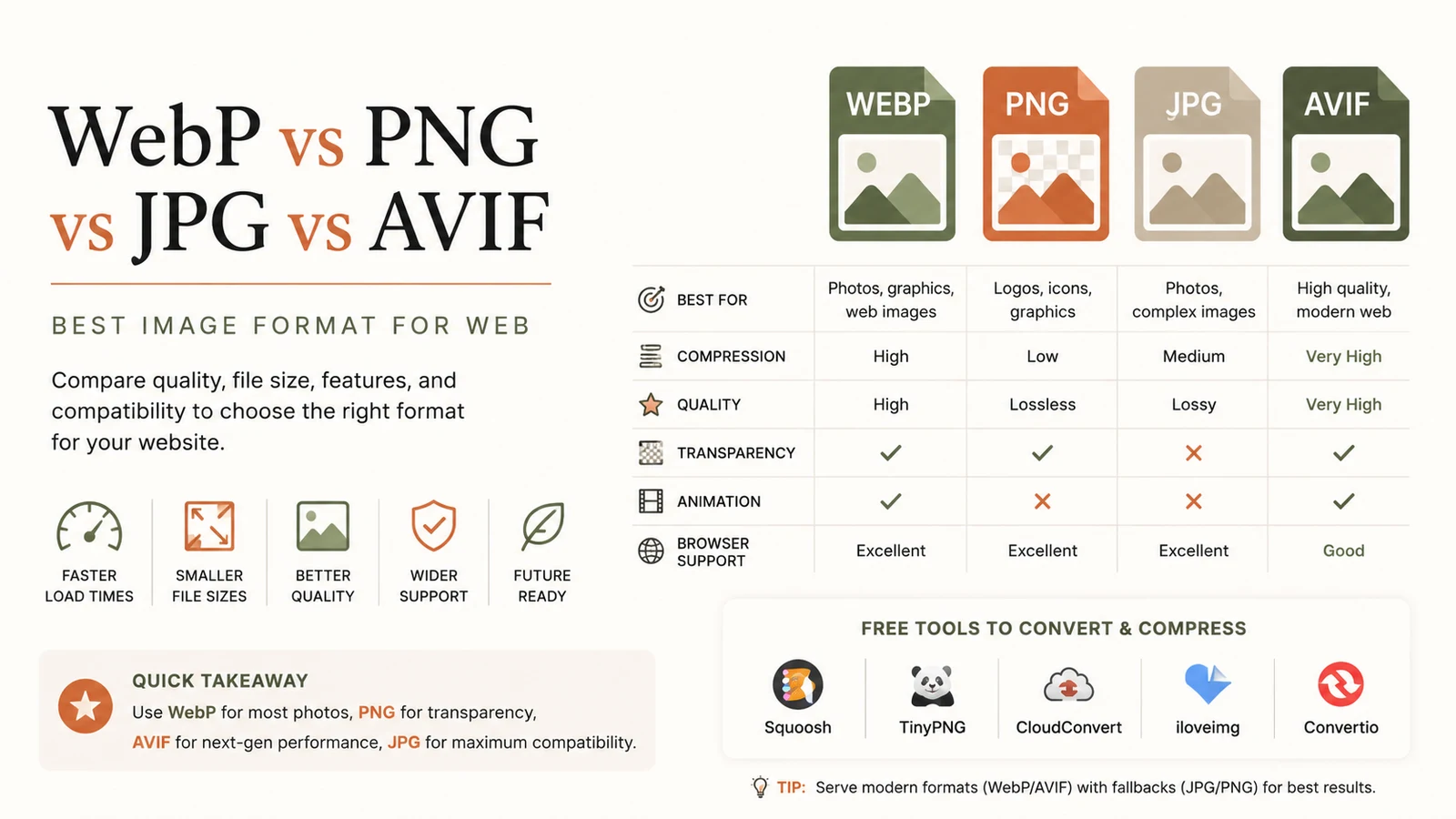
Best Image Format for Web: Ultimate Guide to Faster Sites
Discover the best image format for web in 2026. Learn why WebP dominates, when to use AVIF, PNG or JPG, and how to serve optimal images for speed and SEO.
Read article
Free Developer Tools: The Essential Productivity Boost
Discover top free developer tools to accelerate coding, debugging and optimization. Browser‑based utilities save time, cut costs, and boost productivity.
Read article
Resize Image Free: Complete Guide to Online Resizing
Learn how to resize image online for free with step‑by‑step instructions, best practices, and top tools that keep quality high while reducing file size.
Read article