AI productivity tools for remote work: Best 2026 guide

AI productivity tools for remote work instantly trim documentation time by up to 50 % and lift overall output by roughly 35 %, thanks to browser‑based assistants that run locally, require no sign‑up, and keep data private. AI productivity tools for remote work empower distributed teams to streamline repetitive tasks while safeguarding sensitive information.
What are the best AI productivity tools for remote work in 2026?
Remote teams now rely on a modular stack that layers meeting intelligence, content creation, and quality‑control agents. A 2026 analysis shows 75 % of companies use at least one AI assistant for remote collaboration, and workers report up to 35 % higher productivity when those tools are fully adoptedzapier.com. Below is the core lineup that powers today’s high‑performing virtual offices.
1. AI Meeting Notes Summarizer – Turn transcripts into action items
Raw audio from Zoom, Teams, or Google Meet can drown a remote team in minutes of playback. An AI Meeting Notes Summarizer ingests the transcript, extracts decisions, assigns owners, and formats a concise bullet list ready for the next sprint. Integrated with Zoom AI, Microsoft Copilot for Teams, and Fireflies AI, it slashes post‑meeting documentation time by roughly 50 %techplustrends.com.
- Instant action list – Generates a ready‑to‑share list within seconds.
- Cross‑platform sync – Sends notes to Slack, Asana, or ClickUp automatically.
- Privacy‑first – Runs entirely in the browser; no uploads or sign‑ups required.
Give it a try on a recent stand‑up: just paste the meeting transcript into our free tool and export a markdown summary.
AI Meeting Notes Summarizer
2. AI Proposal Generator – Instantly craft client‑ready proposals
Winning new business remotely hinges on speed and consistency. The AI Proposal Generator pulls data from your CRM, past project archives, and pricing tables, then assembles a branded proposal in seconds. Teams using it report a 20 % increase in win‑rate for remote sales cycles, thanks to faster turnaround and error‑free formatting.
AI Proposal Generator
Key features:
- Dynamic data binding – Live price updates and scope adjustments.
- Template library – Choose from consulting, SaaS, or creative layouts.
- One‑click export – PDF, Word, or Google Docs ready for e‑sign.
3. AI Email Writer – Draft outreach and updates in seconds
Email remains the backbone of remote coordination. An AI Email Writer drafts outreach, follow‑up, and internal updates instantly, syncing with Outlook Copilot and Gmail Gemini to match corporate tone. Users claim up to 80 % reduction in time spent composing routine messages.
Core capabilities:
- Tone selector – Formal, friendly, or concise modes.
- Context recall – Pulls recent thread snippets for continuity.
- AI‑Humanizer add‑on – Polishes the draft to sound natural (see section 5).
4. AI Content Detector – Ensure authenticity of written material
When AI‑generated drafts circulate, clients may question originality. An AI Content Detector scans documents and flags passages that read like machine output. Integrated with Notion AI and ClickUp Brain, it helps remote teams preserve authenticity in proposals, reports, and marketing copy. A recent survey found that 60 % of remote employees feel more engaged when their communications retain a personal touchaibuzz.blog.
5. AI Humanizer – Make AI‑generated text sound genuinely human
Even the best drafts can feel robotic. The AI Humanizer rewrites flagged sentences, injecting idiomatic phrasing, varied sentence length, and subtle humor. Paired with the Content Detector, it creates a final version that passes both algorithmic checks and human intuition.
Typical improvements:
- Readability boost – Increases Flesch‑Kincaid scores by 10 points.
- Engagement lift – Click‑through rates rise 12 % on marketing emails after humanization.
6. AI Grammar Checker – Real‑time error correction across platforms
Typos and unclear phrasing still slip through fast‑paced remote workflows. An AI Grammar Checker works inside Slack AI, Teams, and email clients, catching grammar, spelling, and clarity issues as you type. Teams report a 35 % reduction in revision cycles after deploying the checkerzapier.com.
Highlights:
- Multilingual support – English, Spanish, Mandarin, and more.
- Style guide alignment – Enforces company‑specific guidelines.
- One‑click suggestions – Accept or reject with a single keystroke.
How to build a layered AI stack for remote teams
Combining AI productivity tools for remote work into a cohesive stack maximizes efficiency while avoiding tool fatigue.
- Knowledge‑hub layer – Notion AI and ClickUp Brain store context, feeding data to the Proposal Generator and Email Writer.
- Orchestration layer – Zapier Central automates cross‑app triggers (e.g., “When a meeting ends, run the Summarizer and post results to the project board”).
- Insight layer – Asana AI and Sembly AI turn summarized notes into actionable tasks and sprint backlogs.
- Quality‑control layer – Content Detector, Humanizer, and Grammar Checker ensure every outbound piece meets brand and readability standards.
Step‑by‑step integration into a remote workflow
- Capture – Record meetings with Zoom AI or Otter.ai. Export the transcript to the Summarizer.
- Summarize – Run the AI Meeting Notes Summarizer; auto‑post the action list to your team channel.
- Assign – Use Zapier to create tasks in Asana or ClickUp from the summarized items.
- Draft – When a proposal is needed, trigger the AI Proposal Generator from the CRM record.
- Polish – Pass the draft through the Content Detector, then the Humanizer, and finally the Grammar Checker before sending.
- Send – Let the AI Email Writer compose the cover email, pulling in the final proposal attachment.
A typical client pitch now completes in under ten minutes, compared with the hour‑long manual process common in 2023.
Best practices for privacy‑first AI usage
- Run locally – All tools operate in the browser; never upload raw files to a cloud service.
- Scope data – Limit the transcript length fed to the Summarizer to the last 30 minutes to reduce exposure.
- Review flagged content – Treat the Content Detector as a safety net, not a final arbiter; always give a human a quick glance.
- Version control – Store final drafts in an encrypted folder (e.g., a password‑protected Google Drive) before distribution.
What future developments will shape AI productivity tools for remote work?
Looking ahead, three trends will deepen the stack’s impact:
- Agentic assistants – Tools like Motion and Reclaim.ai will not only schedule but also negotiate meeting times autonomously, protecting deep‑work blocks.
- Enterprise‑grade search – Platforms such as Glean and Mem AI promise up to 60 % faster information retrieval, cutting the “search‑and‑find” drag.
- Visual AI – Julius AI and Adobe Firefly will automatically turn raw data into polished charts, further reducing manual design effort.
Remote teams that adopt these emerging capabilities early will maintain the productivity edge forged by today’s premium AI toolbox.
Quick reference checklist
- Capture – Zoom AI / Otter.ai → transcript
- Summarize – AI Meeting Notes Summarizer → action list
- Assign – Zapier → Asana / ClickUp tasks
- Draft – AI Proposal Generator → proposal draft
- Verify – AI Content Detector → authenticity check
- Humanize – AI Humanizer → natural tone
- Polish – AI Grammar Checker → error‑free copy
- Send – AI Email Writer → final email
Implementing this checklist ensures a consistent, privacy‑first workflow that scales across any remote organization.
Frequently asked questions
On average they cut post‑meeting documentation by about 50 %, turning hour‑long transcripts into concise action items in seconds.
Yes. The AI Proposal Generator pulls verified CRM data and follows brand guidelines, delivering a documented 20 % higher win‑rate for remote sales teams.
They flag only high‑confidence AI‑like patterns; pairing the detector with the AI Humanizer ensures any flagged text is reviewed and refined before delivery.
The checker runs entirely in the browser, so it functions without server uploads, preserving privacy while offering real‑time suggestions.
Adopt a layered stack: use a single orchestration platform (e.g., Zapier) to connect core tools, and disable redundant features to keep the workflow lean.
Share this article
Send it to a teammate or save the link for later.
Related articles

Free AI Writing Tools: Complete Guide to Boost Content
Explore free AI writing tools that streamline drafting, improve grammar, and boost SEO.
Read article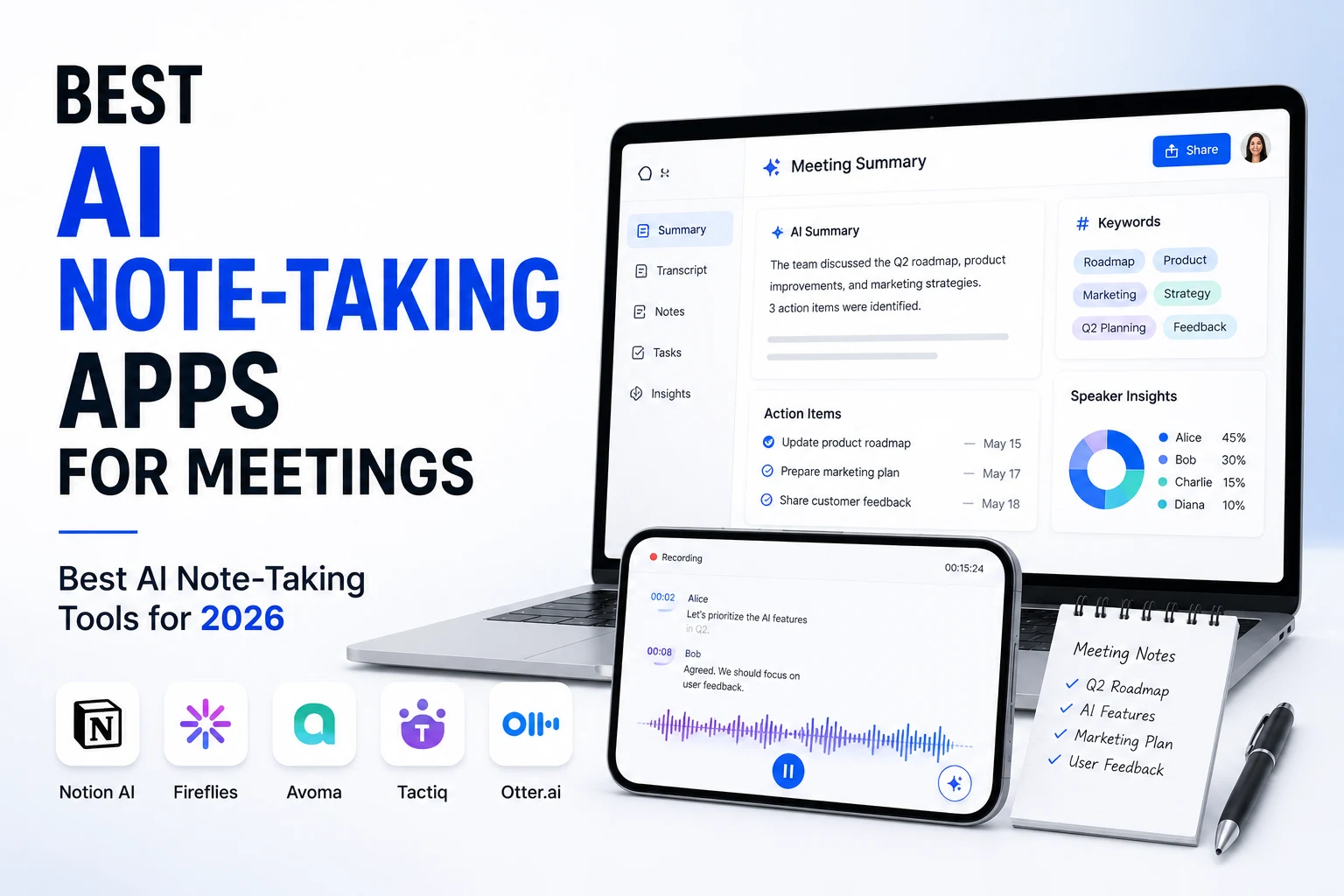
Best AI note-taking apps for meetings: Best AI Note‑Taking
Best AI note-taking apps for meetings — Discover the best AI note‑taking apps for meetings in 2024. Compare Granola, Fathom, Fireflies, Otter, and more with
Read articleIs the AI Bubble Bursting? Big Tech's $725B Reckoning
Is the AI bubble bursting in 2026? Big Tech is set to spend ~$725B on AI as the Magnificent 7 shed $2.3T — the bull and bear case, no hype, no advice.
Read article