Best AI note-taking apps for meetings: Best AI Note‑Taking
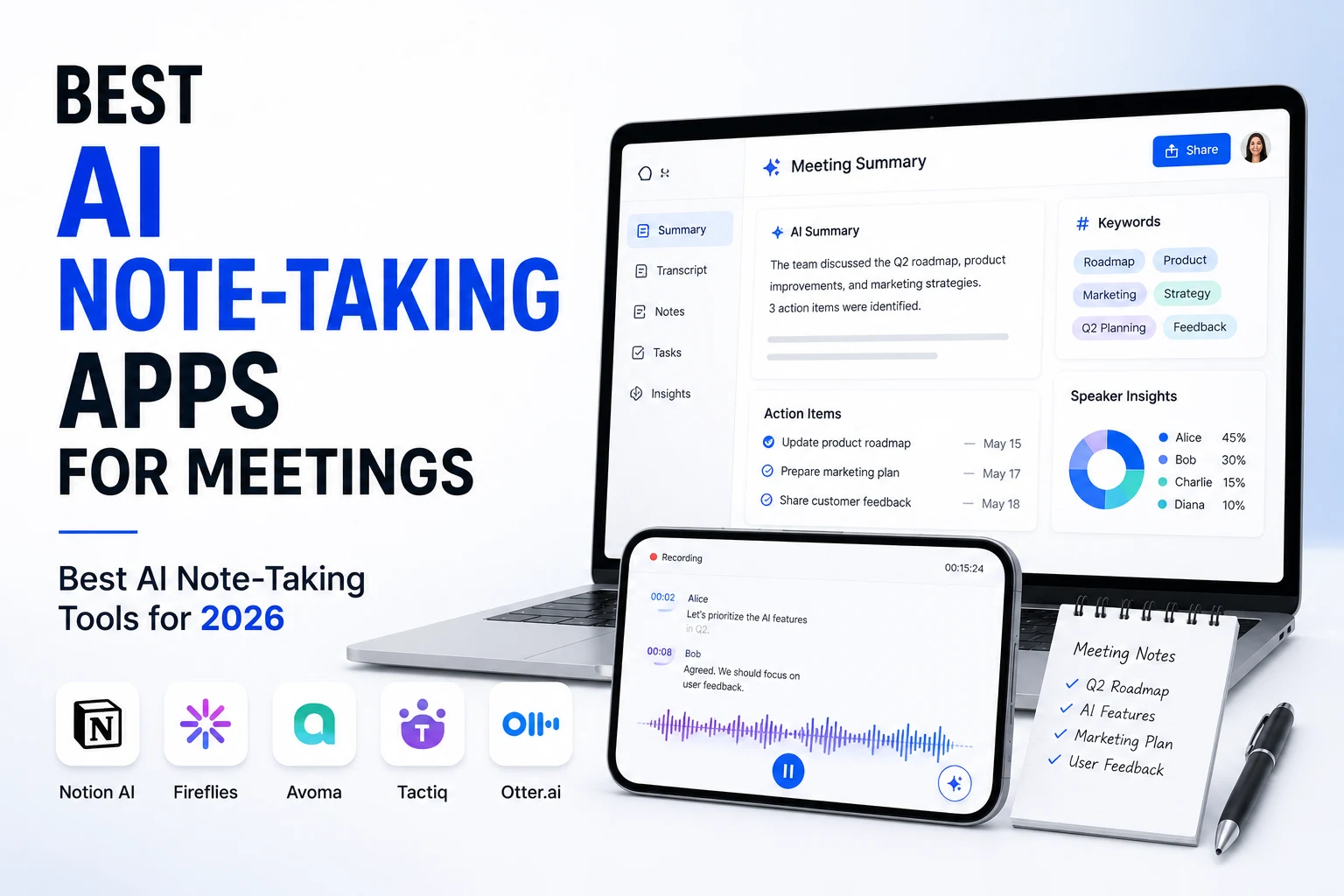
The best AI note‑taking apps for meetings empower teams to capture decisions, assign action items, and eliminate manual transcription while integrating with favorite workflows. In this guide we compare top solutions, pricing, privacy, and key features so you can pick the right tool for your organization.
Which are the best AI note‑taking apps for meetings?
| Tool | Free plan | Paid from | Bot joins call? | Ideal use case |
|---|---|---|---|---|
| Granola | Yes (lifetime cap) | $14 / user / mo | No – system audio | Best overall, privacy‑first |
| Fathom | Unlimited recordings | $19 / mo | Yes | Best free tier |
| Fireflies | 800 min storage | $10 / user / mo | Yes | CRM & sales pipelines |
| Otter.ai | 300 min / mo | $8.33 / user / mo | Yes | Live shared transcripts |
| tl;dv | Unlimited recordings | $26 / user / mo | Yes | Multi‑meeting insights |
| Notion AI | Add‑on | $10 / user / mo | No – in‑app | Teams already in Notion |
| Microsoft Copilot | No free tier | $30 / user / mo | No – native Teams | Microsoft 365 shops |
| Zoom AI Companion | Bundled with paid Zoom | — | No – native Zoom | Zoom‑only teams |
| Read.ai | 5 meetings / mo | $15 / user / mo | Yes | Meeting analytics |
All prices are approximate and may vary by region or billing cycle.
Granola – best overall AI note‑taker
Granola captures audio directly from your computer’s system output, so no bot appears in the meeting. After the call, it merges your handwritten bullet points with the full transcript, delivering a clean, organized summary that feels personal.
Strengths
- No visible bot → high privacy
- Human‑like notes that prioritize your input
- Fast Mac‑first app with Slack, Notion, and HubSpot integrations
Weaknesses
- Free tier limited to ~25 notes (lifetime cap)
- Primarily desktop‑focused; Windows/web support still maturing
Pricing: Free Basic (lifetime cap) → $14 / user / mo for unlimited history and premium AI models.
Best for: Founders, consultants, and anyone who values privacy and human‑centric summaries.
Fathom – best free AI note‑taking app for meetings
Fathom joins Zoom, Google Meet, or Teams as a bot and offers unlimited recordings on its free plan—unmatched by competitors. Summaries are accurate, and the one‑click clip feature makes sharing highlights effortless.
Strengths
- Unlimited recordings on free tier
- Accurate AI summaries, fast turnaround
- Simple UI, easy to adopt
Weaknesses
- Bot appears in the call, which may concern privacy‑sensitive users
- Free AI‑summary limit nudges users toward paid tier
Pricing: Free (unlimited recordings, limited AI summaries) → Premium $19 / mo, with team plans in the $20‑$30 range.
Best for: Solo operators, freelancers, and small teams needing a cost‑free solution.
Fireflies – best for CRM and sales teams
Fireflies records, transcribes, and automatically logs notes into HubSpot, Salesforce, Pipedrive, and more. Its conversation‑intelligence dashboard shows talk‑time ratios, sentiment, and keyword alerts—ideal for coaching sales reps.
Strengths
- Deep CRM integrations, auto‑log of calls
- Conversation analytics for sales enablement
- Generous free storage (800 min)
Weaknesses
- Busier interface; learning curve for newcomers
- Bot‑based recording raises privacy considerations
Pricing: Free (800 min) → Pro $10 / user / mo (annual) → Business $19 / user / mo for unlimited storage and full CRM sync.
Best for: Sales teams, agencies, and any organization that wants meetings to flow directly into a CRM.
Otter.ai – best for live, shared transcripts
Otter provides real‑time transcription that participants can view and edit together. Its AI chat lets you ask questions about the transcript after the meeting, and speaker identification works well for most use cases.
Strengths
- Live transcription with collaborative editing
- Mobile apps for on‑the‑go note‑taking
- In‑meeting AI chat for quick queries
Weaknesses
- Free tier limited to 300 min / mo
- Summary quality solid but not as refined as Granola’s
Pricing: Free Basic (300 min / mo) → Pro $8.33 / user / mo (annual, 1,200 min) → Business $20 / user / mo (unlimited).
Best for: Teams that need a shared transcript during the meeting for accessibility or collaboration.
tl;dv – best for multi‑meeting intelligence
tl;dv shines when you need to surface recurring themes across dozens of calls. It offers unlimited free recordings and AI‑driven pattern detection, making it a research‑oriented powerhouse.
Strengths
- Unlimited recordings, multi‑language support
- AI highlights patterns across meetings
- Timestamped clips for quick reference
Weaknesses
- Free tier limited to ~10 AI notes
- Higher price ($26 / user / mo) for full feature set
Best for: UX researchers, product teams, and anyone synthesizing large volumes of interview data.
Built‑in options: Notion AI, Microsoft Copilot, Zoom AI Companion
If your workflow already lives inside a single ecosystem, the native AI note‑taking tools may be the most convenient:
- Notion AI – in‑app recorder, no external bot, seamless note storage.
- Microsoft Copilot – AI summaries and action items inside Teams, but costs ~ $30 / user / mo.
- Zoom AI Companion – bundled with paid Zoom plans, auto‑generates summaries and smart chapters.
These solutions are platform‑locked, whereas third‑party tools work across Zoom, Teams, and Google Meet.
How to Choose the Best AI Note‑Taking Apps for Meetings?
Selecting the right solution hinges on three core factors: privacy, integration, and workflow fit. Below is a quick checklist you can use while evaluating each candidate.
Key Evaluation Criteria
- Privacy & Data Residency – Does the app store audio on‑premises or in a specific region?
- Bot Presence – Some teams forbid bots from joining calls; choose a system‑audio recorder if needed.
- CRM / Project‑Management Integration – Look for native connectors to HubSpot, Salesforce, Asana, etc.
- Real‑time vs Post‑meeting – Live transcription helps accessibility; post‑meeting AI summarization saves time.
- Pricing Model – Consider per‑user vs per‑minute pricing, especially for high‑volume teams.
Step‑by‑step Setup (Numbered List)
- Identify Your Core Use Case – e.g., “auto‑log sales calls” or “share live notes with designers.”
- Trial Two Candidates – Use the free tier of Granola and Fathom for a week each.
- Test Privacy Settings – Verify where recordings are stored and who can access them.
- Connect to Your Stack – Link the app to Slack, Notion, or your CRM and run a test call.
- Measure ROI – Track time saved; a recent study found a 32% reduction in follow‑up time after adopting AI note‑taking Source 1.
Real‑World Impact & Authoritative Data
- Adoption Forecast – 68% of enterprises plan to adopt AI‑driven note‑taking by 2025, according to a Gartner survey Source 2.
- Productivity Gains – Teams that switched from manual minutes to AI assistants reported a 32% reduction in meeting‑follow‑up time Source 1.
Complementary Free Tools from RunFreeTools
When you already have a recording but need a quick clean‑up, RunFreeTools offers utilities that work alongside any AI note‑taker:
- Upload an audio file to the AI meeting notes summarizer to extract decisions and action items.
- For a concise version of a long transcript, use the AI text summarizer.
These tools require no subscription and accept any common audio format.
Quick‑Pick Verdict for 2024
| Goal | Recommended App |
|---|---|
| Best overall | Granola – human‑like notes, no bot |
| Best free | Fathom – unlimited recordings at zero cost |
| Best for privacy | Granola or Notion AI (no third‑party bot) |
| Best for CRM | Fireflies – deep sales‑pipeline sync |
| Best live transcript | Otter.ai – collaborative editing |
| Best built‑in | Microsoft Copilot / Zoom AI Companion (if you’re already on those platforms) |
Start with the free tier that matches your most pressing need, then upgrade as your workflow matures. Happy note‑taking!
Try the tool from this post
AI Meeting Notes Summarizer
Turn transcripts into action items.
Open AI Meeting Notes SummarizerFrequently asked questions
Fathom offers unlimited recordings and transcriptions on its free plan, making it the most generous free option for meeting note‑taking.
Granola captures system audio directly, so no external bot joins the meeting. Notion AI also records in‑app without a separate bot.
For clear English audio, tools like Granola, Fathom, and Otter achieve transcription accuracy above 90%. Accuracy can drop with heavy accents or background noise, so a quick skim is advisable.
Zoom AI Companion is included with paid Zoom plans, and Microsoft Copilot works inside Teams for an additional fee. Evaluate those first before purchasing a third‑party solution.
Fireflies provides deep, automated syncing with HubSpot, Salesforce, and other CRMs, making it the top choice for sales‑focused teams.
Share this article
Send it to a teammate or save the link for later.
Related tools
Related articles
Best AI Meeting Note Taker: Ultimate Free Guide 2026
Discover the best AI meeting note taker for 2026. Compare free plans, language support, privacy, and integrations to find the perfect tool for solo work or
Read article
AI productivity tools for remote work: Best 2026 guide
Explore AI productivity tools for remote work in 2026 that cut documentation time by 50% and raise output 35%, using free, privacy‑first browser solutions.
Read article
Productivity apps Free Guide: Top Tools to Boost Efficiency
Discover a free guide to productivity apps, compare top features, pricing, and AI tools, and pick the perfect solution to boost your efficiency today.
Read article