QR codes Essential Guide: Free Creation & Design Tips
By Alex Rivera
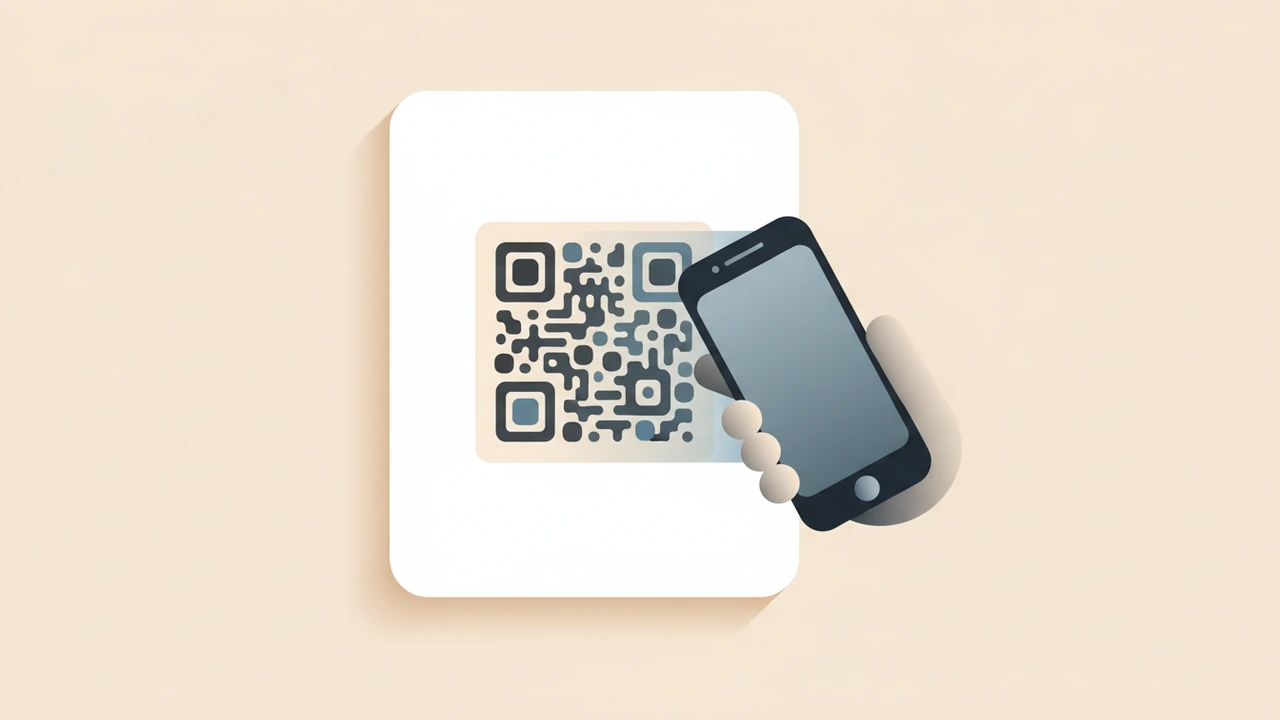
 {alt="Smartphone scanning a QR code on a poster"}
Answer‑capsule: QR codes are two‑dimensional barcodes that instantly link a physical item to digital content; you can create them for free, customize colors, add logos, and follow FBI‑recommended safety guidelines to ensure every scan remains secure and trustworthy.
1. What QR Codes Are and Where They Came From
QR (Quick Response) codes were invented in 1994 by Denso Wave, a Japanese automotive supplier, to track vehicle parts more efficiently than traditional bar‑codes. Since then they have migrated from factories to storefronts, museums, menus, and even contact‑less payments. The technology is described in detail on Wikipedia, which notes that the maximum version of a QR code is 40, producing a 177 × 177 grid of modules【Wikipedia】.
Quick technical snapshot
| Feature | Detail |
|---|---|
| Data capacity | Up to 7,089 numeric characters (Version 40, low error correction) |
| Error correction | Four levels (L, M, Q, H) allowing up to 30 % damage recovery |
| Standard bodies | ISO/IEC 18004, GS1 for global commerce |
2. How QR Codes Work – From Pixels to Action
When a camera captures a QR code, the scanner’s software performs three main steps:
- Detection – Locates the three finder patterns (large squares) that define orientation.
- Decoding – Reads the black‑and‑white module matrix, applies the selected error‑correction algorithm, and extracts the encoded bit stream.
- Interpretation – Converts the bit stream into a URL, plain text, contact card, or other data type.
The encoded data includes 15 bits for metadata (2 bits error‑correction level, 3 bits mask pattern, 10 bits redundancy) that help the decoder reconstruct the original message even if part of the image is obscured【Wikipedia】.
3. Why Use QR Codes? Benefits & Real‑World Applications
- Instant engagement – A scan takes less than a second, turning a static surface into an interactive gateway.
- Cost‑effective marketing – No printing of extra NFC chips; a QR code can be added to any existing design.
- Data collection – Track clicks, time‑of‑day, and device type when the code points to a short URL with analytics.
- Accessibility – Provide audio or large‑print alternatives for visually‑impaired users.
Popular use cases
| Industry | Example |
|---|---|
| Retail | In‑store QR codes that open product videos or coupon pages. |
| Hospitality | Contact‑less menus and payment links on tables. |
| Events | Ticket verification and agenda downloads. |
| Education | Quick access to supplemental resources on textbooks. |
Fortinet highlights QR codes as a secure way to initiate transactions when combined with proper validation, reinforcing their role in modern e‑commerce【Fortinet】.
4. Creating QR Codes for Free – Step‑by‑Step
4.1 Choose a reliable generator
For a hassle‑free experience, use a reputable online tool such as The QR Code Generator or QR Code Generator.com. Both offer free plans that let you create unlimited static codes and preview them on multiple devices【The QR Code Generator】.
4.2 Build your code
- Enter the payload – URL, plain text, vCard, or Wi‑Fi credentials.
- Select error correction – Higher levels (Q or H) keep the code readable after adding a logo.
- Customize appearance – Adjust foreground/background colors, add a brand logo, or change the module shape.
- Generate & test – Scan with at least three different smartphones (iOS, Android, older model) before downloading.
Tip: Use the Image Resizer tool (/tools/image-resizer) to create a 300 × 300 px PNG that maintains crisp edges for print.
4.3 Download and deploy
Export the QR code as PNG for web use or SVG for high‑resolution print. Keep the original file in a lossless format to avoid blurring.
5. Designing QR Codes That Work – Best‑Practice Checklist
Design rule of thumb: Contrast is king. Dark modules on a light background guarantee the highest scan success rate.
- Size matters – Minimum 2 × 2 cm for printed media; larger for distance scanning.
- Quiet zone – Leave a clear margin of at least four modules around the code.
- Color contrast – Use a dark foreground (≥ 70 % contrast) and a light background; avoid gradients.
- Logo placement – Keep the logo within the central 30 % of the code and use error correction level H.
- Avoid distortion – Do not stretch the image; maintain the original aspect ratio.
- Test on real devices – Verify readability under different lighting conditions.
These guidelines echo the official QR code specification and help maintain a > 95 % scan success rate across platforms.
6. Safety & Compliance – Protecting Users from Phishing
Scanners cannot tell whether a destination is safe. The FBI’s 2022 guidance advises users to verify URLs before clicking and to be wary of codes that appear in unsolicited emails or stickers【FBI Guidance 2022】.
How to keep your QR codes trustworthy:
- Use HTTPS links and short‑URL services that display the final destination.
- Include a short, human‑readable call‑to‑action (e.g., “Scan to view our 2024 catalog”).
- Periodically audit the linked pages for malware or outdated content.
7. Testing, Troubleshooting, and Optimization
| Symptom | Likely cause | Fix |
|---|---|---|
| Scanner reports “code unreadable” | Low contrast or insufficient quiet zone | Increase contrast, add white margin. |
| Only some devices scan | Version too high for older cameras | Use a lower version (e.g., Version 5) that fits the data length. |
| Link redirects incorrectly | Wrong URL entered or shortened link expired | Re‑generate the QR code with the correct destination. |
| Print appears blurry | Low‑resolution export | Export as SVG or 300 dpi PNG. |
A quick sanity check: open the code in a browser‑based QR reader (e.g., the free tool on QR Code Generator) and compare the decoded text with your intended payload.
8. Future Trends – Dynamic QR Codes and Analytics
Static QR codes embed the data directly, meaning any change requires a new image. Dynamic QR codes point to a short URL that forwards to the final destination, allowing you to edit the target, track clicks, and gather geo‑location data without reprinting. Many premium services are adding limited dynamic features to their free tiers.
9. Quick Recap
- QR codes are versatile, low‑cost bridges between the physical and digital worlds.
- Create them for free using trusted generators, choose appropriate error correction, and respect design fundamentals.
- Follow FBI safety advice to protect users from malicious links.
- Test across devices, keep a clean quiet zone, and consider dynamic codes for ongoing campaigns.
Ready to start? Grab a free generator, follow the checklist, and watch your audience engage with a single scan.
Try the tool from this post
QR Code Generator
Create QR codes for links and text.
Open QR Code GeneratorFrequently asked questions
Use level **L** for simple text URLs, **M** for most marketing uses, and **Q** or **H** when adding a logo or expecting wear‑and‑tear.
Yes, by using a short‑URL service or a dynamic QR code platform that provides click analytics.
Ensure the linked content complies with privacy regulations (e.g., GDPR) and avoid directing users to malicious sites, as highlighted in the FBI’s 2022 guidance.
SVG is ideal for vector‑based print; PNG at 300 dpi works well for most digital and offset printers.
Test after any design change, and periodically (e.g., quarterly) to confirm the destination URL remains active and safe.
Sources
Share this article
Send it to a teammate or save the link for later.
Related tools
Related articles
Free QR Code Generator – Custom Codes for Every Use
Generate QR codes with our free QR code generator. Create custom, scannable codes for marketing, business, or personal use—no sign‑up required, privacy‑first.
Read articleIs the AI Bubble Bursting? Big Tech's $725B Reckoning
Is the AI bubble bursting in 2026? Big Tech is set to spend ~$725B on AI as the Magnificent 7 shed $2.3T — the bull and bear case, no hype, no advice.
Read articleApple Lost a Major EU Antitrust Fight: What It Means
Apple lost a major EU antitrust ruling on July 8, 2026, upholding DMA rules on the iPhone. What's decided, what's still pending, and what changes for you.
Read article