World Cup 2026 Schedule PDF – Free Printable Wall Chart
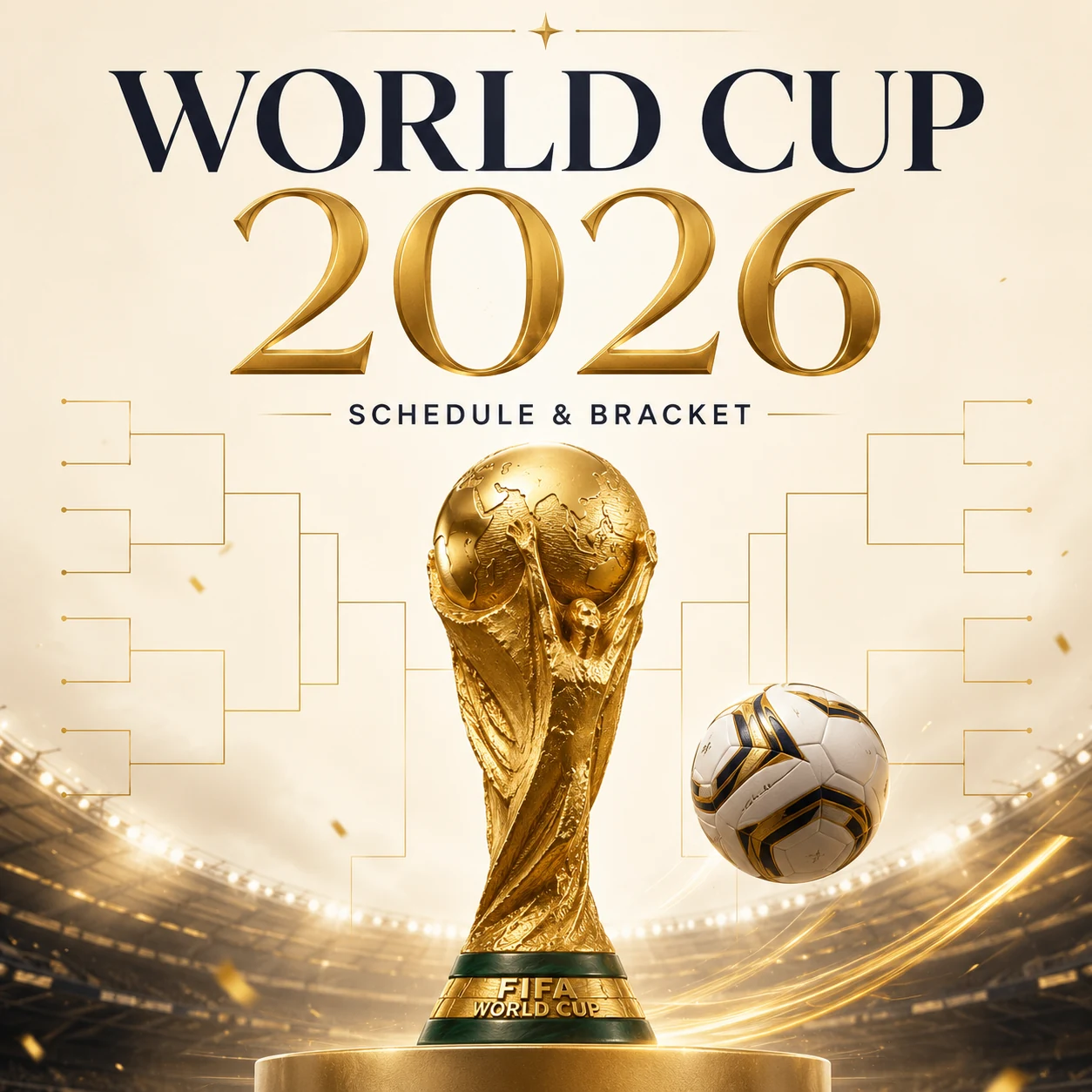
The world cup 2026 schedule pdf gives fans a quick, printable reference for every match, venue, and date, ensuring the layout stays fixed and prints cleanly on any printer. You can lock the design, avoid accidental cropping, and share it with friends.
World Cup 2026 Schedule PDF: Quick Overview
The tournament runs from June 11 to July 19, 2026 across the United States, Mexico, and Canada. A total of 104 matches will be played – 27 % more than the 78 matches in 2018 – making it the biggest World Cup ever staged. Below you’ll find the core dates, a snapshot of the new 48‑team format, and a step‑by‑step method to build a free printable wall chart using our in‑browser tools.
Key dates at a glance
| Stage | Dates (2026) | Notable venue |
|---|---|---|
| Group stage | June 11 – June 27 | Opener at Estadio Azteca, Mexico City |
| Round of 32 | June 28 – July 3 | All 16 host cities |
| Round of 16 | July 4 – July 7 | Eight host cities |
| Quarterfinals | July 9 – July 11 | Four host cities |
| Semifinals | July 14 – July 15 | Dallas & Atlanta |
| Third‑place match | July 18 | Hard Rock Stadium, Miami |
| Final | July 19 | MetLife Stadium, New Jersey |
All dates are confirmed by FIFA and corroborated by ESPN. Kickoff times are listed in local stadium time zones; be sure to convert them to your own zone before printing.
How does the 48‑team group stage work?
The 2026 edition expands to 48 teams split into 12 groups (A‑L) of four. Each team plays three group matches, for a total of 72 group‑stage games. The top two teams from every group (24 teams) automatically advance, joined by the eight best third‑placed teams to form a 32‑team knockout field.
Because third‑place qualification depends on records across all groups, a printable grid is far easier to track than a mental tally. Fans often print a blank schedule, then pencil in results after each matchday. If you prefer a digital edit, you can modify the image first and then re‑export a fresh world cup 2026 schedule pdf.
Host cities and venues
The 16 host cities span three countries:
- United States (11): Atlanta, Boston, Dallas, Houston, Kansas City, Los Angeles, Miami, New York/New Jersey, Philadelphia, San Francisco Bay Area, Seattle
- Mexico (3): Mexico City, Guadalajara, Monterrey
- Canada (2): Toronto, Vancouver
Stadium names may carry temporary tournament branding, so the “New York New Jersey Stadium” on official fixtures is the familiar MetLife Stadium.
What is the knockout bracket and how can I print it?
The knockout stage introduces a Round of 32 for the first time, followed by the classic progression to the final. Here’s the flow:
- Round of 32 (June 28 – July 3) – 16 single‑elimination matches
- Round of 16 (July 4 – 7) – 8 matches
- Quarterfinals (July 9 – 11) – 4 matches
- Semifinals (July 14 – 15) – 2 matches
- Third‑place match (July 18) – 1 match
- Final (July 19) – 1 match
Every knockout game must produce a winner; tied scores go to extra time and, if needed, a penalty shoot‑out. The champion will play eight matches total – three in the group stage plus five knockouts – one more than in the previous 32‑team format.
A printed bracket lets you:
- Ink in winners as they advance
- Visualise each team’s potential path to the final
- Run office or family prediction pools without juggling dozens of browser tabs
How can I create my own printable world cup 2026 wall chart for free?
You don’t need Photoshop or a paid template. Follow this browser‑only workflow:
- Capture the schedule image – screenshot the official FIFA calendar or a reputable sports site.
- Resize or convert if needed – use the image‑resizer to set print dimensions, or image‑converter to turn HEIC/WebP files into JPGs.
- Convert to PDF – drop the image into image‑to‑pdf and export. The PDF locks layout, fonts, and spacing.
- Combine pages – if you prefer separate group‑stage and knockout PDFs, merge them with merge‑pdf into a single file.
- Compress for sharing – run the final PDF through image‑compressor to keep the file size small for email or messaging.
All processing happens locally; no upload, no watermark, and no account required. Print as many copies as you like for the office, living room, or sports bar.
Tip: PDFs retain exact dimensions, while raw images often get stretched or cropped by printers.
How do I print the world cup 2026 schedule pdf cleanly?
- Choose paper size – A4 for most of the world, Letter (8.5 × 11 in) for North America.
- Set scaling – select “Fit to page” or “Shrink oversized pages” in the print dialog.
- Orientation – landscape works best for a wide bracket; portrait for a compact group‑stage grid.
- Poster mode (optional) – for a large wall chart, print in tiled/poster mode and tape the sheets together.
How can I avoid timezone mistakes on my printable chart?
Kickoff times are listed in each stadium’s local time. The final, for example, kicks off at 3 p.m. Eastern Time (12 p.m. Pacific, 8 p.m. UK). Before you print, convert every match to your preferred timezone and annotate the PDF. A quick online converter or a spreadsheet can do the job, and the resulting chart will keep everyone on schedule.
Quick stats you might want on your chart
- 104 matches – the most ever in a World Cup (up from 64 in 1998).
- 48 teams – a 50 % increase over the previous 32‑team format.
- 39 days – the tournament spans just over five weeks, from June 11 to July 19.
With the world cup 2026 schedule pdf in hand, you’ll never miss a game, a goal, or a celebration.
Frequently asked questions
Capture the official schedule image, then use our free in‑browser **[image‑to‑pdf](/image-to-pdf)** tool to convert it. The PDF can be saved, printed, and shared without any sign‑up or upload.
The group stage runs from **June 11** to **June 27, 2026**. Twelve groups (A‑L) each play three matches, producing 72 games in total.
For the first time, the tournament includes a **Round of 32**, expanding the knockout phase from 16 to 32 teams before proceeding to the Round of 16, quarterfinals, semifinals, and final.
A total of **104 matches** will be contested across 16 host cities in the United States, Mexico, and Canada.
Yes. Edit the captured image with any graphics editor, then run it through **[image‑resizer](/image-resizer)** or **[image‑converter](/image-converter)** before converting to PDF. The final PDF will keep your customizations intact.
Sources
Share this article
Send it to a teammate or save the link for later.
More from RunFreeTools Team
JPG to PDF converter Free Tool for Instant Image-to-PDF
JPG to PDF converter — Convert JPG to PDF online with our free, browser‑based tool.
Read article
JPG to PDF Free Converter – Secure Privacy‑First Online Tool
Convert JPG to PDF for free with our secure, privacy‑first online tool. Merge multiple images, adjust size, add password protection, and download
Read articleIs the AI Bubble Bursting? Big Tech's $725B Reckoning
Is the AI bubble bursting in 2026? Big Tech is set to spend ~$725B on AI as the Magnificent 7 shed $2.3T — the bull and bear case, no hype, no advice.
Read article