Track any package – Free Guide for Accurate Tracking
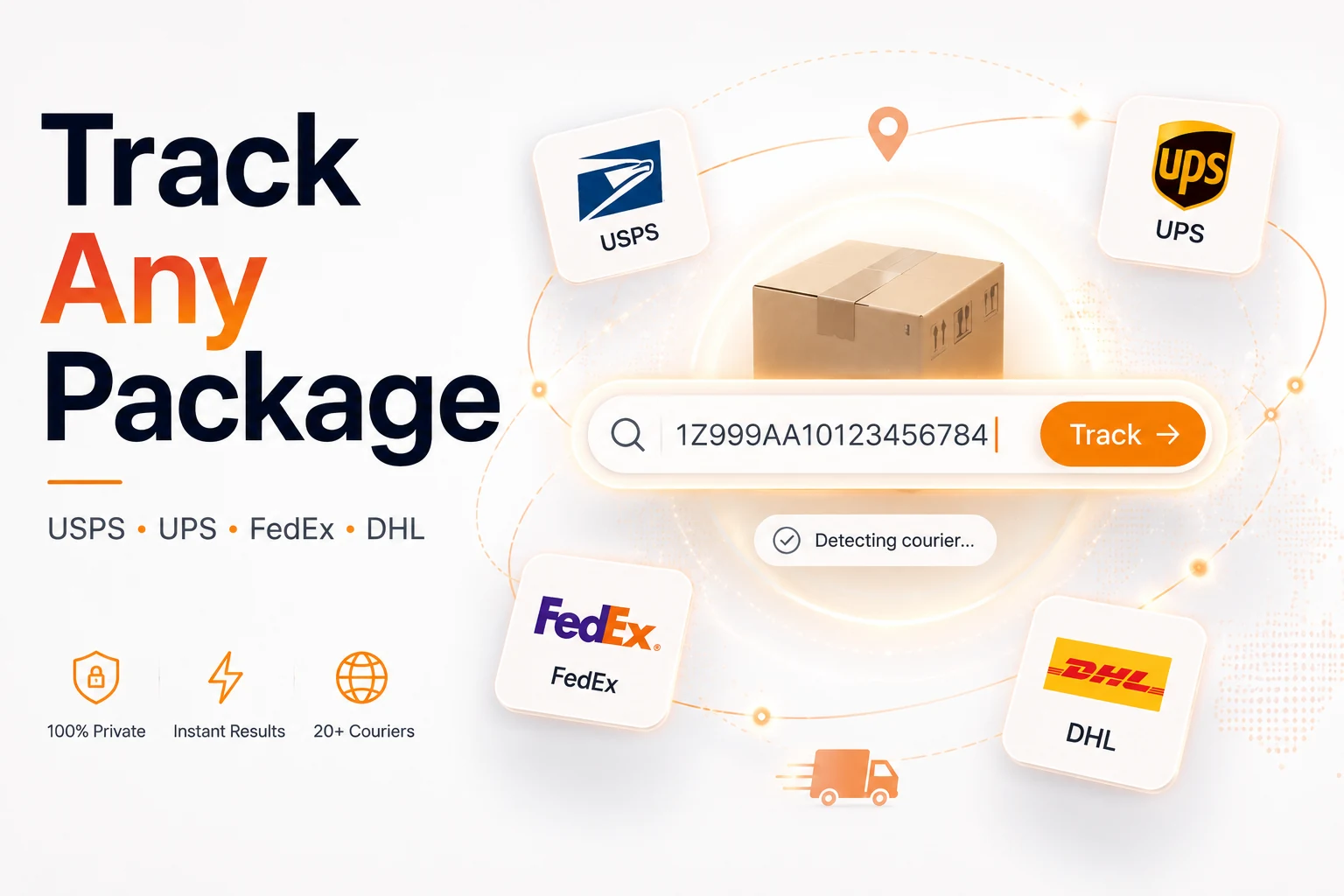
track any package instantly using our free, privacy‑first Courier Tracker, a single web tool that detects the carrier, redirects you to the official tracking page, and lets you monitor shipments from over 20 couriers in seconds. This answer capsule gives you a quick overview before we dive into detailed steps, carrier clues, international nuances, and troubleshooting tips.
How to track any package with the free Courier Tracker
The workflow is intentionally minimal:
- Find the tracking number – usually in the shipping confirmation email, the retailer’s order page, or the receipt PDF.
- Paste it into the Courier Tracker field – the system reads the pattern and auto‑detects the carrier (USPS, UPS, FedEx, DHL, and dozens more).
- Press “Track” – you are instantly redirected to the carrier’s official tracking page, where the number is already filled in.
Why the auto‑detect works
Our engine compares the entered string against more than 1,600 known carrier formats. If a match is found, it builds the correct URL (e.g., https://www.ups.com/track?loc=en_US&tracknum=…). Because the redirection lands on the carrier’s own site, the status information is always up‑to‑date and legally compliant.
Pro tip: The tool accepts up to 50 tracking numbers at once, so you can paste a list separated by commas or line breaks and monitor bulk shipments without opening multiple tabs. [Source: Bulk tracking capability for efficient package management]
Can I track any package without knowing the carrier?
Yes. If the tracking number alone doesn’t reveal the carrier, the Courier Tracker still helps:
- Paste the number – the detector runs a pattern‑match algorithm that can identify over 1,600 carriers, even obscure regional services.
- Use the “Unknown Carrier” fallback – the tool forwards the number to a universal tracking aggregator (e.g., 17TRACK) that queries multiple APIs until a match is found. 17TRACK coverage
When the number belongs to a carrier not in our primary list, the aggregator returns the most likely status, saving you a manual Google search.
Understanding tracking numbers and carrier formats
Each major courier uses a distinctive structure. Recognising these patterns can speed up manual checks when you’re offline.
| Carrier | Typical pattern | How to spot it |
|---|---|---|
| USPS | 20‑22 digits (e.g., 9400 1000 0000 0000 0000 00) |
Starts with 92‑95 |
| UPS | 18 characters, begins with 1Z (e.g., 1Z999AA10123456784) |
“1Z” prefix |
| FedEx | 12, 15 or 20 digits | All‑numeric, no letters |
| DHL Express | 10 digits | Pure numeric, short |
| DHL eCommerce | Two‑letter prefix (JD, JJD, GM…) | Letter prefix |
| National posts | 2 letters + 9 digits + 2‑letter country code (e.g., EE123456789IN) |
Country code at the end |
If a number deviates from these norms, it may belong to a regional carrier or a third‑party logistics provider. In such cases, the universal aggregator mentioned above is your safety net.
How to track any package without a tracking number
Sometimes the sender forgets to share the number. You still have options:
- Search your email for keywords like “shipped”, “dispatch”, or “tracking”.
- Log into the retailer’s account (Amazon, Shopify, e‑commerce platforms) and view the order details page.
- Ask the sender for the receipt or proof of postage.
- Track by reference – UPS and FedEx allow tracking via order reference, PO number, or even the delivery address.
If you need to draft a polite inquiry, our AI Email Writer can generate a concise message in seconds.
International shipping and customs tracking
Cross‑border shipments add layers of complexity because multiple carriers and customs agencies may handle the parcel.
Hand‑off between carriers
An international carrier (e.g., DHL) often hands the parcel to the destination country’s postal service. The original tracking number usually continues to work on the original carrier’s site, but you may also receive a secondary number from the local post. Both can be entered into the Courier Tracker; the tool will recognise the change and show the most recent status.
Customs delays
Customs holds are common. According to AfterShip, 85 % of online shoppers say real‑time tracking influences their purchase decisions, and a “Held in customs” status can cause anxiety. Most customs holds last 1–3 business days; if the status persists for more than two weeks, contact the carrier or the customs authority.
Scan frequency
International legs often have fewer scan points. A 48‑hour gap between scans is typical and does not necessarily indicate a problem. However, if a package shows no movement for over 7 days after the estimated delivery date, it’s time to open a claim.
ParcelsApp notes that 70 % of shoppers prefer a single platform for global tracking, reducing the need to juggle multiple sites. ParcelsApp – Global Parcel Tracking
Common tracking statuses explained
| Status | What it means | Typical next step |
|---|---|---|
| Label Created / Pre‑Shipment | Seller printed the label; carrier hasn’t picked up the parcel yet. | Wait for “Picked Up” scan. |
| Picked Up / Origin Scan | Package entered the carrier’s system. | In transit to hub. |
| In Transit | Moving between facilities; occasional gaps are normal. | Continue monitoring. |
| Out for Delivery | On the local delivery vehicle; expect arrival that day. | Check for “Delivered” later. |
| Delivered | Scanned at the final address. | Verify receipt; if missing, contact carrier. |
| Exception / Held in Customs | Something stopped the journey (address issue, customs, weather). | Follow carrier‑provided instructions. |
If a status stays unchanged for 5–7 business days after the estimated delivery date, contact the carrier’s support line.
Why choose an all‑in‑one free tracker
Using a dedicated tool offers concrete benefits:
- One input field for every courier – no need to bookmark dozens of sites.
- Auto‑detection – the system recognises the carrier from the number format.
- Official data – you are redirected to the carrier’s own tracking page, guaranteeing accuracy.
- Privacy‑first – no sign‑up, no cookies, and nothing is stored on our servers.
- Multilingual support – the interface works in 30+ languages, helping users worldwide. [Source: Multilingual tracking support for global communication]
- Bulk entry – monitor up to 50 packages simultaneously, ideal for small businesses and frequent shoppers.
Ready to eliminate the guesswork? Open the Courier Tracker now and paste your number to track any package instantly.
Tips for power users
- Save a CSV of tracking numbers and paste the whole column into the bulk field to create a quick dashboard.
- Bookmark the “All‑in‑One” results page (the carrier’s site) for each package; you can set up browser notifications for status changes.
- Combine with a spreadsheet: export the status URLs and use a simple
=IMPORTXMLformula in Google Sheets to pull the latest status automatically. - Leverage the API (if you run a small e‑commerce store) – our open‑source script can query the same detection engine and embed live tracking links on order confirmation emails.
By following these practices, you’ll turn package tracking from a daily frustration into a streamlined, data‑driven process.
Frequently asked questions
Paste the tracking number into the free Courier Tracker. The tool reads the number pattern, identifies the carrier from over 1,600 formats, and redirects you to the official tracking page.
Verify the estimated delivery date first. If the package is past due, contact the carrier directly—use our AI Email Writer to draft a concise inquiry. If the carrier reports a delay, ask the seller to open a claim.
Yes. Check the shipping confirmation email, log into the retailer’s order page, request the number from the sender, or use carrier‑specific reference tracking (e.g., UPS order reference).
Absolutely. The service is completely free, requires no account, and does not store any personal data. It simply redirects you to the carrier’s official site with your number pre‑filled.
The tool supports bulk entry for **up to 50 tracking numbers** in a single session, making it ideal for businesses, frequent shoppers, or anyone managing multiple shipments.
Sources
Share this article
Send it to a teammate or save the link for later.
More from RunFreeTools Team
Is the AI Bubble Bursting? Big Tech's $725B Reckoning
Is the AI bubble bursting in 2026? Big Tech is set to spend ~$725B on AI as the Magnificent 7 shed $2.3T — the bull and bear case, no hype, no advice.
Read articleApple Lost a Major EU Antitrust Fight: What It Means
Apple lost a major EU antitrust ruling on July 8, 2026, upholding DMA rules on the iPhone. What's decided, what's still pending, and what changes for you.
Read articleBest AI Browser 2026: Comet vs Dia vs Chrome (Atlas Dies)
The best AI browser in 2026? Comet is free and cross-platform, Chrome adds Gemini, and ChatGPT Atlas shuts down Aug 9 — plus the safety risks.
Read article