AI Text Summarizer: Summarize Anything Instantly
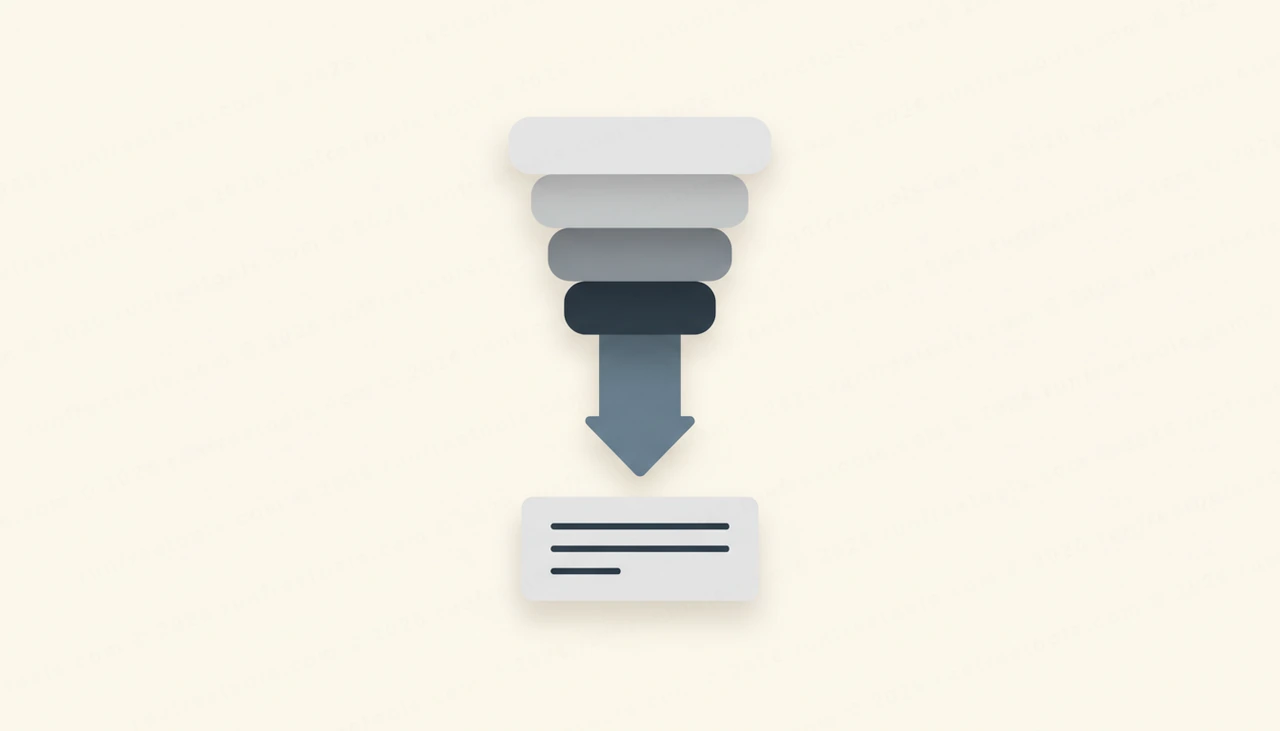
There is far more worth reading than there is time to read it. Long articles, dense reports, sprawling threads and meeting notes pile up faster than anyone can keep pace with. An AI text summarizer cuts through that backlog, distilling any piece of text into a crisp TL;DR and a handful of key points in seconds, so you get the substance without the slog.
This guide covers how to summarize text effectively, when to use each length, and how to make sure you are not missing what matters.
Why summarizing saves more than time
The real cost of information overload is not just hours, it is attention. When everything competes for your focus, the important details get diluted by the unimportant ones. Reading a 2,000-word article to extract three useful points is a poor trade, especially when you are triaging a dozen of them.
An AI text summarizer fixes the ratio. It reads the full piece and returns only the essential ideas, so you can decide quickly whether something deserves a deeper read or whether the summary is all you needed. The AI Text Summarizer on RunFreeTools does this for free and privately, with no login.
How to summarize text, step by step
Getting a useful summary takes seconds. Here is the workflow.
- Copy the article, document or notes you want condensed.
- Paste it into the AI Text Summarizer.
- Choose a length: short, medium or detailed.
- Generate and read the TL;DR and key points.
- If a point matters, jump back to the source for the full context.
- Save or share the summary as your record.
Because the tool is free and private with no login, you can summarize sensitive documents and as many articles as you like.
Choosing the right summary length
Length is the main lever, and the right choice depends on what you need from the text. Match it to your goal.
- Short gives you the one-line gist, perfect for deciding whether to read on.
- Medium captures the main argument and key supporting points for a solid overview.
- Detailed preserves more nuance, which suits research or anything you need to understand thoroughly.
When in doubt, start short to get oriented, then regenerate at a longer length if the topic turns out to deserve it. Running the same text at two lengths is fast and helps you find the right depth.
Use summaries as a filter, not a replacement
The smartest way to use an AI text summarizer is as a triage tool. Not everything deserves a full read, but you cannot know that until you know roughly what something says. The summary tells you that fast.
For a lot of content, the summary genuinely is enough. For the pieces that matter, it points you to exactly where to invest your attention. This filtering mindset is where the tool delivers the most value, because it lets you cover far more ground while still reading the important things in full. Treat the summary as the gateway, and dive into the source when the gateway tells you to.
Know the limits
A summary is a compression, and compression always loses something. That is the trade you are making, and it is usually worth it, but you should make it knowingly. Subtle arguments, specific figures and precise wording can get smoothed over.
The practical rule is to verify anything critical against the original. If a summary mentions a statistic you plan to cite, a deadline you need to hit, or a legal or contractual term, confirm it in the source. The summarizer is excellent for getting the gist quickly, but for details that carry real consequences, the original text is the authority.
Tips for better summaries
A few habits sharpen the output.
Feed in clean, complete text rather than fragments, since the tool summarizes best when it has the full picture. Pick a length that matches your purpose instead of always defaulting to the shortest. Skim the source headings first so you can sanity-check that the summary covers the main sections. And keep your summaries somewhere searchable, so they become a personal knowledge base you can revisit.
Building a faster reading workflow
The AI Text Summarizer works best as a standing habit for everything long that crosses your desk. Summarize first, then decide where to spend real reading time. Over weeks, this lets you stay on top of far more material without drowning in it.
To round out your toolkit, the same suite has other free AI tools for paraphrasing, grammar checking and summarizing meetings, all listed on the all tools page. No login, no watermark.
Conclusion
You will never read everything, but you can understand far more of it. An AI text summarizer turns long articles, reports and notes into a clear TL;DR in seconds, so you absorb the essentials and dive deep only where it counts. Summarize first, choose your length, and verify anything critical against the source.
Open the free AI Text Summarizer, paste your text, choose a length, and get a crisp summary in seconds, no login required.
Frequently asked questions
Is the AI text summarizer free and private?
Yes. It is free with no login and no watermark, and it is built so you can paste your own articles, notes or documents and get a summary without creating an account.
Can I control how long the summary is?
You can. The tool offers short, medium and detailed lengths, so you can get a one-line gist or a fuller overview depending on how much you need to retain.
What can I summarize with it?
Almost any text. Paste articles, reports, research, meeting notes, long emails or your own writing, and the summarizer pulls out the key points and a clear TL;DR.
How accurate are AI summaries?
They are strong at capturing the main points of well-structured text, but always skim the source for anything critical. For high-stakes details like numbers or legal terms, confirm against the original rather than relying on the summary alone.
Share this article
Send it to a teammate or save the link for later.
