AI Meeting Notes Summarizer: Transcripts to Actions
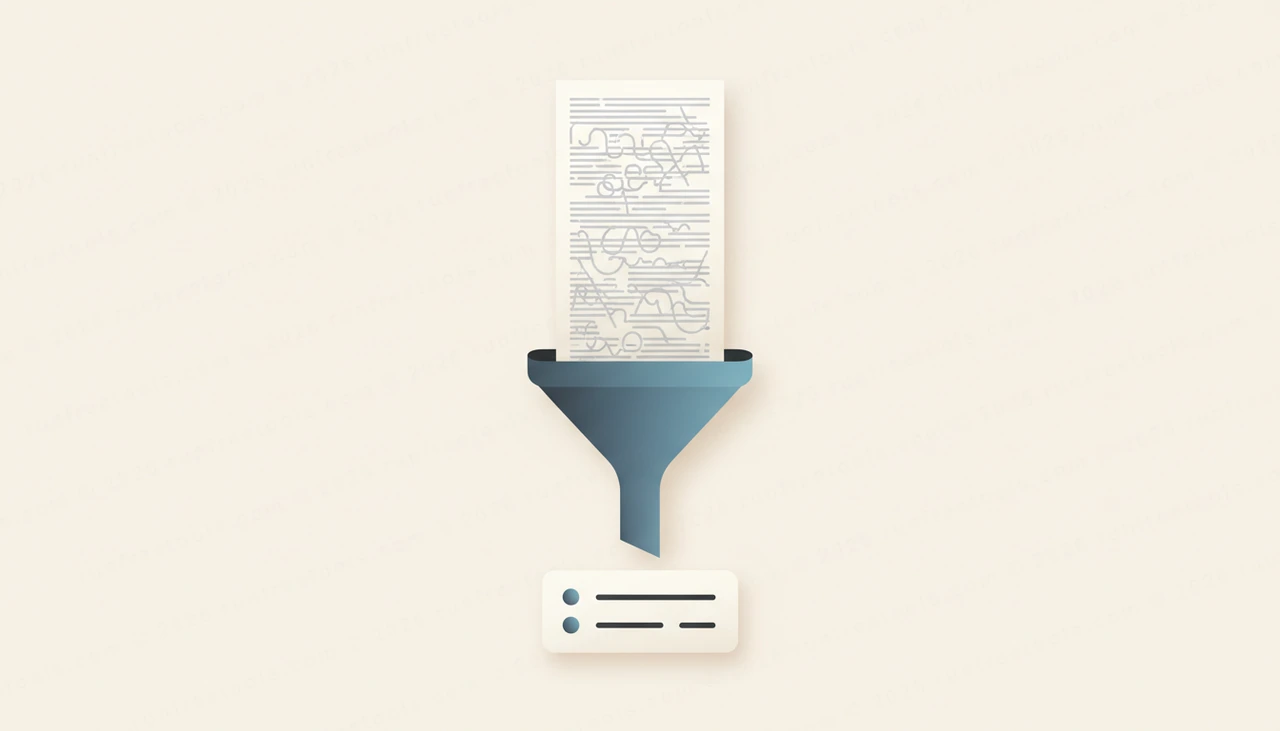
Meetings generate a flood of words and very little signal. By the time a call ends, the decisions and tasks that actually matter are buried inside an hour of transcript that nobody will reread. Things slip, owners get fuzzy and follow-ups quietly die. An AI meeting notes summarizer fixes this by turning that raw transcript into a clean, actionable summary in seconds.
This guide shows you how to summarize meeting notes fast, what a good summary should contain, and how to make sure action items actually get done.
Why meeting notes never get used
The problem is not a lack of notes. It is that raw notes and transcripts are unusable. They are long, unstructured and full of side chatter, so the three things people need afterward, what was decided, who owns what, and what happens next, are nearly impossible to find at a glance.
An AI meeting notes summarizer extracts exactly those things. It reads the full transcript and returns a TL;DR, the key decisions, the action items and the next steps, so the meeting produces an artifact people will actually open. The AI Meeting Notes Summarizer on RunFreeTools does this for free, privately, with no login.
How to summarize meeting notes, step by step
Turning a transcript into something useful takes about a minute. Here is the workflow.
- Export or copy the transcript from your call, or paste your rough notes.
- Drop it into the AI Meeting Notes Summarizer.
- Generate the summary and review the TL;DR first.
- Check the action items and confirm an owner and a due date for each.
- Verify the key decisions match what actually happened.
- Share the clean summary with attendees and anyone who missed the call.
Because the tool is private and needs no login, you can run sensitive internal meetings through it without hesitation.
What a good meeting summary contains
Not all summaries are useful. A wall of condensed text is barely better than the transcript. The structure is what makes it work.
- A TL;DR that captures the meeting in a few sentences for people short on time.
- Key decisions, stated plainly so there is no ambiguity later.
- Action items, ideally with a clear owner attached to each.
- Next steps, so everyone knows what happens before the next meeting.
This structure turns a passive record into an active tool. People can scan the TL;DR, jump to their own action items, and move on, which is exactly how a summary should function.
Getting the cleanest possible input
An AI meeting notes summarizer works best when the transcript is reasonably clean. Garbled audio and heavy crosstalk produce messy transcripts, which produce weaker summaries. A little preparation pays off.
If your meeting platform offers a transcript, use that rather than typing notes from memory, since it captures detail you would otherwise lose. When you paste rough notes instead, keep them roughly in the order things were discussed and mark any clear decisions. The more coherent the input, the sharper the decisions and action items the tool can pull out.
Make action items actually happen
A summary only creates value if the action items get done. The tool surfaces the tasks, but ownership and accountability are on you. This is the step most teams skip, and it is why follow-ups die.
After generating, go through each action item and attach a name and a deadline. Vague tasks with no owner are forgotten by lunch. Then push the items where your team actually works, whether that is a project tool, a shared doc or a channel. The summary is the bridge between the conversation and the follow-through, so do not let it sit unread in someone's inbox.
Tips for better meeting summaries
A few habits sharpen the results.
State decisions out loud and clearly during the meeting, since a transcript can only capture what was actually said. Encourage people to name owners in the moment, which makes the action items far easier to extract. Summarize promptly while the context is fresh, rather than days later. And keep summaries short, because a tight TL;DR gets read while a bloated one gets ignored.
Building a follow-through habit
The AI Meeting Notes Summarizer works best as a standing step right after every call. Transcript in, summary out, owners assigned, summary shared. Over time this small ritual transforms meetings from time sinks into engines of progress, because decisions get recorded and tasks get tracked.
To round out your workflow, the same suite has other free AI tools for summarizing articles, writing emails and checking grammar, all listed on the all tools page. No login, no watermark.
Conclusion
A meeting only matters if its decisions and tasks survive contact with the rest of the week. An AI meeting notes summarizer makes sure they do, turning a sprawling transcript into a TL;DR, clear decisions and owned action items in seconds. Summarize promptly, assign owners, and share.
Open the free AI Meeting Notes Summarizer, paste your transcript, and get a clean, actionable summary in seconds, no login required.
Try the tool from this guide
AI Meeting Notes Summarizer
Turn transcripts into action items.
Open AI Meeting Notes SummarizerFrequently asked questions
Is the AI meeting notes summarizer free and private?
Yes. It is free with no login, and it is built for privacy so you can paste sensitive meeting content without creating an account or leaving a watermark on your notes.
What kind of input does it accept?
Any meeting transcript or rough notes work. Paste output from Zoom, Google Meet, Teams, or even messy bullet points you jotted down, and the tool turns it into a clean structured summary.
What does the summary include?
You get a TL;DR, the key decisions made, a list of action items, and clear next steps. That structure means nothing important gets lost in a long transcript.
How accurate are AI meeting summaries?
They are strong at capturing decisions and tasks from a clear transcript, but always skim the result against your memory of the meeting. Confirm owners and deadlines before sharing, since the AI can occasionally misattribute a point.
Share this article
Send it to a teammate or save the link for later.
