How to Remove Background From Image Free (No Upload)
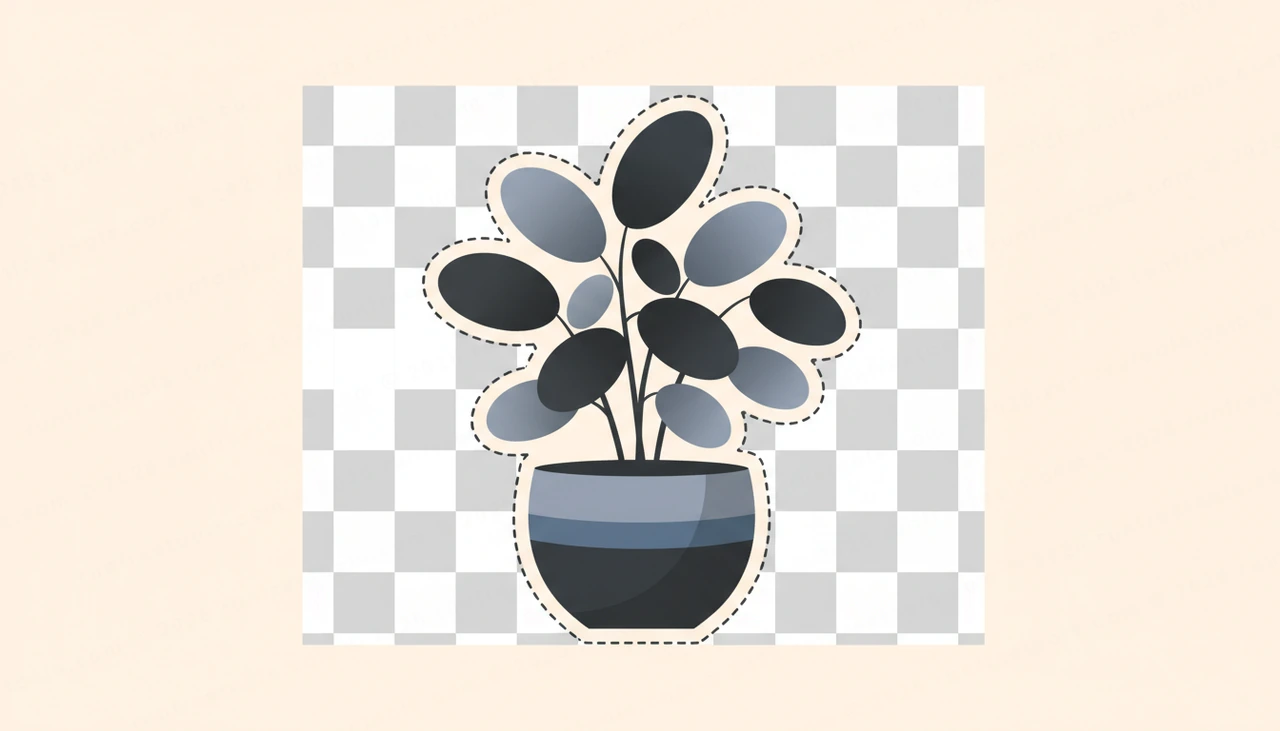
Cutting a subject out of a photo used to mean tracing paths in expensive software or trusting a random website with your files. Today you can remove background from image in seconds, right inside your browser, with no software and no account. This guide shows you exactly how to do it for free, why it stays private, and how to get clean edges every time.
Why Remove a Background at All
A transparent or replaced background makes an image far more flexible. A product floating on white sits neatly in any store layout. A logo saved without its box drops onto dark or light pages without an ugly rectangle around it. A headshot with the clutter removed looks sharp on a resume, a team page, or a social profile.
Common reasons people remove background from image files include:
- Product photos for e-commerce listings and marketplaces
- Profile pictures and avatars that need a clean look
- Transparent PNG logos for websites, slides, and merch
- Marketing graphics, thumbnails, and banners
- Catalog images that must share one consistent background
The Easy Way: A Free In-Browser Tool
The fastest route is the Background Remover, a free tool that uses on-device AI to detect the main subject and erase everything else automatically. There is no manual masking, no monthly fee, and no watermark stamped across your result.
Because it runs in the browser, there is nothing to install. Open the page, drop in a photo, and you get a cutout in moments. You can explore the rest of the suite under all tools or browse more image tools when you need to resize or convert afterward.
Step by Step: Remove a Background in Under a Minute
Follow these steps to remove background from image files cleanly:
- Open the Background Remover in your browser.
- The first time you use it, wait a few seconds while the AI model downloads. This happens once and is then cached.
- Drag your image onto the page, or click to select a file from your device.
- Let the tool process the photo. It automatically finds the subject and removes everything behind it.
- Preview the result against the checkerboard pattern, which shows the transparent areas.
- Download your finished image as a transparent PNG.
That is the entire workflow. No layers, no pen tool, no tutorials required.
Privacy: Your Images Never Leave Your Device
This is the part that sets a good in-browser tool apart from typical online editors. Many websites quietly upload your photo to their servers to process it, which means your file sits on a machine you do not control.
Here the model runs locally. After that one-time download, every pixel is processed on your own device. Nothing is uploaded, nothing is stored in the cloud, and no copy of your image is kept. For private product shots, client work, ID photos, or anything sensitive, that on-device approach is a real advantage. It also means the tool keeps working even if your connection drops after the model has loaded.
Tips for Clean, Sharp Edges
AI cutouts are excellent, but a few habits make the result even better when you remove background from image content:
- Start with good contrast. A subject that stands out clearly from its background separates more cleanly than one that blends in.
- Use sharp, well-lit photos. Blurry or noisy images produce fuzzier edges.
- Watch fine detail like hair, fur, and thin straps. These are the trickiest areas, so zoom in and check them in the preview.
- Avoid heavy shadows touching the subject, since the model may read them as part of the foreground.
- If one shot does not separate well, try a frame with a simpler or more even background.
For tricky semi-transparent areas such as glass or wisps of hair, pick the source image with the most even backdrop you have. Cleaner input almost always beats fixing a messy cutout later.
Exporting and Using Your Transparent PNG
Always export as PNG when you want transparency. The PNG format supports an alpha channel, which stores the see-through areas and preserves soft, anti-aliased edges. JPG cannot do this and will fill the empty space with a solid color, usually white.
Once you have your transparent PNG, you can:
- Place it over any background color in a design tool
- Add it to a website, app, or slide deck without a visible box
- Layer it onto a new scene or a branded backdrop
- Drop it straight into a store listing template
If you later need a specific size or a different format, head to image tools to resize, crop, or convert without losing the transparency you just created.
Replacing the Background Instead of Removing It
Sometimes you do not want emptiness behind the subject, you want a new scene. The approach is the same: remove the original background first, export the transparent PNG, then place that cutout on top of whatever color, gradient, or photo you like in your editor. Because the subject is already isolated, swapping backdrops becomes a simple drag and drop, and you can reuse the same cutout across many designs.
Conclusion
Removing a background no longer requires skill, money, or handing your photos to a stranger's server. With the right in-browser tool you can remove background from image files in under a minute, keep everything private on your own device, and walk away with a clean transparent PNG ready for any project. When you are ready, open the Background Remover and turn your next photo into a crisp, ready-to-use cutout for free.
Try the tool from this guide
Background Remover
Erase image backgrounds automatically.
Open Background RemoverFrequently asked questions
Is it really free to remove background from image online?
Yes. The [Background Remover](/remove-background) runs entirely in your browser at no cost, with no sign-up, watermark, or per-image limit.
Are my images uploaded to a server?
No. After a one-time AI model download, all processing happens on your device, so your images never leave your computer.
What file format do I get back?
You get a PNG with a fully transparent background, which preserves soft edges and drops cleanly onto any color or layout.
Does it work on phones and tablets?
Yes. It works in modern mobile browsers, though the first run is faster on a laptop or desktop because of the initial model download.
Share this article
Send it to a teammate or save the link for later.
