How to Merge PDF Files Free Online (No Upload)
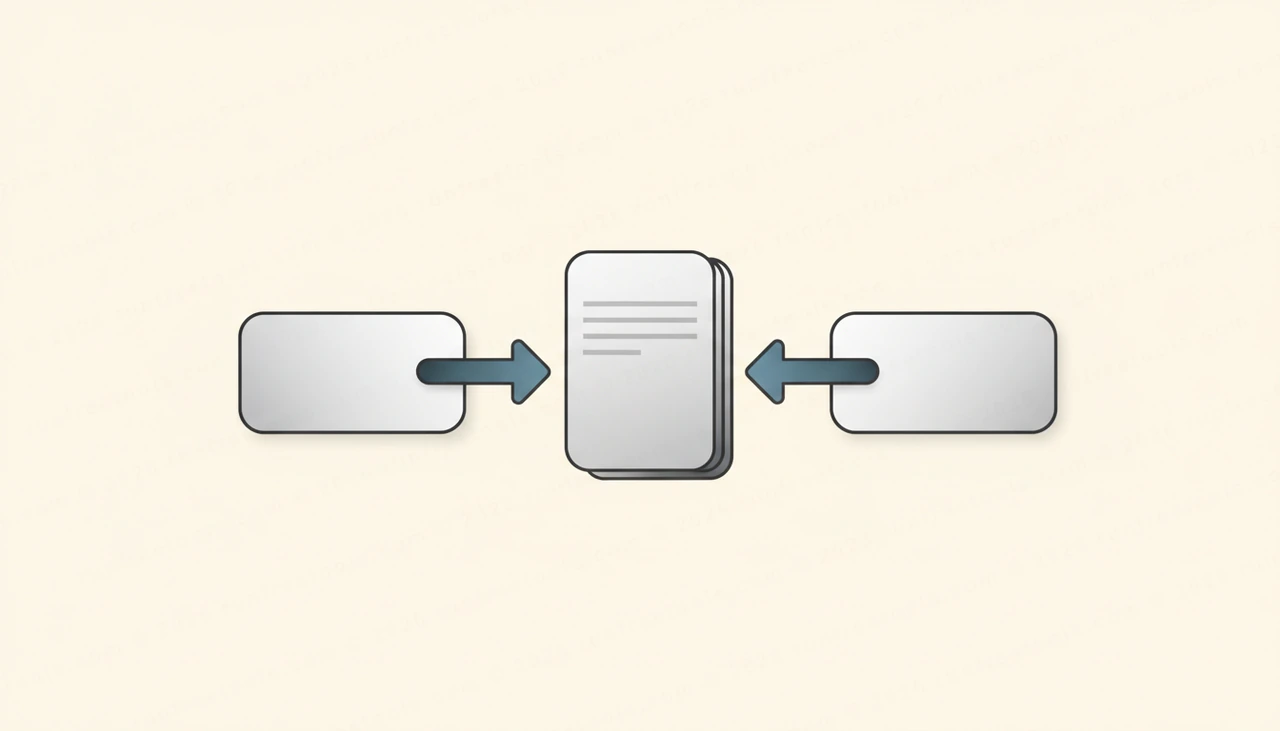
Juggling five separate PDFs when a client only wants one clean document is a small but constant headache. Whether you are stitching together invoices, chapters of a report or a stack of scanned forms, combining them by hand is slow. The good news: you can merge PDF files in seconds, free, without installing anything or handing your documents to a stranger's server.
This guide walks through how to merge PDF files, what to watch for, and why doing it in the browser keeps your data private.
Why Merge PDF Files Into One Document
A single, well-ordered PDF is easier to send, store and read than a folder full of fragments. Email attachments stay tidy, recipients do not have to open six things in the right order, and printing becomes one job instead of many.
Common reasons people combine PDFs include:
- Bundling a cover letter, resume and portfolio into one application file
- Joining monthly statements into a single year-end record
- Combining scanned contract pages that came through one at a time
- Merging slide exports, appendices and notes into one handout
Whatever the reason, the goal is the same: one file, in the right order, with nothing lost.
How to Merge PDF Files Step by Step
Using the Merge PDF tool takes well under a minute. Here is the full process:
- Open the Merge PDF tool in your browser.
- Drag your PDF files onto the page, or click to browse and select them. You can add several at once.
- Drag the files into the order you want. The top file becomes the first pages of the final document.
- Remove any file you added by mistake, or add more if you forgot one.
- Click merge. The tool combines everything into a single PDF.
- Download your finished document and rename it if you like.
That is the whole flow. No menus to dig through, no settings to misconfigure, no account to create.
Get the Page Order Right
Order is the one thing worth double-checking before you combine PDF files. A merged document that puts the appendix before the introduction is technically correct but practically useless.
Drag each file into its final position and read the sequence top to bottom as if you were the recipient. If a single file already contains pages in the wrong order, fix that file first, then bring it into the merge. Spending ten seconds here saves you from re-doing the whole thing later.
Your Files Stay Private
Most online tools quietly upload your documents to a remote server, run the merge there, and send the result back. That is a real concern when the pages contain bank details, medical records, signatures or anything you would not post publicly.
This tool is different. Everything happens locally in your browser, which means your PDFs are never uploaded. They do not touch a server, they are not stored, and no one else can see them. When you close the tab, nothing is left behind. For sensitive documents, that on-device approach is the safest way to merge PDF files, and it is why so many people prefer it for confidential work.
Tips for a Clean Merged PDF
A few small habits make the result look professional:
- Name files clearly before you start so the order is obvious at a glance
- Remove blank trailing pages from individual PDFs first
- If you are merging scans, make sure they are all the same orientation
- Keep the final file name descriptive, such as 2025-annual-report.pdf
If you only need a few pages from a larger document before combining, trim them first, then merge the smaller pieces together.
When to Merge Versus Other PDF Tasks
Merging is the right move when you have several complete files that belong together. If instead you need to pull pages out of one big PDF, turn a document into images, or extract its text, those are separate jobs. You can find dedicated helpers for each of those under PDF tools, and browse everything else on the site from all tools.
Knowing which task you actually have saves time. Merging joins things; splitting and converting break them apart or change their form.
Conclusion
Combining documents should not require software, a login or a leap of faith about where your files end up. With the Merge PDF tool you can join any number of PDFs into one ordered document in seconds, entirely in your browser, with nothing uploaded. Drop in your files, set the order, merge and download. Give it a try the next time you need to combine PDF files, and keep your sensitive documents on your own device where they belong.
Frequently asked questions
Is it really free to merge PDF files?
Yes. You can merge PDF files completely free with no account, no subscription and no watermark added to the final document. There are no daily limits on how many files you combine.
Will my PDFs be uploaded to a server?
No. The tool runs entirely in your browser, so your PDFs never leave your device. Nothing is uploaded, stored or seen by anyone, which makes it safe for contracts, statements and other sensitive files.
Can I change the order of the pages before merging?
Yes. Once you add your files you can drag them into any order you like. The merged PDF follows that exact sequence, so you control which document comes first, second and so on.
Is there a limit on file size or number of PDFs?
There is no fixed cap. Because the work happens on your own machine, the practical limit is your device's memory. Most people combine dozens of files at once without any trouble.
Share this article
Send it to a teammate or save the link for later.
