How to Make a Resume for Free: Easy Step-by-Step Guide
Knowing how to make a resume is the difference between getting interviews and getting ignored — and you can do it well without paying a cent. A resume is a one-page argument that you can do a specific job, written so both a busy recruiter and an applicant tracking system (ATS) can scan it in seconds. This guide walks you through every section, from contact details to a clean PDF export, with concrete examples you can copy. You do not need design skills or a template subscription. The free AI Resume Builder handles the formatting and ATS keywords for you, so you can focus on what actually matters: clear, honest, results-driven content. Let's build it step by step.
Pick the right resume format first
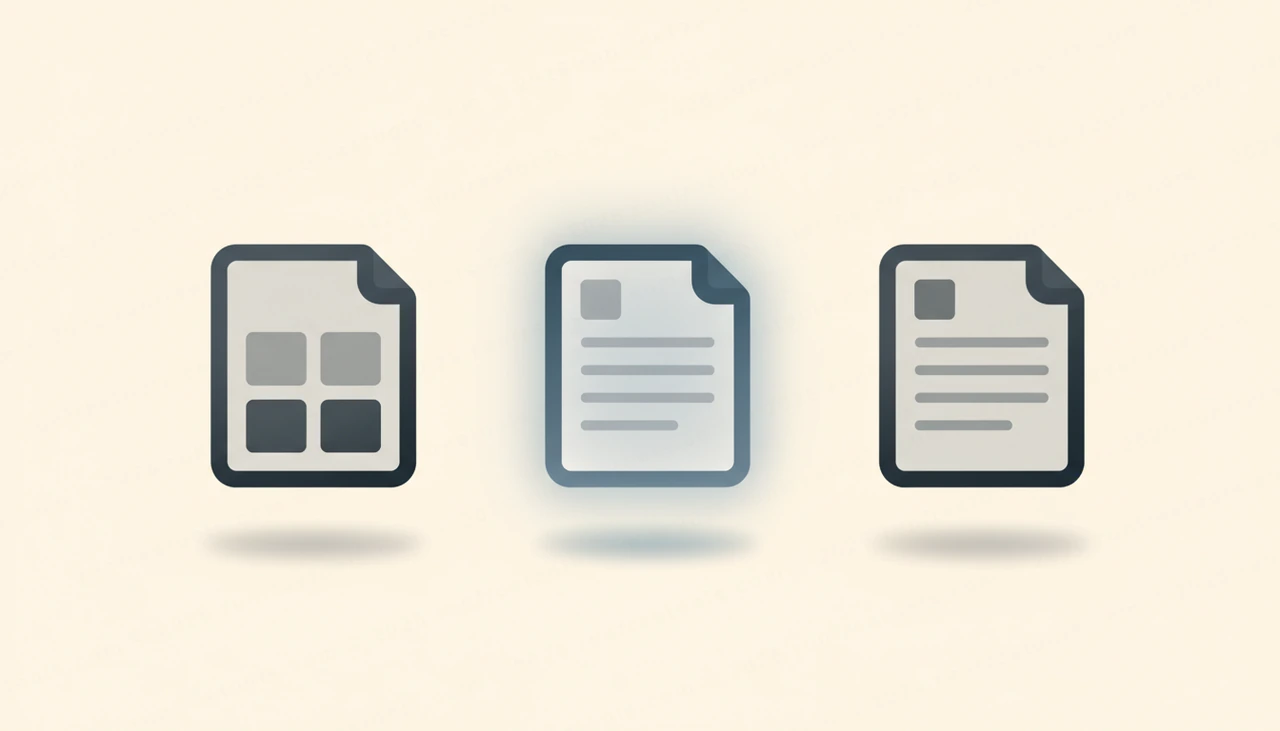
Before you write a single word, choose a format — it decides where everything goes. There are three: reverse-chronological, functional, and combination. For nearly everyone, reverse-chronological wins: it lists your most recent job first and is exactly what recruiters and ATS software expect. Use a functional (skills-first) format only if you have large employment gaps or are switching careers, and even then, pair it with dates. Keep the layout single-column, with standard section headings and a common font like Arial or Calibri at 10–12pt. Avoid tables, text boxes, columns, and graphics — they look polished to you but often turn into scrambled gibberish when an ATS parses them. One page is the target for most people; two pages is fine only if you have 10+ years of relevant experience. When you build with the AI Resume Builder, the safe single-column structure is handled automatically, so you skip the formatting traps entirely.
Write contact details and a punchy summary
Start the top of your resume with the essentials: your full name, a professional email, phone number, city and country (no full street address needed), and a link to your LinkedIn or portfolio. Skip your photo, age, and marital status — in most countries they invite bias and waste space. Directly beneath, write a 2–3 sentence professional summary that answers "who are you and what value do you bring?" Make it specific: instead of "hardworking team player seeking growth," try "Customer support specialist with 4 years resolving 50+ tickets daily at a 96% satisfaction rate, now focused on team training and process improvement." Mirror the language of the job posting here. If you are early-career or changing fields, frame it around transferable strengths and your target role. A strong summary is the first thing a recruiter reads, so make every word earn its place.
List experience with action verbs and metrics
Your work experience is the heart of the resume, so give it real attention. For each role, write the job title, company, location, and dates, then 3–5 bullet points underneath. Every bullet should start with a strong action verb — led, built, reduced, launched, automated, negotiated — not "responsible for." The best bullets follow a simple formula: action verb + what you did + the measurable result. Compare "Handled social media" with "Grew Instagram following from 2,000 to 15,000 in six months by posting daily Reels." The second one proves impact. Quantify wherever you honestly can: percentages, dollar amounts, time saved, number of people, volume handled. If a role had no obvious numbers, describe scope or outcome instead. Once your bullets are drafted, run them through the AI Paraphrasing Tool in "shorten" mode to tighten wordy lines into crisp, scannable statements that respect the one-page limit.

Add a skills section and education
A focused skills section helps both human readers and the ATS confirm you are a match at a glance. List 8–12 relevant skills as a simple comma-separated line or short grid — a mix of hard skills (Excel, Python, Figma, SEO, bookkeeping) and the tools named in the job description. Skip vague soft skills like "good communication" unless you can back them up elsewhere; recruiters discount them. For education, list your degree, institution, and graduation year in reverse-chronological order. Recent graduates can place education above experience and add relevant coursework, your GPA if it is strong, and academic honors. If you have been working for several years, keep education short and let your experience lead. Certifications, licenses, and relevant courses deserve their own small section, especially in fields like IT, finance, and healthcare where they signal verified competence.
Tailor your resume to the job and pass ATS
A generic resume is the most common reason good candidates get filtered out, so tailor it for each application. Read the job posting closely and identify the repeated keywords — specific skills, tools, certifications, and responsibilities — then make sure the exact phrasing appears naturally in your summary, skills, and bullets. If the posting says "stakeholder management" and you wrote "managing clients," adjust to match, because many ATS systems look for exact terms. Save the file as a .docx or a text-based PDF, never a scanned image or a design-heavy graphic the parser cannot read. This is where the AI Resume Builder shines: paste your experience and the job description, and it extracts the role's ATS keywords, rewrites your resume to match, and shows a live keyword-match score so you know your standing before you apply. For the full breakdown of beating the bots, read our guide on how to make an ATS-friendly resume.
Common resume mistakes that get you rejected
Even strong candidates lose interviews to avoidable errors, so do a final pass for these red flags. Typos and inconsistent formatting signal carelessness — recruiters routinely set aside a resume over a single sloppy bullet. A vague objective like "seeking a challenging role" wastes prime space that a results-focused summary should own. Listing duties instead of achievements is the most common weakness: "responsible for managing inventory" says nothing, while "cut inventory waste 18% by rebuilding the reorder system" proves value. Other frequent mistakes include using one generic resume for every job, burying key skills on a second page, adding a photo or personal details that invite bias, overusing buzzwords like "synergy" and "go-getter," and leaving employment gaps unexplained. Keep your verb tense consistent, your contact email professional, and your file named clearly, such as FirstName-LastName-Resume.pdf. Fixing these basics often does more for your callback rate than any clever design ever could.
Proofread, export a clean PDF, and add a cover letter
One typo can sink an otherwise excellent resume, so proofread before you send. Read it aloud, check that verb tenses are consistent (past tense for old roles, present for current), and confirm every date and number is accurate. Run the whole document through the free AI Grammar Checker to catch spelling, punctuation, and clarity issues you will miss on your own screen. When the content is final, export a clean, text-based PDF — it preserves your formatting across every device and stays ATS-readable, which the AI Resume Builder produces with no watermark. Finally, pair it with a tailored cover letter: the AI Cover Letter Generator turns your resume and the job details into a personalized letter in seconds. For a deeper walkthrough, see our guide on how to write a cover letter. Together, a sharp resume and matching letter make you hard to ignore.
Try the tool from this guide
AI Resume Builder
ATS-optimized resume in 60 seconds.
Open AI Resume BuilderFrequently asked questions
How can I make a resume for free with no sign-up?
Use a browser-based tool like the AI Resume Builder. Paste your experience and the job description, let it format and optimize the content, then export a clean PDF — free, with no account and no watermark.
How long should a resume be?
One page is ideal for most people, especially those with under 10 years of experience. Go to two pages only if you have extensive, directly relevant work history. Recruiters skim, so shorter and sharper almost always wins.
What is an ATS and why does my resume need to pass it?
An applicant tracking system is software that scans and filters resumes before a human sees them. To pass it, use a simple single-column layout, standard headings, and the exact keywords from the job posting, and save as a text-based PDF or .docx.
Should I write a new resume for every job?
You do not need to start from scratch, but you should tailor it each time. Adjust your summary, skills, and a few bullets to mirror the keywords in each posting. Tailored resumes get far more interviews than generic ones.
Do I really need a cover letter too?
When a job allows or requests one, yes — a tailored cover letter lets you explain fit and motivation a resume cannot. The AI Cover Letter Generator creates one from your resume and the job details in seconds.
Share this article
Send it to a teammate or save the link for later.
