AI Humanizer: Make AI Text Sound Human and Natural
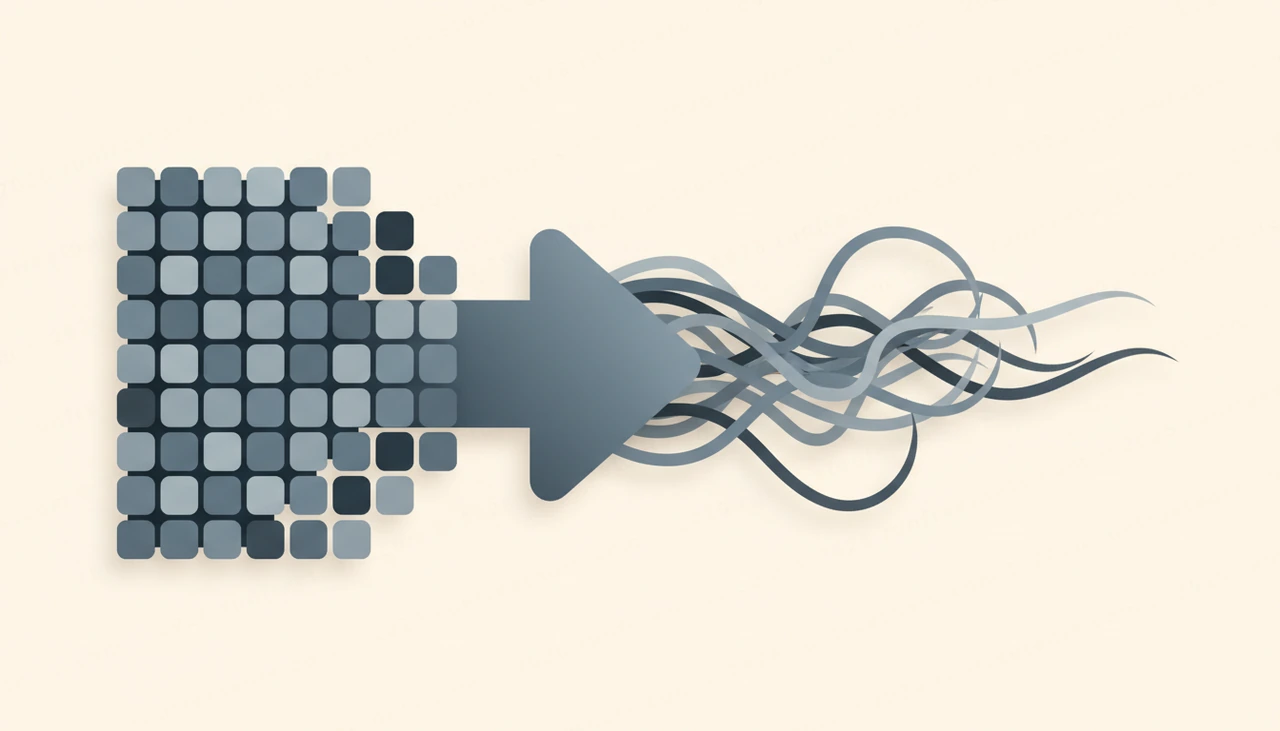
AI writing tools are fast, but the output often gives itself away. It is grammatically perfect and weirdly hollow, full of stiff transitions and repetitive rhythm that no real person would use. Readers feel it, and AI detectors flag it. An AI humanizer rewrites that text so it reads like a human actually wrote it, with the meaning fully intact.
This guide explains how to humanize AI text properly, why robotic phrasing happens, and how to get a natural result you would be happy to publish.
Why AI text sounds robotic
Language models are trained to produce the most statistically likely next word, which makes their writing smooth but predictable. The telltale signs are everywhere once you notice them: overused connective phrases, uniform sentence length, generic adjectives, and a tone that never quite commits to a point of view.
That sameness is exactly what both readers and detection tools pick up on. An AI humanizer breaks the pattern. It varies sentence structure, swaps stilted phrasing for natural wording, and loosens the rhythm so the text reads like a person, not a probability machine. The AI Humanizer on RunFreeTools does this for free, unlimited, with no login.
How to humanize AI text, step by step
Getting a natural result takes about a minute. Here is the workflow.
- Generate or gather the AI text you want to improve.
- Paste it into the AI Humanizer.
- Run the humanizer and read the rewritten version closely.
- Check that the meaning and key points survived the rewrite.
- Add a few of your own phrasings or examples for extra authenticity.
- Do a final read-through for tone and accuracy, then use it.
Because the tool is free and unlimited with no login, you can run long documents or multiple drafts without hitting any wall.
What changes when you humanize text
Understanding what the tool actually does helps you judge the output. A good AI humanizer is not just swapping synonyms. It reshapes the writing at several levels.
- Sentence variety: it mixes short and long sentences instead of a flat, uniform cadence.
- Natural phrasing: it replaces robotic connectors and generic filler with how people really write.
- Rhythm and flow: it adds the slight irregularity that makes prose feel human.
- Tone: it lets the writing take a clearer, more natural stance.
The result reads less like a machine reciting facts and more like someone explaining them. That shift is what reduces the patterns detectors rely on.
Use it responsibly
An AI humanizer is a powerful editing tool, and like any tool it should be used with integrity. The goal is to make genuinely useful content read naturally, not to pass off work dishonestly where original effort is expected. Always make sure the final text is accurate, ethical and appropriate for its purpose.
Practically, that means you stay responsible for the content. The humanizer improves phrasing, but it cannot verify that a claim is true or that an argument holds up. Read everything, fact check anything specific, and make sure the piece reflects something you actually stand behind before it goes out.
Editing for that final human touch
The humanizer gets you most of the way, but the last ten percent comes from you. This is where good content becomes genuinely yours.
After humanizing, layer in details a machine could never invent: a specific example, an opinion, a moment from your own experience. Read the text out loud, and rewrite any sentence that still sounds off. Cut anything that feels like padding. These small, personal edits are what turn naturally phrased text into writing with a real voice behind it, which is the whole point.
Tips for the most natural results
A few habits sharpen the output.
Start with reasonable input, because cleaner source text humanizes better than a tangled draft. Work in focused sections rather than dumping in a huge block, so you can review each part carefully. Keep your own voice in mind and nudge the result toward it. And never skip the final read, since a quick human pass catches the rare awkward phrase the tool leaves behind.
Building a cleaner writing workflow
The AI Humanizer fits naturally at the end of any AI-assisted writing process. Draft with AI for speed, humanize for natural flow, then add your own touch for authenticity. The combination gives you the velocity of AI and the warmth of human writing.
To round out your toolkit, the same suite has other free AI tools for paraphrasing, summarizing and grammar checking, all listed on the all tools page. No login, no watermark.
Conclusion
AI can write fast, but it cannot, on its own, write like you. An AI humanizer bridges that gap, stripping out robotic phrasing and restoring the natural rhythm that readers and detectors both respond to, while keeping your meaning intact. Humanize the draft, then add your own voice on top.
Open the free AI Humanizer, paste your text, and get a natural, human-sounding version in seconds, unlimited and no login required.
Frequently asked questions
Is the AI humanizer free and unlimited?
Yes. It is free with no login and no watermark, and you can humanize as much text as you need. That makes it practical for long documents or frequent use.
Does it keep the original meaning?
It does. The tool rewrites robotic phrasing and stiff structure while preserving what the text actually says. You should still read the result to confirm the nuance you intended is intact.
Can an AI humanizer help text bypass AI detectors?
It is designed to make AI-generated text read more naturally, which reduces the robotic patterns detectors look for. No tool can promise a perfect result on every detector, so always review and refine the output yourself.
Should I still edit after humanizing?
Yes. The humanizer gets you most of the way, but a quick personal pass, adding your own phrasing and checking facts, is what makes the writing truly yours and fully natural.
Share this article
Send it to a teammate or save the link for later.
