Hash Generator Guide: SHA-256, SHA-1 and SHA-512 Hashes
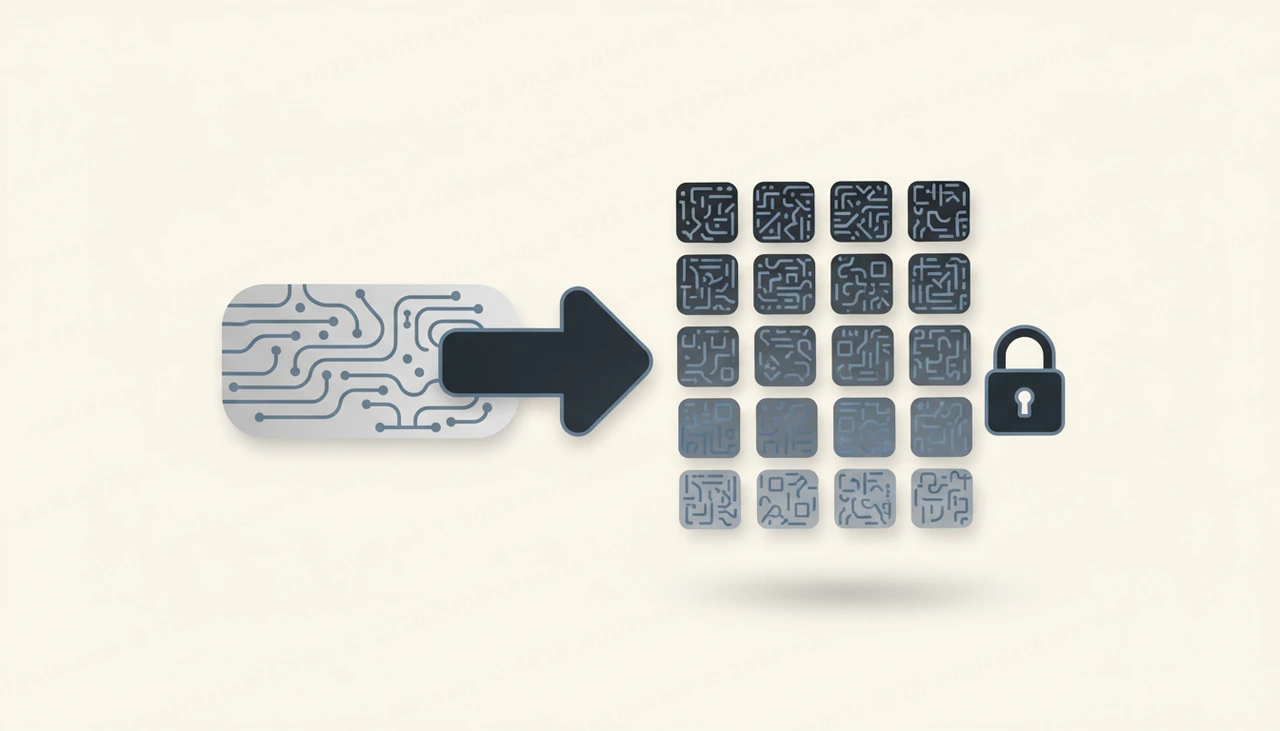
A hash function is a one-way door for data. You can feed anything through it and get back a short, fixed fingerprint, but you can never walk back through to recover what you started with. That asymmetry is the foundation of file verification, digital signatures, and countless integrity checks.
What a Hash Function Does
A cryptographic hash takes input of any size, from a single character to a gigabyte file, and produces a digest of fixed length. SHA-256 always yields 256 bits, written as 64 hexadecimal characters, no matter how large the input was. The same input always produces the same digest, which is what makes hashes useful for comparison.
Good cryptographic hashes have several defining properties. They are deterministic, so identical input gives identical output every time. They are fast to compute in the forward direction but practically impossible to reverse. They exhibit the avalanche effect, meaning a single changed bit in the input scrambles roughly half the output bits. And they resist collisions, so finding two different inputs that hash to the same value should be computationally infeasible.
Comparing SHA-256, SHA-1, and SHA-512
The SHA family includes several functions with different output sizes and security standings. The Hash Generator computes the three most common ones.
- SHA-256 produces a 256-bit digest and is the modern default for most integrity and fingerprinting tasks. It strikes a strong balance of security and speed.
- SHA-512 produces a 512-bit digest and can actually run faster on 64-bit hardware while offering a larger output. It is a fine choice when you want extra margin.
- SHA-1 produces a 160-bit digest and is now considered broken for security. Practical collision attacks exist, so it must not be used for signatures or certificates, though it lingers in old checksums.
When in doubt, choose SHA-256. Reach for SHA-512 if you specifically want a longer digest, and treat SHA-1 as legacy only.
How to Generate a Hash Step by Step
Computing a digest with the Hash Generator is immediate.
- Open the tool and paste or type your text into the input area.
- The SHA-256, SHA-1, and SHA-512 digests appear at once.
- Compare the relevant digest against an expected value, or copy it for your records.
- Edit the input and watch every digest update instantly, demonstrating the avalanche effect in real time.
Try changing a single letter and notice how completely the output changes. That sensitivity is exactly what makes hashing reliable for detecting tampering.
Everyday Uses for Hashes
Hashing quietly underpins a lot of software you rely on. Common uses include the following.
- Verifying that a downloaded file arrived intact by comparing its hash against the value published by the source.
- Detecting whether a piece of content has changed, since any edit changes the digest.
- Creating short, fixed-length fingerprints of large data for use as cache keys or deduplication markers.
- Building blocks for digital signatures, where the signature is applied to a hash of the message rather than the whole message.
- Confirming that two copies of a file on different machines are truly identical.
What Hashes Are Not For
It is just as important to know the limits. A hash is not encryption, because encryption is reversible with a key and a hash is not reversible at all. A hash is also a poor choice for password storage on its own. Fast hashes like the SHA family can be attacked with enormous precomputed tables and high-speed guessing, so passwords need slow, salted algorithms built specifically for that purpose. Using SHA-256 alone to store passwords is a common and dangerous mistake.
Why Local Hashing Matters
Some integrity workflows involve sensitive data: a secret you want to fingerprint, a configuration value you need to compare, or content you would rather not expose. Sending that to a remote hashing service would undermine the whole exercise. The Hash Generator uses the browser's native Web Crypto interface, so every digest is computed on your own machine and your input never crosses the network. That makes it safe for material you would never paste into an online service.
Tips for Reliable Comparisons
A few details prevent false mismatches when comparing hashes:
- Watch for trailing whitespace or newline characters, which change the input and therefore the digest.
- Remember that hashing is case sensitive on the input, so capitalization differences produce different hashes.
- Compare digests in a consistent case, since hexadecimal output may be shown in upper or lower case by different tools.
Wrapping Up
Cryptographic hashes turn any data into a tamper-evident fingerprint, which is why they sit at the heart of file verification and integrity checking. Whenever you need to confirm that something has not changed, the Hash Generator computes SHA-256, SHA-1, and SHA-512 right in your browser. Explore the other free developer tools for more handy utilities.
Frequently asked questions
What is a cryptographic hash?
It is a function that turns any input into a fixed-length string of characters called a digest. The same input always produces the same digest, but you cannot reverse the digest back into the original input, which makes hashes ideal for integrity checks.
Is SHA-1 still safe to use?
Not for security. Researchers have demonstrated practical collision attacks against SHA-1, so it should never protect signatures or certificates. It survives only for non-security tasks like legacy checksums where collision resistance does not matter.
Should I hash passwords with SHA-256?
No. Plain fast hashes like SHA-256 are the wrong tool for storing passwords. Use a deliberately slow, salted algorithm designed for the job. SHA family functions are meant for integrity and fingerprinting, not password storage.
Does my text get sent to a server to be hashed?
No. Hashing is performed in your browser using the built-in Web Crypto interface. The input never leaves your device, so you can safely hash sensitive strings to verify them locally.
Share this article
Send it to a teammate or save the link for later.
