Barcode Generator Guide: Create CODE128, EAN and UPC
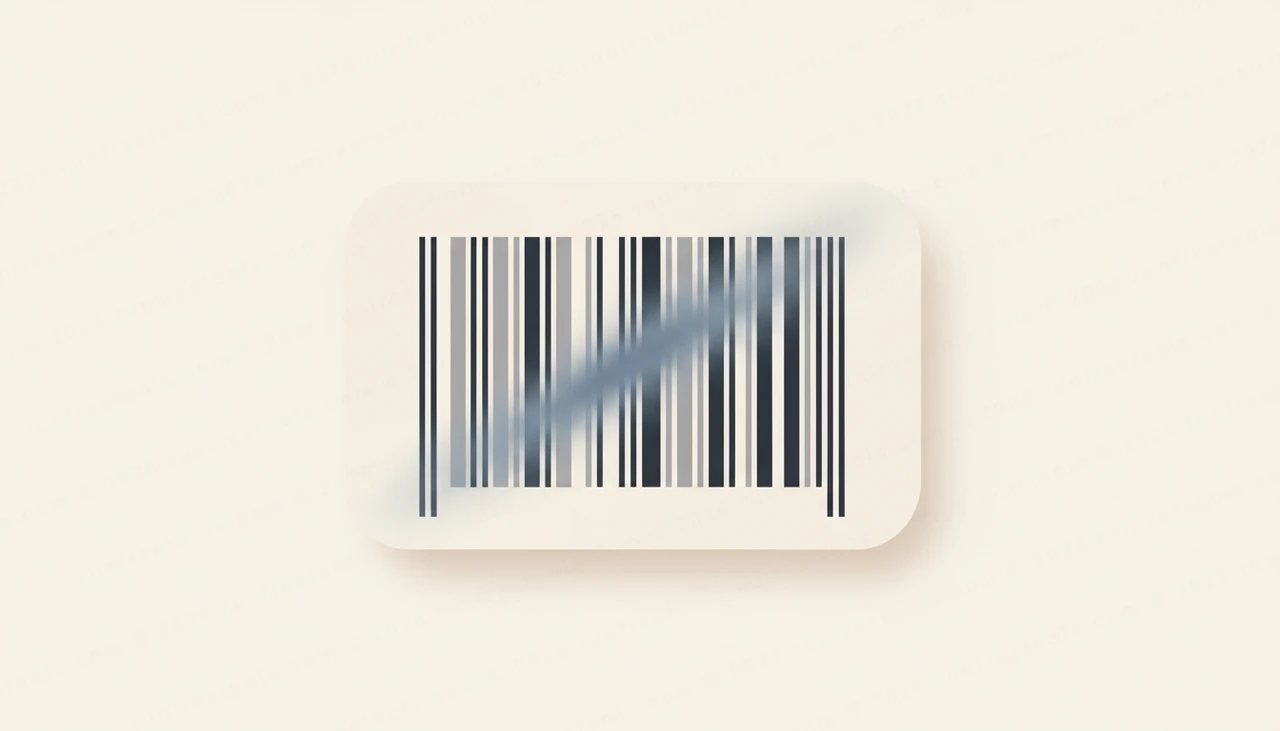
Barcodes are so woven into daily life that we barely notice them, yet every checkout beep is a tiny act of data transfer. Those stripes encode a number or short string that a scanner reads in a fraction of a second, and generating your own is far simpler than it might seem.
How a Barcode Encodes Information
A traditional barcode is a one-dimensional code: it stores data in the varying widths of parallel vertical bars and the spaces between them. A scanner shines light across the pattern and interprets the reflected widths as a sequence of characters. Because the information runs in only one direction, a barcode holds a modest amount of data, typically a short identifier rather than a full message.
That identifier usually points to something else. A product barcode does not contain the price or description; it contains a number that a store's system looks up in a database. This indirection is the whole design. The barcode just has to carry a reliable key, and the rest of the information lives in software.
CODE128, EAN-13, and UPC Compared
Different barcode symbologies suit different jobs. The Barcode Generator supports the most widely used ones.
- CODE128 is a flexible, high-density format that encodes letters, numbers, and symbols. It is the workhorse for shipping labels, asset tags, and internal inventory where you control the data.
- EAN-13 is a 13-digit numeric format used for retail products around much of the world, encoding a product identifier that includes a country prefix and manufacturer code.
- UPC is a 12-digit numeric format used widely in retail, especially in North America, serving the same product-labeling purpose.
Choose CODE128 when you need flexibility and alphanumeric content, and choose EAN-13 or UPC when you are labeling products for retail sale and must follow those fixed standards.
The Role of Check Digits
Several barcode formats include a check digit, an extra digit calculated from the others using a fixed formula. Its job is to catch errors. If a scanner misreads a bar or someone mistypes a number, the check digit will usually fail to match, flagging the mistake rather than silently accepting bad data. This is why retail barcodes are so reliable at the checkout. The generator handles check digit calculation for the formats that require it, so the codes you produce are valid by construction.
How to Generate a Barcode Step by Step
Creating a barcode with the Barcode Generator is quick.
- Open the tool and choose the barcode format that matches your need.
- Enter the data to encode, respecting the format's rules, such as the required digit count for retail formats.
- Adjust the size so the bars will print clearly at their intended dimensions.
- Download the result as a PNG for digital use or an SVG for crisp, scalable printing.
The preview shows the finished barcode as you type, so you can confirm it looks right before downloading.
Common Uses for Barcodes
Barcodes solve the problem of getting a number into a computer fast and without typing errors. Typical uses include the following.
- Labeling retail products with EAN-13 or UPC codes for checkout scanning.
- Tagging inventory and assets with CODE128 labels for warehouse tracking.
- Generating shipping and logistics labels that carry tracking identifiers.
- Creating tickets, badges, or coupons that staff can scan to validate.
- Building internal systems where scanning a code is faster and more accurate than manual entry.
Designing Barcodes That Scan Reliably
A barcode is only useful if scanners can read it consistently. Keep these principles in mind.
- Maintain strong contrast, ideally dark bars on a light background, since scanners depend on it.
- Preserve the quiet zone, the blank margin on each side, which scanners need to find the code's edges.
- Do not shrink the barcode below the size where its narrowest bars stay distinct in print.
- Choose SVG for printing at large or variable sizes so the bars remain razor sharp.
- Test the printed barcode with a real scanner before producing it in bulk.
Privacy and Local Processing
Barcode data often encodes internal identifiers tied to products, inventory, or logistics that reveal how your operation works. Generating those through a remote service shares that information unnecessarily. The Barcode Generator renders every code in your browser, so the values you encode never cross the network. You can produce labels for internal products and assets without exposing any of the underlying data.
Wrapping Up
Barcodes turn a short identifier into something a scanner can read instantly and accurately, which is why they remain the backbone of retail and logistics. Whenever you need one, the Barcode Generator creates scannable CODE128, EAN, and UPC codes right in your browser with nothing uploaded. Explore the other free developer tools for more everyday helpers.
Try the tool from this guide
Barcode Generator
Create CODE128, EAN and UPC barcodes.
Open Barcode GeneratorFrequently asked questions
What is the difference between a barcode and a QR code?
A traditional barcode is one-dimensional, encoding data in the widths of vertical bars, and holds a small amount of information. A QR code is two-dimensional and holds much more. Barcodes remain the standard for retail product labeling.
Which barcode format should I use?
It depends on your data. CODE128 is flexible and encodes letters and numbers, making it ideal for internal labels and shipping. EAN-13 and UPC are fixed-length numeric formats used for retail products sold in stores.
Why won't my barcode scan?
The usual causes are insufficient size, low contrast, or a missing quiet zone, the blank margin on each side. Printing too small or without that margin makes the bars hard for a scanner to read reliably.
Is my barcode data sent to a server?
No. The barcode is rendered entirely in your browser. The values you encode never leave your device, which matters when the data represents internal product or inventory identifiers.
Share this article
Send it to a teammate or save the link for later.
