Zapier vs Make: The Ultimate 2026 Automation Showdown
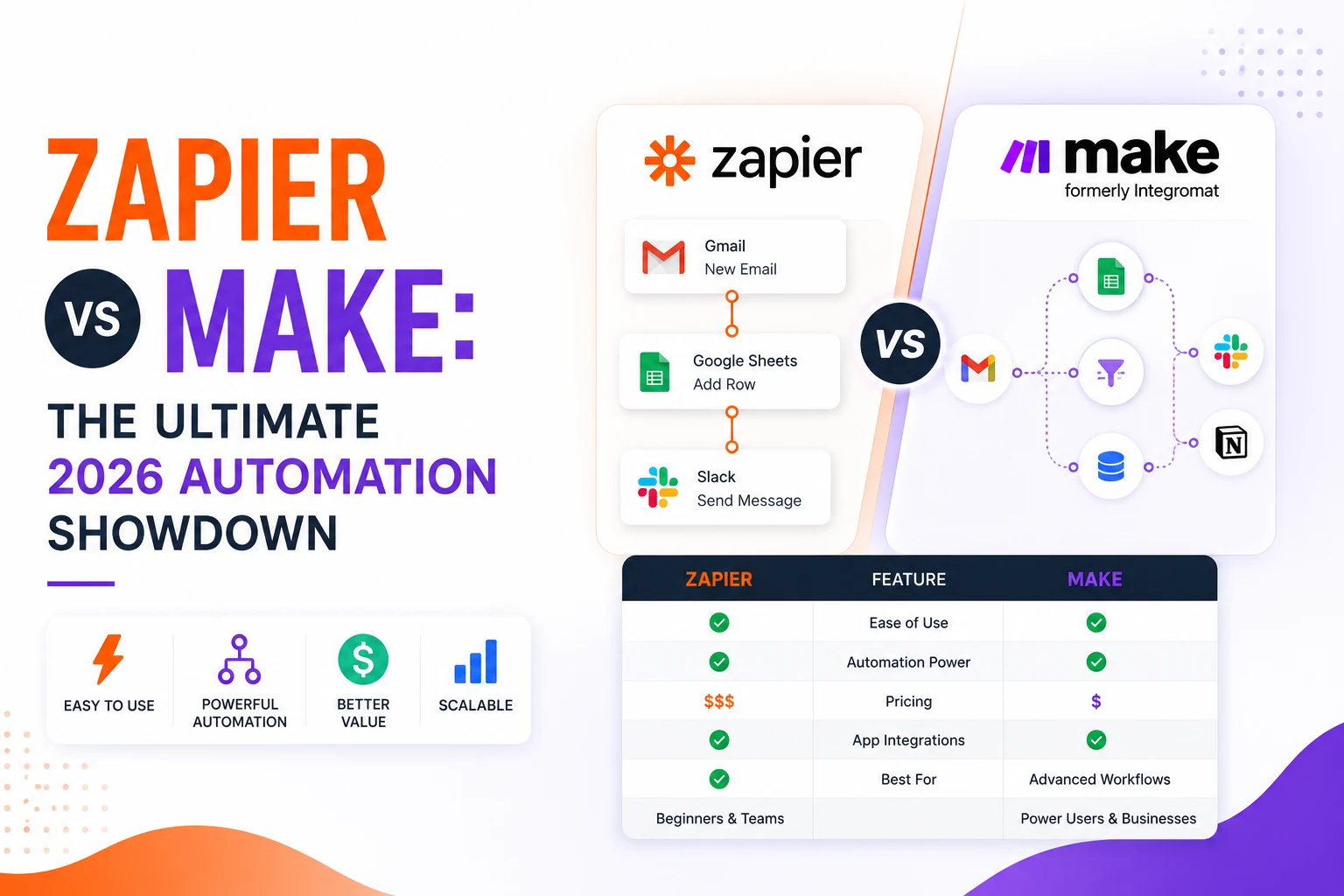
Zapier vs Make remains the most asked‑for comparison for anyone looking to automate workflows in 2026. In a nutshell, Zapier offers the largest app catalog and the simplest onboarding, while Make delivers deeper logic, cheaper volume pricing, and granular error handling. Below you’ll find a detailed, data‑backed breakdown to help you decide which platform fits your needs.
Quick verdict at a glance
| Feature | Zapier | Make |
|---|---|---|
| Primary pricing unit | Tasks (per successful action) | Operations / credits (per module run) |
| Free tier | 100 tasks/mo | 1,000 operations/mo |
| Entry paid plan | $19.99/mo (annual, 750 tasks) | $10.59/mo (annual, 10k ops) |
| Ease of use | Guided linear builder | Visual canvas with drag‑and‑drop |
| Logic depth | Paths, loops, formatter | Routers, iterators, aggregators, error handlers |
| App count | 8,000+ apps | ~2,000 native apps |
| AI tools | Copilot, Agents, MCP | Maia (early access), AI agents |
| Error handling | Auto‑replay (paid) | Per‑module rollback, resume, break |
All prices are verified on the official pricing pages of each service as of mid‑2026 — Zapier [pricing] and Make [pricing].
1. Pricing model: tasks vs operations
The zapier vs make pricing debate centers on how each platform counts work.
Zapier charges per task. A task is a successful action step; triggers and filters are free. A three‑action Zap consumes three tasks each run. The free plan caps at 100 tasks, the Professional tier at 750 tasks for $19.99/mo (annual), and the Team tier at 2,000 tasks for $103.50/mo. Overage is billed at 1.25× the effective rate.
Make charges per operation (now called “credits”). Every module—trigger, filter, iterator, or aggregator—counts as an operation. A scenario that looks like three steps on the canvas may burn 8‑15 operations per execution. The free tier provides 1,000 operations, while the Core plan offers 10,000 operations for $10.59/mo (annual). AI modules consume credits at a higher rate.
Cost comparison in practice
A small team running 5,000 useful actions each month stays comfortably inside Make’s Core plan (≈$10.59) but would need Zapier’s Team plan (≈$103.50). That’s a 90% cost reduction for comparable throughput.
Stat: Zapier reports over 4 million active users [about], while Make cites more than 1 million active users [about]. The user base size underscores the market confidence in both platforms.
Winner: Make for volume‑heavy workloads.
2. Ease of use: the five‑minute test
When you type zapier vs make into a search engine, the first result you’ll see is often a “how‑to‑create your first automation in 5 minutes” tutorial. Zapier’s linear, step‑by‑step UI lets a complete novice build a functional Zap in under five minutes—no coding, no canvas, just select a trigger, add an action, map fields, and you’re live.
Make’s visual canvas is powerful but demands an initial learning curve. Most beginners need 30‑60 minutes plus a short video tutorial before their first non‑trivial scenario runs correctly. Once mastered, the canvas shines for complex logic, but the upfront time cost is real.
Pros & cons list
Zapier
- ✅ Immediate results; minimal onboarding.
- ✅ Guided UI reduces errors.
- ❌ Limited visual overview of complex flows.
Make
- ✅ Drag‑and‑drop canvas gives a holistic view.
- ✅ Reusable modules and templates.
- ❌ Steeper learning curve for first‑time users.
Winner: Zapier for beginners; Make for visual thinkers after the learning phase.
3. Logic depth, branching, and data handling
If your automation needs conditional routing, looping over arrays, or parallel processing, the zapier vs make comparison tilts heavily toward Make.
Make offers routers (branching), iterators (loop over each array item), aggregators (combine results), and built‑in error handlers. The visual representation makes multi‑path logic intuitive.
Zapier has introduced Paths for conditional branching and Looping for limited iteration, but the feature set is still narrower. For most simple automations, Zapier’s logic suffices, but complex data transformations quickly become cumbersome.
A handy tool for both platforms is the JSON Formatter /json-formatter, which lets you inspect and reshape API payloads before mapping fields.
Winner: Make for advanced, data‑heavy automations.
4. App library and integrations
Zapier vs Make often hinges on the breadth of integrations.
Zapier connects to 8,000+ apps, covering virtually every SaaS niche. If you rely on a specialized tool, Zapier is more likely to have a native integration.
Make provides ~2,000 native apps. While the core SaaS ecosystem (Google Workspace, Slack, HubSpot, etc.) is well‑covered, the long tail is thinner. Both platforms support generic HTTP/Webhook modules, allowing technically‑savvy users to bridge gaps, but non‑technical users benefit from Zapier’s extensive catalog.
Winner: Zapier for sheer integration count.
5. Error handling and reliability
When automations fail at 2 a.m., robust error handling is critical.
Make lets you attach per‑module error handlers: Rollback (undo changes), Resume (continue after fix), and Break (pause for manual intervention). This granularity prevents a single failure from halting an entire workflow.
Zapier offers Auto‑Replay—automatic retries for failed steps—but only on Professional plans and higher. It lacks the fine‑grained control that Make provides.
Winner: Make for mission‑critical pipelines.
6. AI features
Artificial intelligence is reshaping automation, and the zapier vs make battle is now also an AI showdown.
Zapier ships a mature AI suite: Copilot builds automations from plain‑English prompts, Agents execute multi‑app tasks autonomously, and MCP (Model Connectors) integrates custom AI models. These features are production‑ready in 2026.
Make offers Maia, an early‑access natural‑language scenario builder, plus AI agents on paid plans. While promising, Maia is still maturing and lacks the breadth of Zapier’s AI ecosystem.
Winner: Zapier for current AI capabilities.
7. Which tool is better for my business? (Zapier vs Make – which should I choose?)
Below is a concise decision matrix to answer the most common “Zapier vs Make” question.
| Business need | Recommended platform |
|---|---|
| Low volume, non‑technical team | Zapier – simple UI, massive app catalog |
| High volume, cost‑sensitive | Make – cheaper operations, generous free tier |
| Complex branching, data transformation | Make – routers, iterators, visual error handling |
| Need for mature AI assistants | Zapier – Copilot & Agents |
| Reliance on niche SaaS apps | Zapier – 8,000+ integrations |
| Preference for visual workflow design | Make – drag‑and‑drop canvas |
Bottom line: Start with the platform that aligns with your current pain point. Many teams begin on Make for cost savings, then add Zapier for a few specialty integrations that Make lacks.
8. Practical tips for getting started
- Map your workflow on paper before diving into either builder. Identify triggers, actions, and any conditional logic.
- Test with the free tier: Zapier’s 100‑task limit is ideal for a single‑user pilot; Make’s 1,000‑operation limit works well for multi‑step prototypes.
- Leverage built‑in tools: Use the JSON Formatter (/json-formatter) for API payloads and the Cron Expression Generator (if you have it) for schedule‑based triggers.
- Monitor usage: Both platforms provide dashboards; set alerts when you approach your plan limits to avoid surprise overage fees.
- Iterate: Begin with a minimal viable automation, then expand complexity as you become comfortable with the builder.
9. Final recommendation
If you prioritize speed of setup, breadth of integrations, and AI‑driven assistance, Zapier is the clear winner in the zapier vs make debate. If you need deep logical control, lower per‑run cost, and robust error handling, Make takes the crown.
Both platforms are powerful; the right choice depends on your team’s technical comfort, workflow complexity, and budget constraints. Evaluate the decision matrix above, run a short pilot on each free tier, and let the data guide your final pick.
Frequently asked questions
Make’s Core plan at $10.59/mo (annual) covers 10,000 operations, making it roughly 90 % cheaper than Zapier’s Team plan, which would cost about $103.50/mo for the same volume.
A Zapier task counts only successful action steps, while a Make operation includes every module execution—triggers, filters, iterators, and aggregators—so a three‑step scenario may consume many more operations.
Yes. Zapier’s guided linear builder lets a novice create a functional automation in under five minutes, whereas Make’s visual canvas typically requires 30‑60 minutes of learning before a non‑trivial workflow runs correctly.
Both do, but Zapier’s AI suite (Copilot, Agents, MCP) is fully production‑ready in 2026, while Make’s Maia is still in early access and less feature‑complete.
Evaluate volume and cost, required app integrations, logic complexity, AI needs, and your team’s technical skill level. Use the decision matrix above to match those factors to the platform that best fits your use case.
Share this article
Send it to a teammate or save the link for later.
Related tools
Related articles
Bun vs Node.js vs Deno (2026): Which Runtime Wins?
Bun vs Node vs Deno 2026: a workload-by-workload guide with current versions (Bun 1.3, Node 26, Deno 2.9), honest benchmarks, security, and a decision guide.
Read articleWebMCP Explained: AI Agents Can Now Use Websites
What is WebMCP? The Chrome 149 origin trial lets sites expose typed tools to browser AI agents. How it works, WebMCP vs MCP, security, and how to try it.
Read article
Best Free AI Coding Assistants 2026 Ai Tools for Developers
Discover the best AI coding assistants of 2024, comparing free and paid options, autocomplete vs autonomous agents, pricing, privacy, and IDE fit for every
Read article