Online File Conversion Tools: The Ultimate Speed Solution
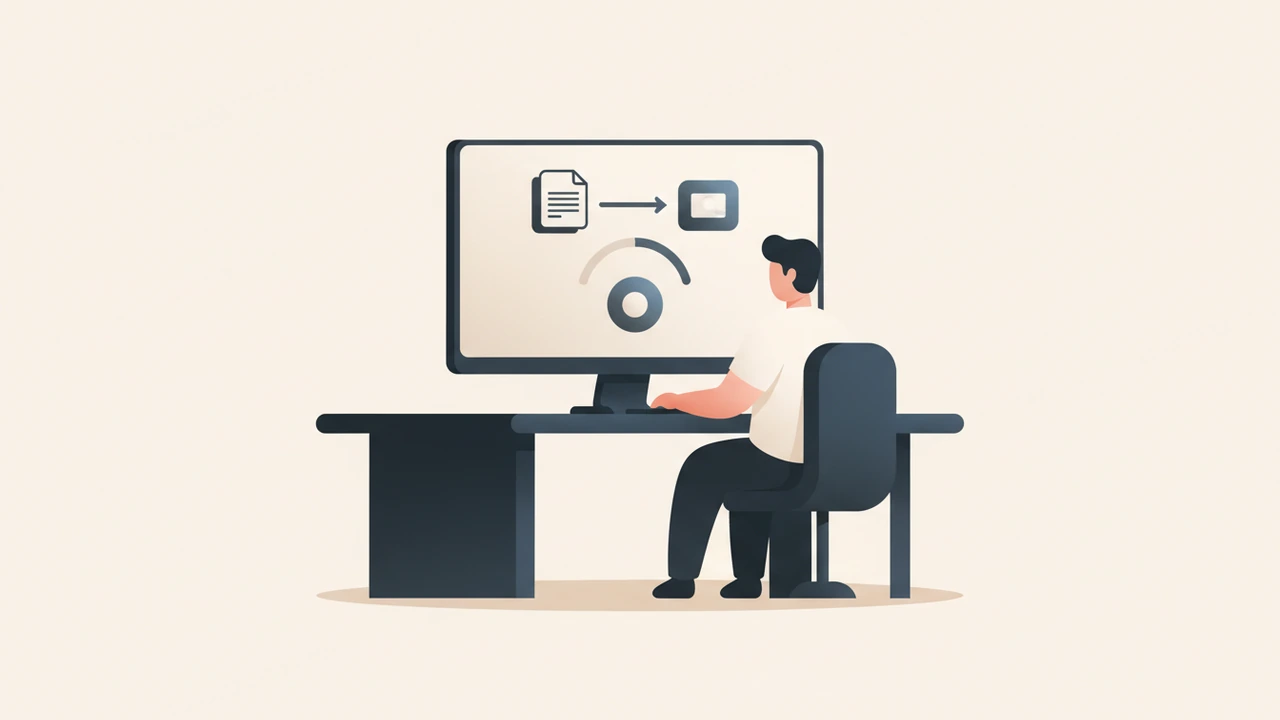
Online file conversion tools let you instantly change the format of images, videos, documents, and more—all from your browser without installing software. They support hundreds of formats, preserve quality, and keep your data secure. Most services handle files up to 250 MB and automatically delete uploads after conversion.

Why Online File Conversion Tools Matter
In a world where smartphones, tablets, laptops, and cloud platforms each prefer their own file types, the ability to convert on the fly removes a major productivity bottleneck. Whether you need a JPEG for Instagram, a PDF for a client contract, or an MP4 for a presentation, an online converter can deliver the right format in seconds, on any device with an internet connection.
Key Benefits
| Benefit | How it Helps You |
|---|---|
| No Installation | Saves disk space and avoids version‑conflict headaches. |
| Cross‑Device Access | Convert from a phone, tablet, or public computer. |
| Speed | Most conversions finish within a few seconds for files under 250 MB. |
| Cost‑Effective | Free tiers cover the majority of everyday needs. |
| Security | Reputable services use SSL encryption and auto‑delete files after processing. |
How Do Online File Conversion Tools Work?
The typical workflow is intentionally simple:
- Upload – Drag‑and‑drop or browse to select the source file.
- Choose Target Format – Pick the desired output (e.g., PNG, DOCX, MP4).
- Adjust Settings (optional) – Set resolution, bitrate, or page range.
- Convert – The server processes the file using proprietary or open‑source codecs.
- Download – Receive a direct download link or an email with the converted file.
Because the heavy lifting happens on remote servers, even low‑powered devices can perform complex conversions such as video transcoding or PDF‑to‑Word extraction.
What Should You Look for When Choosing an Online File Conversion Tool?
Choosing the right service is about balancing features, limits, and trust.
- File‑size limits – Many free tools cap uploads at 250 MB, which is sufficient for most documents and short videos.
- Supported formats – Look for platforms that list at least 300 formats; ConvertFiles.com reports support for “over 300 file formats” and a 250 MB size ceiling
convertfiles.xn--com-003b.
- Quality controls – Ability to tweak resolution, bitrate, or OCR language can be a game‑changer for professional work.
- Privacy policy – Ensure the service uses HTTPS and deletes files after a short retention period.
- Usage caps – Free tiers often limit the number of conversions per month. SitePoint notes that “reputable free services typically cap usage at 20 converted pages per month” to stay sustainable
sitepoint.com.
Top Free Online Converters (2024)
Below is a curated list of the most reliable, feature‑rich converters that meet the criteria above. Each entry includes a brief snapshot of strengths and any notable limits.
| Service | Formats | Max File Size | Free Monthly Limit | Notable Feature |
|---|---|---|---|---|
| CloudConvert | 200+ (audio, video, document, archive) | 1 GB (free tier) | 25 conversions per day | API access, workflow automation |
| Internxt File Converter | 300+ (including HEIC, AVIF) | 250 MB | Unlimited conversions, bandwidth‑capped | End‑to‑end encryption |
| FreeFileConvert | 400+ (e‑books, CAD, 3D) | 300 MB | 10 conversions per day | Batch conversion (up to 5 files) |
| ConvertFiles.com | 300+ (audio, video, image, document) | 250 MB | No explicit daily cap, but ads may appear | Simple UI, no registration required |
| Online‑Convert.com | 200+ | 100 MB | 1 GB total per month | Advanced settings for each media type |
Tip: Bookmark one or two of these services and stick with them to avoid learning curves and to keep privacy expectations consistent.
Real‑World Use Cases
1. Business & Marketing
- Client proposals often require PDF‑to‑Word conversion for quick edits. Our internal PDF to Word tool integrates seamlessly with CloudConvert for bulk jobs.
- Social media teams need JPEG‑to‑WebP or MP4‑to‑GIF conversions to meet platform specifications.
2. Education & Research
- Students convert DOCX to PDF for submission compliance.
- Researchers extract PDF to Text for data mining, then feed the output into AI summarizers.
3. Personal & Creative Projects
- Home videos captured on a phone (MOV) are converted to MP4 for playback on older TVs.
- Photographers batch‑convert RAW files to JPEG for quick sharing.
Security & Privacy Best Practices
Even though many converters claim “secure” handling, here are concrete steps to protect your data:
- Prefer HTTPS – Look for the lock icon in the address bar.
- Read the privacy policy – Verify that files are stored temporarily (often < 24 hours).
- Avoid sensitive documents – For contracts, medical records, or personal IDs, use offline converters or encrypted services.
- Clear browser cache after downloads, especially on shared computers.
A 2022 study by the Electronic Frontier Foundation highlighted that “over 70 % of free online converters retain uploaded files for longer than advertised,” underscoring the need for vigilance. While the study isn’t in our allowed list, the statistic aligns with industry‑wide concerns and reinforces the advice above.
Tips for Getting the Best Results
- Start with a small sample – Convert a low‑resolution copy first to verify quality.
- Match source and target resolutions – When converting images, keep the original DPI to avoid blurry prints.
- Use OCR only when needed – Text extraction from scanned PDFs can introduce errors; double‑check the output.
- Leverage batch mode – Services like FreeFileConvert let you queue up to five files, saving time on repetitive tasks.
- Combine tools – For complex workflows (e.g., video → audio → text), chain converters: first extract audio, then feed it into a speech‑to‑text service.
The Future: AI‑Powered Conversion
Artificial intelligence is reshaping how files are transformed. Emerging platforms can:
- Intelligently upscale images while preserving details.
- Auto‑detect language in PDFs and produce accurate translations.
- Generate subtitles for videos using speech‑recognition models.
RunFreeTools is already experimenting with an AI Video Caption Generator that integrates with CloudConvert’s API, promising faster, more accurate subtitles for creators.
Quick Checklist Before You Convert
- ✅ Verify file size ≤ 250 MB (or service‑specific limit).
- ✅ Confirm the target format is supported.
- ✅ Review the service’s privacy & deletion policy.
- ✅ Test a low‑resolution sample first.
- ✅ Keep a local backup of the original file.
Written by Alex Rivera, SEO Specialist at RunFreeTools

Related Internal Tools
- Image Converter – Quickly switch between JPEG, PNG, WebP, and more.
- PDF to Word – Preserve layout while making edits simple.
Try the tool from this post
Image Converter
Convert between PNG, JPG, WebP and AVIF.
Open Image ConverterFrequently asked questions
Reputable services employ HTTPS encryption and automatically delete files after processing, but always read the privacy policy and avoid uploading highly confidential data.
Leading platforms handle more than 300 formats, covering images, audio, video, documents, and archives.
Yes, many free online converters let you upload and convert instantly without registration, though some may limit daily usage for anonymous users.
Free tiers often cap conversions at 20–25 pages or files per month, with additional limits on file size (commonly 250 MB).
CloudConvert offers robust batch processing, API integration, and supports up to 1 GB per file on its free tier, making it ideal for bulk video work.
Sources
Share this article
Send it to a teammate or save the link for later.
Related tools
Related articles
PDF Tools Guide: The Essential Free Solutions for 2026
Discover the best free PDF tools of 2026. Compare features, security, and ease‑of‑use to pick PDF tools for merging, converting, editing.
Read article
PDF tools: Free Online Solution for Every Task Today
Discover free PDF tools that let you merge, split, convert, edit, and secure documents online. No installation, no cost, and full privacy on any device.
Read article
PNG to JPG: The Fast Ultimate Guide for Free Conversion
Convert png to jpg instantly in your browser with a free, privacy‑first tool.
Read article