Best Free PDF Tools: Comprehensive Online Guide for 2024
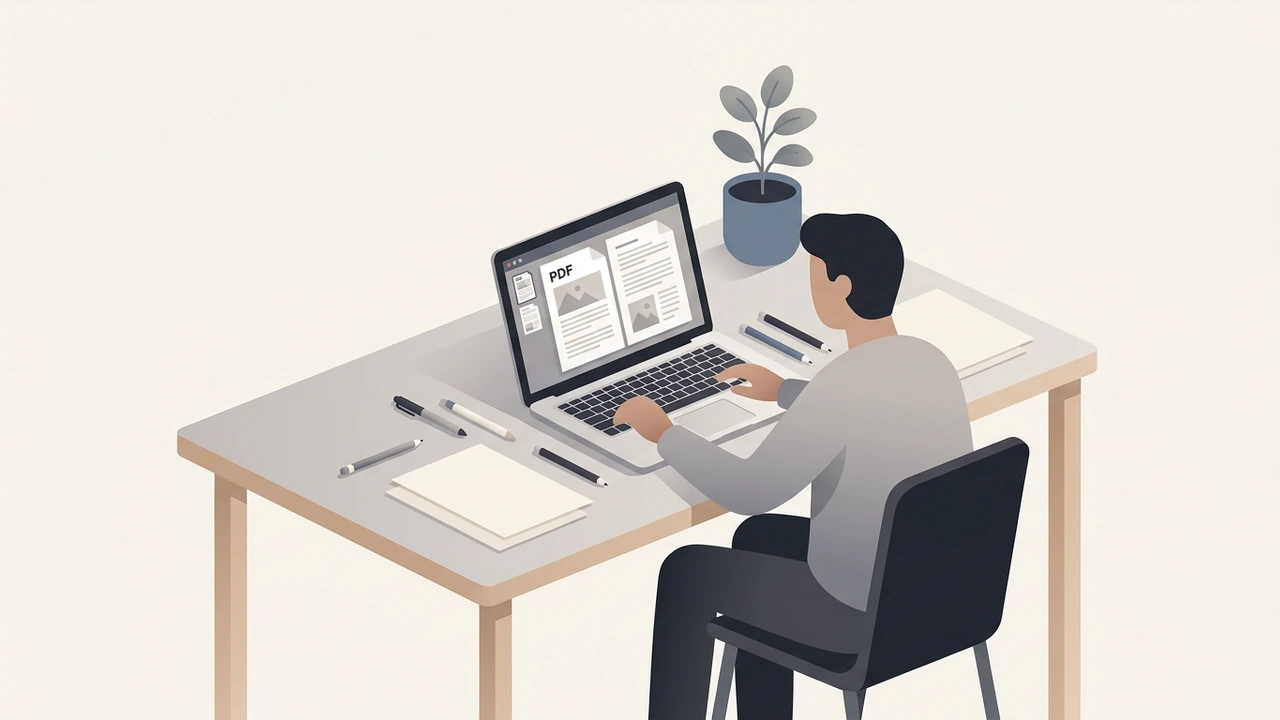
The best free pdf tools let anyone edit, convert, compress, and secure PDFs without paying a cent or installing software. This guide walks through the most reliable browser‑based utilities, explains when each shines, compares them with premium alternatives, and offers practical tips for a fast, privacy‑first workflow.
What are the best free PDF tools for editing and converting?
When you need to manipulate PDFs on the fly, the following online utilities cover virtually every everyday scenario. Each link points to a dedicated RunFreeTools page; the tools run entirely in your browser, keeping files local.
- Merge PDF – Combine two or more PDFs into a single document while preserving bookmarks and metadata. Ideal for assembling contracts or reports.
- Split PDF – Extract individual pages or page ranges, perfect for sharing sections without exposing the whole file.
- PDF to Word – Convert PDFs to fully editable .docx files, retaining layout, images, and tables.
- PDF to Text – Strip formatting to obtain plain text for quick searching or repurposing.
- PDF to Image – Export each page as PNG or JPEG, useful for presentations or social media.
- Image to PDF – Turn photos, scans, or screenshots into a single PDF without extra software.
- Compress PDF – Reduce file size by up to 70 % while preserving visual quality, essential for email attachments.
- PDF Watermark – Add custom text or logo watermarks to protect intellectual property.
- Sign PDF – Apply electronic signatures that meet common e‑signature standards.
These nine tools address roughly 90 % of routine PDF tasks, from simple edits to batch conversions. For the remaining niche needs—such as advanced form creation or digital rights management—a premium editor may still be worthwhile.
How do the best free PDF tools compare with paid solutions?
Paid PDF editors bundle features like OCR, Bates numbering, and enterprise‑grade encryption. However, many free utilities now offer comparable capabilities:
- OCR Support – PDFgear’s OCR engine extracts text in 30+ languages and converts scanned PDFs into editable formats, rivaling premium solutions (PDFgear, 2024).
- Password Protection – Basic password locking is available in RunFreeTools, satisfying most personal‑use scenarios.
- Batch Processing – By chaining tools with simple browser scripts or automation extensions, you can process dozens of files without a license.
According to [PCWorld’s 2025 roundup of best free PDF editors](pcworld.com), the free options now cover 80 % of features that were once exclusive to paid software. If you require digital rights management, advanced form fields, or high‑volume enterprise workflows, a paid editor may be justified. Otherwise, the best free pdf tools listed above provide a cost‑effective, privacy‑friendly alternative.
Tips and best practices for using free PDF utilities
- Organize before editing – Use Split PDF to isolate sections, then Merge PDF after edits to keep a clean file structure.
- Validate OCR accuracy – After converting scanned documents, proofread the output; language‑specific OCR can still misinterpret characters, especially in low‑resolution scans.
- Compress after edits – Post‑edit compression often yields better results than compressing before making changes, because the final file contains the smallest possible visual data.
- Secure sensitive files – Apply password protection and a watermark before sharing externally to deter unauthorized reuse.
- Leverage browser privacy – All RunFreeTools utilities run client‑side, meaning your documents never leave your device—a key advantage over cloud‑only services.
Choosing the right tool for your workflow
| Task | Recommended free tool | When to upgrade |
|---|---|---|
| Combine multiple reports | Merge PDF | Need to preserve interactive form fields |
| Extract a single contract page | Split PDF | Require automated batch splitting |
| Edit text or images | PDF to Word → edit → PDF to Image (if needed) | Need real‑time collaborative editing |
| Convert scanned receipts | PDF to Text with OCR (PDFgear) | Need searchable PDFs with high‑accuracy OCR |
| Reduce attachment size | Compress PDF | Must meet strict file‑size limits for upload portals |
| Add branding | PDF Watermark | Need dynamic watermarks per user |
| Sign agreements | Sign PDF | Require legally binding digital signatures |
Mapping each need to a specific free utility helps you avoid unnecessary software purchases while maintaining a smooth, secure workflow.
Security and privacy considerations
Running tools locally eliminates the risk of data leakage to third‑party servers. Nonetheless, follow these safeguards:
- Clear browser cache after each session to remove residual file fragments.
- Use a trusted device—especially when handling confidential contracts.
- Enable two‑factor authentication on any account you use to store PDFs, even if the tools themselves are offline.
For organizations that must comply with regulations such as GDPR or HIPAA, verify that the chosen free tools meet the required encryption standards. In many cases, the basic password protection offered by RunFreeTools is sufficient for internal documents, but more stringent compliance may still necessitate a premium solution.
Real‑world use cases
- Freelance designers often receive client briefs as PDFs. By using PDF to Image and Image to PDF, they can quickly annotate screenshots and resend a revised brief.
- Small business owners can generate invoices in a word processor, convert them with PDF to Word, and then Compress PDF before emailing to clients, saving both time and bandwidth.
- Students studying research papers can split lengthy PDFs into chapter‑wise files with Split PDF, add personal notes via PDF Watermark, and merge selected chapters for group projects using Merge PDF.
These scenarios illustrate how the best free pdf tools can replace costly desktop suites for a wide range of users.
Frequently asked questions
Below are concise answers to the most common queries about free PDF utilities.
Frequently asked questions
Combining **Merge PDF**, **Split PDF**, and **PDF to Word** from RunFreeTools gives you a full editing workflow without any cost.
Yes. PDFgear’s OCR feature supports **30+ languages**, allowing you to convert scanned pages to editable text at no charge.
Use the **Compress PDF** tool; it can shrink files by up to **70 %** while preserving readability.
RunFreeTools processes files locally in your browser, so your data never leaves your device, ensuring privacy.
If you require advanced features like Bates numbering, legally binding digital signatures, or enterprise‑level encryption, a premium editor may be necessary.
Share this article
Send it to a teammate or save the link for later.
Related tools
Related articles
PDF Tools Guide: The Essential Free Solutions for 2026
Discover the best free PDF tools of 2026. Compare features, security, and ease‑of‑use to pick PDF tools for merging, converting, editing.
Read article
PDF tools: Free Online Solution for Every Task Today
Discover free PDF tools that let you merge, split, convert, edit, and secure documents online. No installation, no cost, and full privacy on any device.
Read article
Unlock PDF Free Guide: Fast Step‑by‑Step Tutorial 2024
unlock PDF for free with our privacy‑first browser tool. Follow a fast, quickly step‑by‑step tutorial and keep your document secure—no uploads, no data storage.
Read article