PNG to JPG Converter: Fast Online Compression

Written by Alex Rivera
When you need a reliable PNG to JPG converter, the goal is balancing image quality with dramatically smaller file sizes. A photograph saved as PNG might be 5-10 MB, while the same image as JPG could be just 500 KB—a 10-20x reduction. This makes conversion essential for faster web performance.
Introduction to PNG and JPG
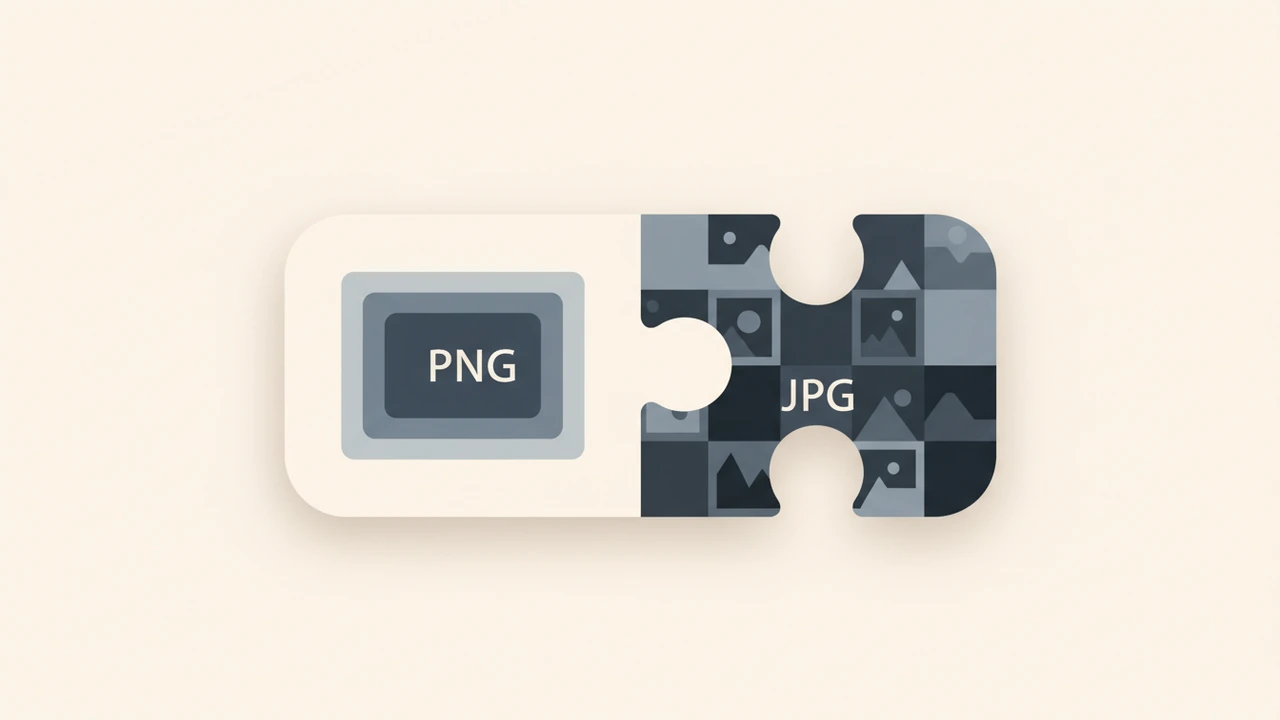
PNG (Portable Network Graphics) and JPG (Joint Photographic Experts Group) are two popular image file formats used on the web. PNG is ideal for graphics, logos, and images with transparent backgrounds, while JPG is better suited for photographs and images with many colors. Converting PNG to JPG is often necessary for web use, as JPG files are generally smaller and faster to load.
Benefits of Online PNG to JPG Conversion
Converting PNG to JPG online offers several benefits, including reduced file size, faster loading times, and improved website performance. According to Adobe Express, online converters help users achieve high-quality results without desktop software. FreeConvert.com also notes that browser-based tools eliminate the need for installations while maintaining security.
How Do I Choose the Right PNG to JPG Converter?
Searchers often ask this because not every tool preserves quality equally. Look for adjustable compression, no mandatory signups, and privacy-focused processing. Reputable options include those listed on Softonic and png2jpg.com, which emphasize simple interfaces and reliable output.
How to Convert PNG to JPG Online
To convert PNG to JPG online, follow these simple steps:
- Upload your PNG image to an online converter like Image Converter
- Select the output format as JPG
- Choose the desired quality and compression level
- Download the converted JPG image
Tips for Optimizing JPG Images
To optimize JPG images for web use, consider the following tips:
- Use a low to medium quality setting to balance file size and image quality
- Remove unnecessary metadata and EXIF data
- Use a tool like Image Compressor to reduce file size without sacrificing quality
Common Use Cases for PNG to JPG Conversion
PNG to JPG conversion is commonly used in various scenarios, including:
- Web development: converting PNG images to JPG for faster loading times and improved website performance
- Graphic design: converting PNG graphics to JPG for use in print or digital media
- Social media: converting PNG images to JPG for sharing on social media platforms
Comparison of Online PNG to JPG Converters
When choosing an online PNG to JPG converter, consider the following factors:
- Image quality: look for tools that preserve the original image quality
- File size: choose tools that offer adjustable compression levels
- Ease of use: opt for tools with simple and intuitive interfaces
- Security: select tools that respect user privacy and do not require signup
Best Practices for Image Conversion
To ensure the best results when converting PNG to JPG, follow these best practices:
- Use high-quality original images
- Choose the right compression level and quality setting
- Test and compare different conversion tools and settings
Conclusion
Converting PNG to JPG online is a straightforward process that can be done using various browser-based tools. By following the tips and best practices outlined in this article, you can ensure high-quality image conversion and optimization for web use. For more information on image conversion and optimization, visit Adobe Express or FreeConvert.com.
Additional Resources
For further reading on image conversion and optimization, check out the following resources:
Frequently asked questions
Use a reputable online tool that preserves image quality and offers adjustable compression levels without requiring signup.
Apply medium quality settings and remove metadata to achieve the 10-20x size reduction commonly seen when moving from PNG.
PNG supports transparency and lossless compression, making it larger, while JPG uses lossy compression ideal for photos and smaller files.
Yes, many browser-based converters provide free PNG to JPG conversion with no limits during basic use.
Combine quality adjustments with compression tools and test loading speeds to ensure fast performance across devices.
Sources
Share this article
Send it to a teammate or save the link for later.
More from RunFreeTools Team
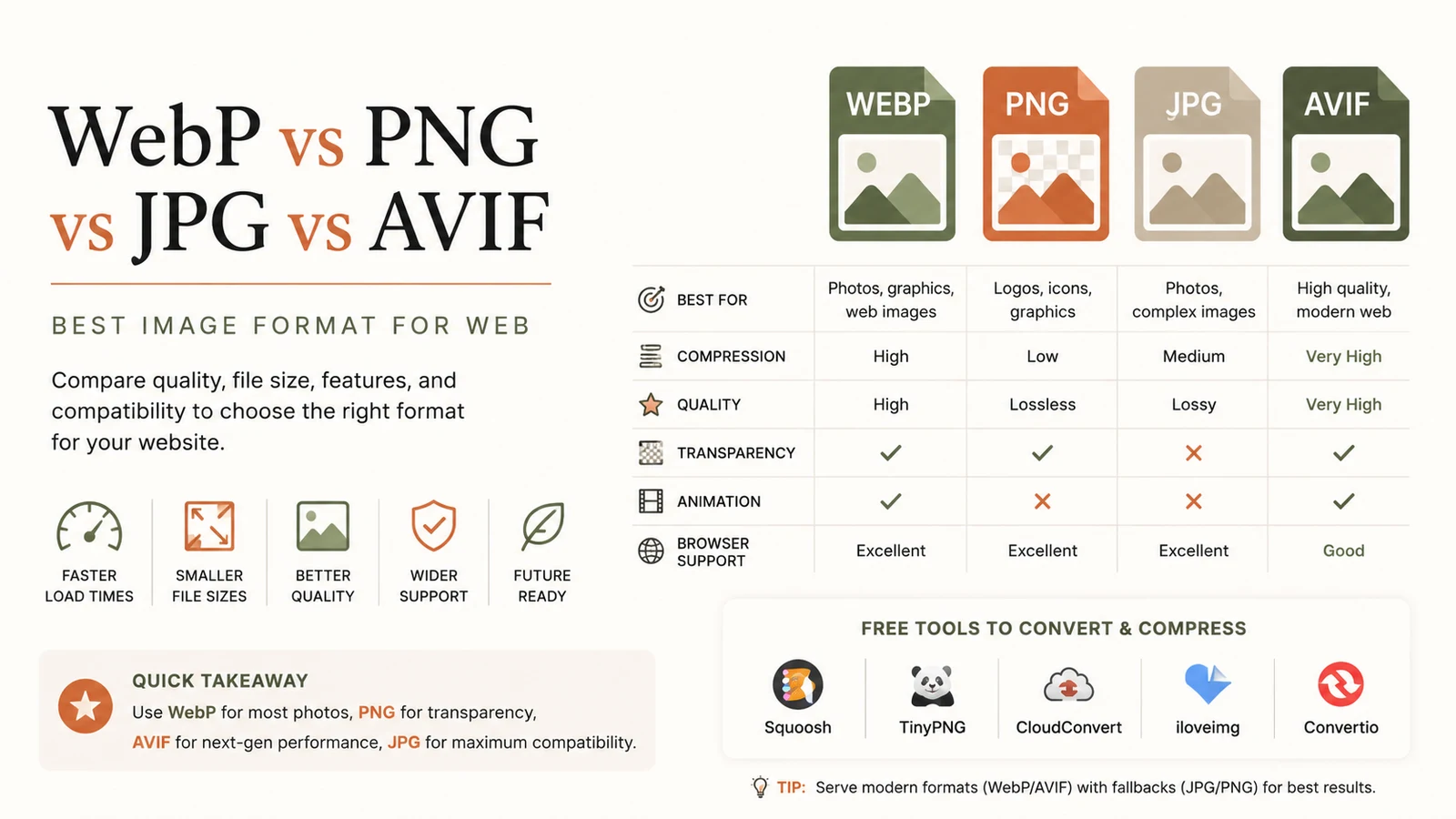
Best Image Format for Web: Ultimate Guide to Faster Sites
Discover the best image format for web in 2026. Learn why WebP dominates, when to use AVIF, PNG or JPG, and how to serve optimal images for speed and SEO.
Read article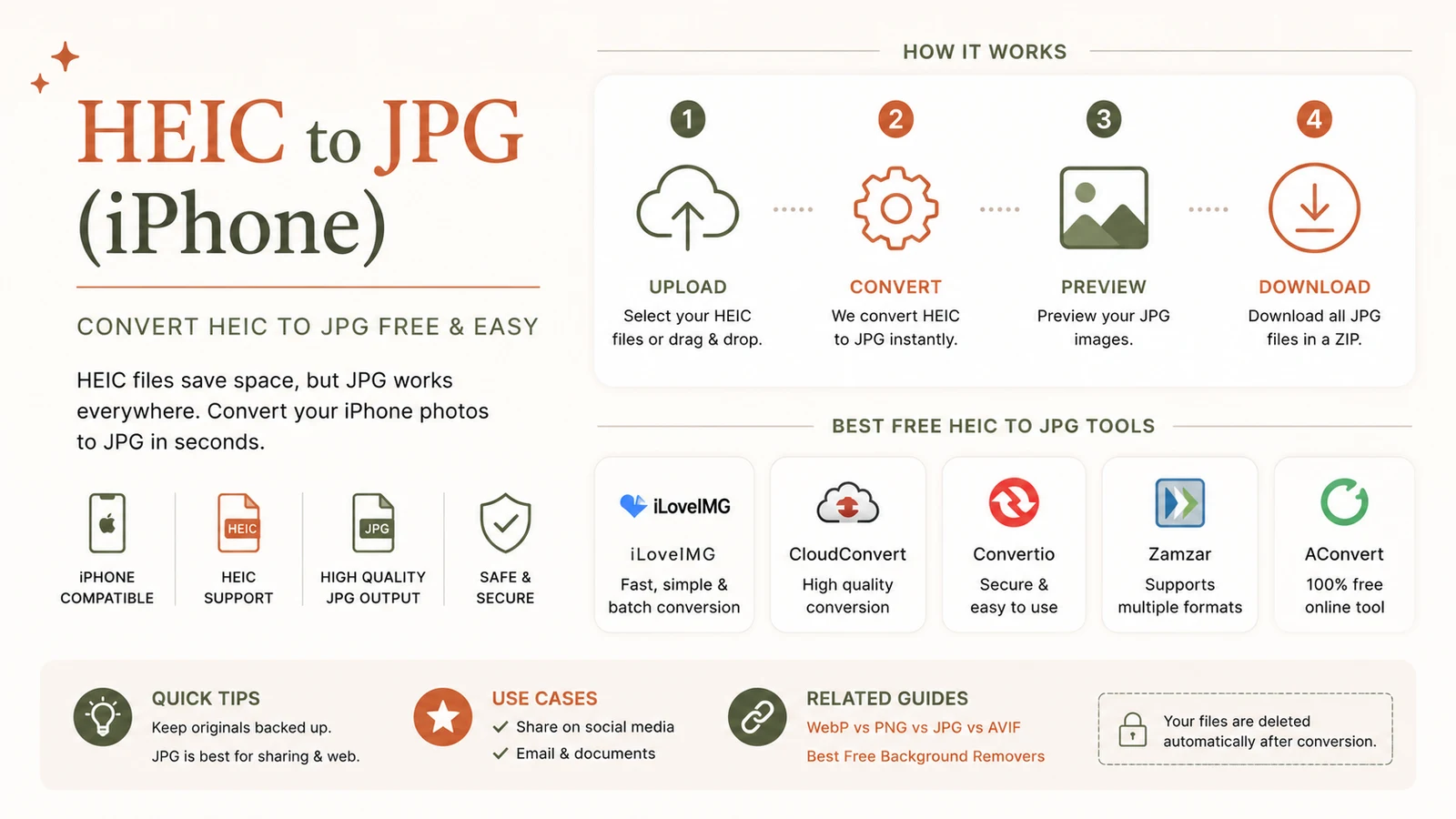
Free heic to jpg Converter – Private, Secure Browser Tool
Convert heic to jpg free in your browser with a privacy‑first tool. No uploads, no accounts, and no watermarks—just instant JPGs for iPhone photos.
Read article
PNG to JPG: The Fast Ultimate Guide for Free Conversion
Convert png to jpg instantly in your browser with a free, privacy‑first tool.
Read article