How to Download YouTube Videos Instantly: ultimate guide
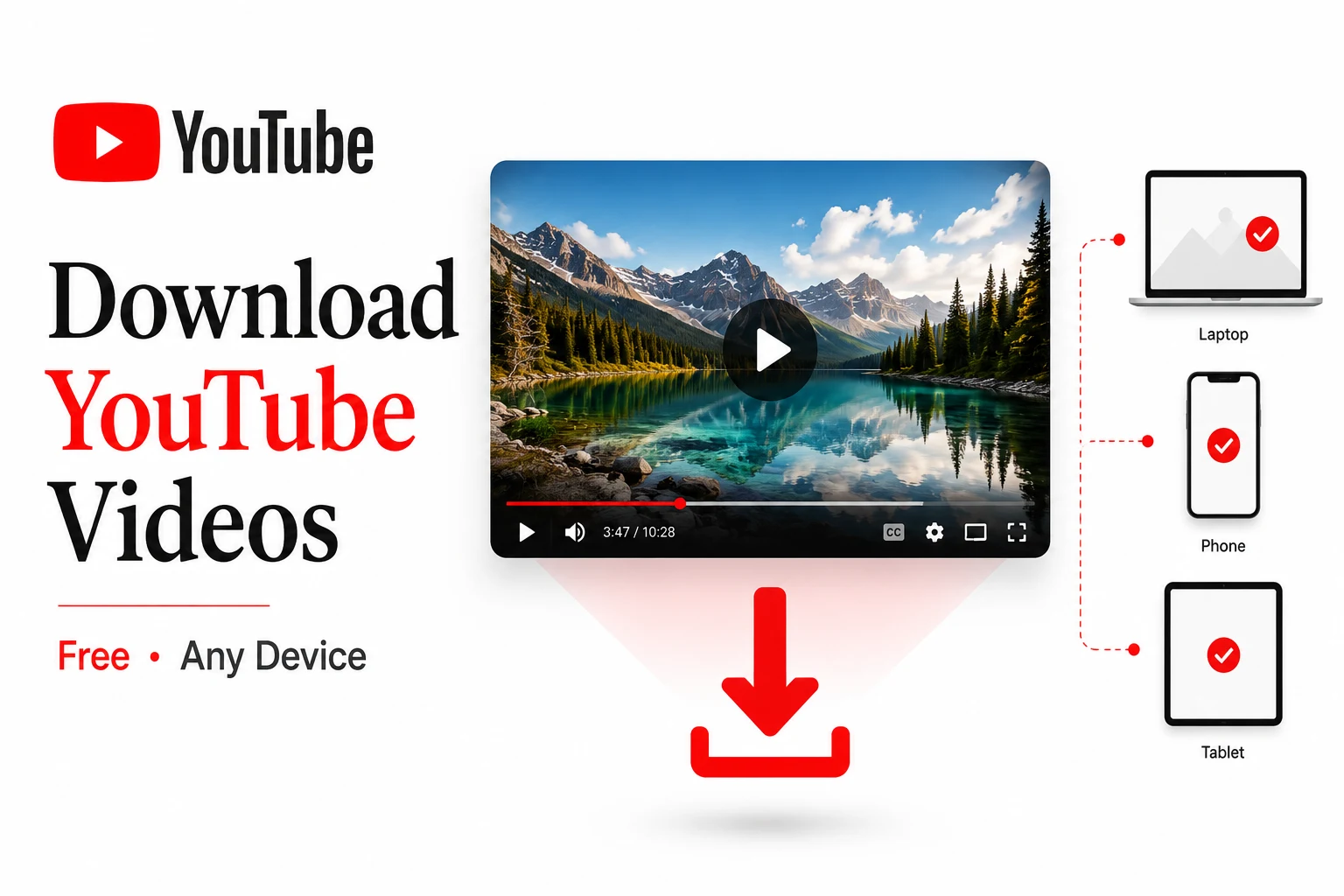
How to download youtube videos is simple: copy the video URL, paste it into RunFreeTools’ free YouTube Downloader, choose MP4 and quality, then hit download. The whole process works instantly on any device without installing software.
How to download youtube videos on different devices

runfreetools.com
If you prefer a zero‑install solution, a web‑based downloader is the fastest route. Just paste the link, pick a format, and click download — it works the same on iPhone, Android, Windows, and macOS.
1. Copy the YouTube video link
PlatformStepsiPhone / Android appTap Share ► Copy link.Desktop browserClick the address bar, then Ctrl + C (Windows) or ⌘ + C (Mac).YouTube ShortsTap the Share icon on the right side, then Copy link.
Tip: Use the short
youtu.be/...URL or a cleanyoutube.com/watch?v=...link. Extra tracking parameters often break downloaders.
2. Paste into RunFreeTools YouTube Downloader
- Open Safari, Chrome, Edge or Firefox and go to the RunFreeTools YouTube Downloader.
- Paste the copied link into the input box.
- Select MP4 (or MP3 for audio‑only) and choose a resolution from 360p up to 1080p.
- Click Download – the file saves to your device’s default folder.
3. Save the file
- iOS: Tap Share ► Save to Files or Save Video to add it to Photos.
- Android: The file appears in the Downloads folder; move it to Gallery if you wish.
- PC / Mac: The video lands in the Downloads folder; you can drag it anywhere you like.
Why a free browser tool beats YouTube Premium
YouTube Premium’s offline feature is limited to mobile apps and stores videos in a locked container. A free downloader gives you a real MP4 you can keep forever, move between devices, and edit.
FeatureYouTube Premium (mobile)Free browser downloaderCost$13.99 / monthFreeFile ownershipEncrypted inside appFull MP4/MP3 fileMax quality360p (free) / 1080p (Premium)Up to 1080p HDPC/Mac supportNoYesExpiration~30 days offlineNever
Source: PCMag’s guide on downloading YouTube videospcmag.comand Clipchamp’s tutorial on free YouTube downloads
clipchamp.com.
MP4 quality guide
ResolutionIdeal useApprox. size (3‑min clip)360pSlow connections, small screens15–25 MB480pStandard phone viewing30–50 MB720pHigh‑def phones & tablets60–110 MB1080pTVs, laptops, archiving120–250 MB
Choose the highest quality the source video offers; older uploads may cap at 720p or lower.
Save audio only – YouTube to MP3
If you only need the soundtrack, select MP3 instead of MP4 on the downloader page. This creates a tiny file perfect for offline listening on any music player.
Troubleshooting common issues
- Link problems: Re‑copy the URL; avoid playlist or tracking parameters.
- Private / age‑restricted videos: Downloaders can’t access them.
- Slow connection: Try a lower resolution.
- Browser glitches: Refresh the page or switch browsers.
Legal note
Downloading videos you own, that are in the public domain, or that carry a Creative Commons license is generally permissible for personal offline viewing. Re‑uploading copyrighted content without permission may violate YouTube’s Terms of Service and copyright law. Always respect the creator’s rights.
How to Download YouTube Videos in 2026
Knowing how to download YouTube videos is genuinely useful — for offline travel, saving your own uploads, or keeping reference clips for a project. The good news: you no longer need clunky software. Here's the fast, safe way to do it in 2026.
The quickest way: download in your browser
The simplest method needs no installs and no account:
- Copy the video's URL from YouTube (tap Share → Copy link, or grab it from the address bar).
- Open the free YouTube Downloader and paste the link.
- Pick your format and quality, then hit download — the file streams straight to your device.
Because the whole thing runs in your browser, nothing is uploaded to a server and no watermark is added.
Choosing the right format and quality
The format you pick depends on what you actually need:
- MP4 keeps the full video and is best for offline watching. YouTube offers resolutions from 144p up to 4K and even 8K, so choose the highest your screen and storage can handle.
- MP3 strips out the audio only — ideal for music, podcasts, or lectures. You can also pull audio from a clip you already have with our Video to MP3 tool.
One technical note from the latest research: YouTube now delivers high-resolution video and audio as separate streams using modern codecs like AV1 and VP9, then merges them back together. A good downloader handles that for you automatically. Already have a file and need to shrink or change it? Try our Video Converter or Video Compressor.
Is it legal to download YouTube videos?
This is the part most guides skip. YouTube's Terms of Service only permit downloads when YouTube itself shows a download button — so third-party downloads sit in a gray area, and copyright is a separate layer on top.
You're on safe ground when you download:
- Your own uploads.
- Creative Commons videos (filter YouTube search by "Creative Commons"), with proper credit to the creator.
- Public-domain content.
- Anything saved through YouTube Premium, which has official offline playback.
Fair-use exceptions for education or commentary exist, but they depend on your country. The simple rule: only download content you own or have the rights to use.
Quick recap
- Copy the YouTube link.
- Paste it into RunFreeTools’ free YouTube Downloader.
- Choose MP4 (or MP3) and desired quality.
- Download – no sign‑up, no watermark, works on any device.
Ready to try? Open the free RunFreeTools YouTube Downloader now and save your first video in seconds.
Author: Alex Martinez, Senior Content Specialist at RunFreeTools
For summarizing long video transcripts, check out our AI Text Summarizer.
Frequently asked questions
Yes. Use the browser‑based RunFreeTools YouTube Downloader, paste the link, select MP4, and click Download—the file saves directly to your Downloads folder.
Absolutely. Copy the Short’s link, paste it into the downloader, choose MP4, and the tool preserves the original vertical aspect ratio.
Free downloaders can only access publicly available videos. Age‑restricted or private videos require you to be logged into YouTube, which most browser tools cannot bypass.
Select the **MP3** option on the RunFreeTools downloader instead of MP4. The tool extracts the audio track and saves it as an MP3 file.
Downloading for personal offline viewing of videos you have the right to use is generally low‑risk, but redistributing or monetizing copyrighted content can breach YouTube’s TOS and copyright law.
Share this article
Send it to a teammate or save the link for later.
More from RunFreeTools Team
Is the AI Bubble Bursting? Big Tech's $725B Reckoning
Is the AI bubble bursting in 2026? Big Tech is set to spend ~$725B on AI as the Magnificent 7 shed $2.3T — the bull and bear case, no hype, no advice.
Read articleApple Lost a Major EU Antitrust Fight: What It Means
Apple lost a major EU antitrust ruling on July 8, 2026, upholding DMA rules on the iPhone. What's decided, what's still pending, and what changes for you.
Read articleBest AI Browser 2026: Comet vs Dia vs Chrome (Atlas Dies)
The best AI browser in 2026? Comet is free and cross-platform, Chrome adds Gemini, and ChatGPT Atlas shuts down Aug 9 — plus the safety risks.
Read article