How to Download Instagram Reels – Free Step-by-Step Guide
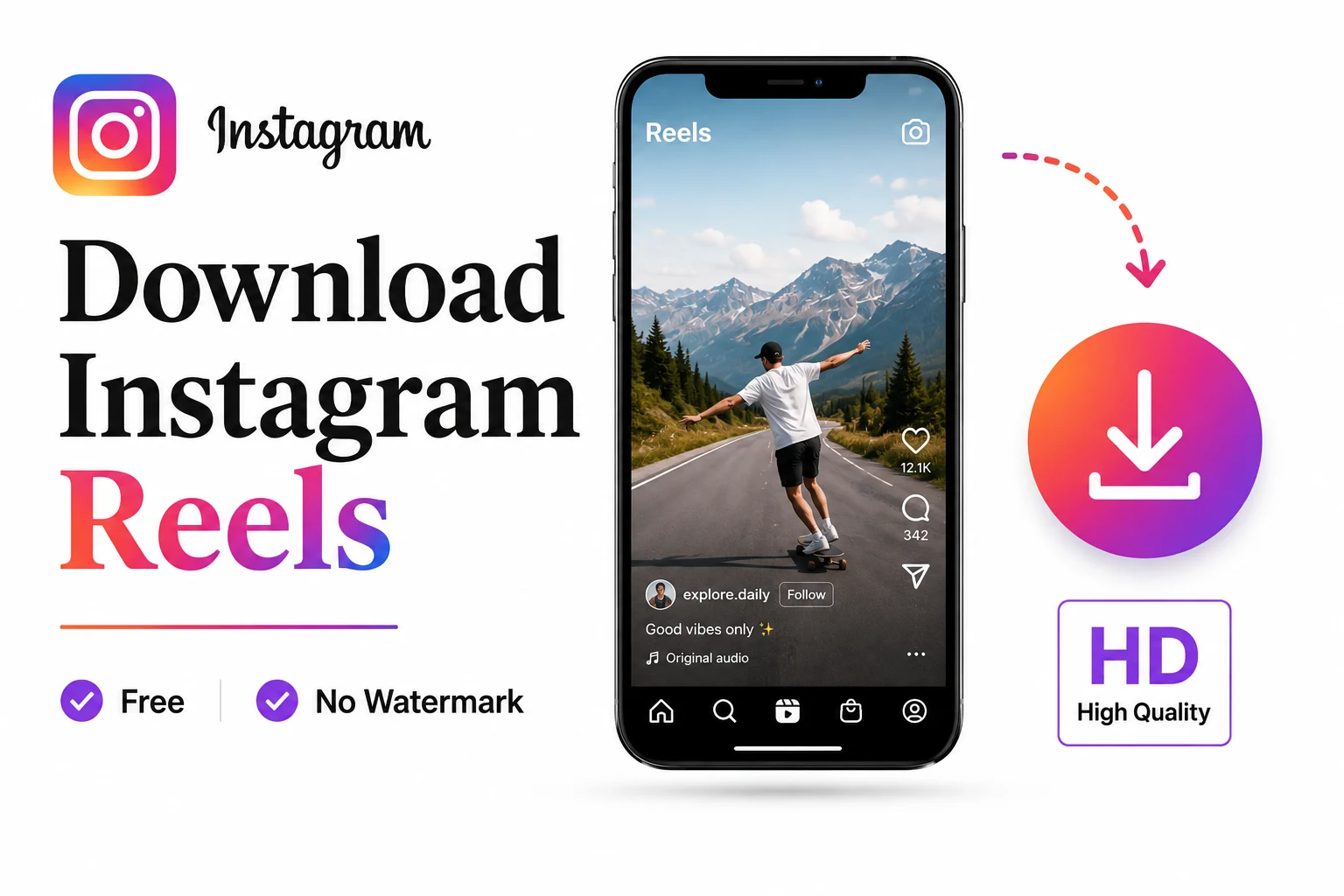
how to download Instagram Reels is simple with a free web‑based downloader that preserves HD quality and removes watermarks. By copying the Reel’s URL, pasting it into a trusted online tool, and saving the MP4 file, you can keep any public Reel on iPhone, Android, PC, or Mac—no login, no extra apps, and complete privacy.
What is the easiest way to download Instagram Reels?
If you want a quick, reliable solution, the three‑step browser method is the answer. It works on every operating system, respects the original video quality, and avoids the extra storage that a dedicated app would require.
- Find the Reel – Open Instagram on the app or web and locate the Reel you wish to keep.
- Copy the link – Tap the share (paper‑plane) icon, then select Copy Link. A toast confirms the URL is on your clipboard.
- Paste into a downloader – Open a free Instagram Reels downloader, paste the URL, choose the HD option, and click Download. The video saves instantly as an MP4 file.
The method is 100 % safe and requires no personal data, a claim backed by the tool’s own statement that it “lets you download your Instagram reels 100 % safely and securely without providing any login details or personal information”collabstr.com.
Why choose a web downloader over Instagram’s native button?
| Feature | Instagram native | RunFreeTools web downloader |
|---|---|---|
| Watermark | Yes – “@username” + logo | No |
| Audio quality | Often stripped for licensed music | Full original sound |
| Availability | Only if creator enables downloads | Works on any public Reel |
| Device support | iOS & Android only | iOS, Android, Windows, macOS, Linux |
| Browser support | Built‑in app only | All major browsers |
The native button is convenient but adds a watermark and can mute music. A web downloader gives you the untouched source file, ideal for creators who need pristine quality for repurposing.
How to download Instagram Reels on iPhone (iOS 13+)
- Open the Reel and tap Share → Copy Link.
- Launch Safari and go to the RunFreeTools Instagram Reels Downloader.
- Paste the URL, tap Download, then Share → Save Video to add it to your Photos library.
How to download Instagram Reels on Android (Chrome)
- Copy the Reel link from the Instagram app.
- Open Chrome, navigate to the same downloader, and paste the link.
- Tap Download; the MP4 appears in your Downloads folder and shows up in Gallery or Google Photos.
How to download Instagram Reels on PC or Mac (any browser)
- Click the three‑dot menu on the Reel → Copy link.
- Open the downloader in Chrome, Edge, Firefox, or Safari, paste the URL, and press Download.
- The file lands in your Downloads folder, ready for editing in Premiere, iMovie, or any video editor.
Understanding the file you’re saving
When you download a Reel, the service pulls the original MP4 container directly from Instagram’s CDN. This container includes:
- Video codec: H.264 (compatible with virtually every device).
- Audio codec: AAC, preserving the original soundtrack.
- Resolution: Up to 1080 p, depending on the creator’s upload.
Because the file is untouched, you can:
- Trim or splice it without quality loss.
- Add subtitles or captions using free tools.
- Re‑upload to other platforms only with the creator’s permission.
Safety, privacy, and legal considerations
Is it safe?
The downloader operates entirely in your browser; no files are stored on third‑party servers after the download completes. It also does not request your Instagram credentials, reducing the risk of phishing.
Privacy
Your IP address is the only piece of data transmitted to the downloader’s server for the brief moment needed to retrieve the video. No cookies or tracking scripts are embedded beyond standard analytics.
Legal note
Downloading a Reel for personal offline viewing generally falls under fair‑use principles, but re‑uploading, remixing, or using it commercially without the creator’s consent may violate copyright law. Always ask for permission before repurposing someone else’s content.
Alternative methods and why they’re less ideal
| Method | Pros | Cons |
|---|---|---|
| Screen recording (iOS/Android built‑in) | Works for any video, even private ones. | Watermark, lower quality, audio sync issues. |
| Third‑party mobile apps (e.g., “Reel Downloader”) | One‑tap download from within Instagram. | Often require permissions, may contain ads or malware. |
| Browser extensions | Integrated into desktop browsers. | Can be blocked by Instagram, may collect browsing data. |
For most users, the three‑step web downloader remains the cleanest, fastest, and safest option.
Boost your Reels workflow with AI tools
After you’ve saved a Reel, you might want to:
- Create a matching caption – Try our AI Instagram Caption Generator for witty, SEO‑friendly text.
- Generate relevant hashtags – Use the AI Hashtag Generator to increase discoverability.
These tools keep your content pipeline efficient without leaving the RunFreeTools ecosystem.
Troubleshooting common issues
- “Couldn’t fetch this Reel.”
Verify the URL includes/reel/. Re‑copy it from Instagram. - No sound after download.
Some downloaders separate audio; choose a service that merges both streams (e.g., SaveFrom.net)en1.savefrom.net.
- Private account Reel.
Private content cannot be accessed; request the file directly from the creator. - Region‑locked music.
The audio track may be blocked in your country. Use a VPN or select a different Reel. - Download stalls on mobile.
Ensure your browser has storage permission (Settings → Apps → Browser → Permissions).
Real‑world usage statistics
- The downloader’s platform supports 890,000 influencers who rely on quick, watermark‑free downloads for content repurposing
- Its underlying technology handles 40+ websites, demonstrating robustness across different video‑hosting services
These numbers illustrate the tool’s scalability and reliability for both casual users and professional creators.
Quick checklist for a smooth download experience
- ✅ Ensure the Reel is public.
- ✅ Copy the full URL (includes
https://www.instagram.com/reel/...). - ✅ Use a trusted downloader (Collabstr, SaveFrom, etc.).
- ✅ Verify the file format is MP4 and resolution is HD.
- ✅ Keep a record of the creator’s username for attribution.
Following this checklist guarantees high‑quality downloads while respecting creators’ rights.
Final thoughts
Learning how to download Instagram Reels empowers you to build a personal archive, create derivative content, or simply enjoy your favorite videos offline. By using a reputable web‑based downloader, you stay safe, keep the original quality, and avoid the pitfalls of shady apps or screen‑recording hacks. Remember to always credit the original creator and seek permission before any public reuse.
Frequently asked questions
Use a web‑based downloader like RunFreeTools. Copy the Reel link, paste it into the tool, and download the HD MP4 – the file comes directly from Instagram’s servers with no watermark.
Yes. Both platforms follow the same three‑step method: copy link → open the downloader in a browser → download and save the video.
The native button respects music‑licensing agreements, which can strip audio for licensed tracks. A third‑party downloader pulls the original audio track together with the video.
No. Private Reels are not publicly accessible, so any downloader will return an error. You must ask the owner to share the file directly.
The free tool imposes no daily cap; you can download as many public Reels as you need, provided each URL is valid.
Share this article
Send it to a teammate or save the link for later.
More from RunFreeTools Team
Is the AI Bubble Bursting? Big Tech's $725B Reckoning
Is the AI bubble bursting in 2026? Big Tech is set to spend ~$725B on AI as the Magnificent 7 shed $2.3T — the bull and bear case, no hype, no advice.
Read articleApple Lost a Major EU Antitrust Fight: What It Means
Apple lost a major EU antitrust ruling on July 8, 2026, upholding DMA rules on the iPhone. What's decided, what's still pending, and what changes for you.
Read articleBest AI Browser 2026: Comet vs Dia vs Chrome (Atlas Dies)
The best AI browser in 2026? Comet is free and cross-platform, Chrome adds Gemini, and ChatGPT Atlas shuts down Aug 9 — plus the safety risks.
Read article