Best AI Meeting Note Taker: Ultimate Free Guide 2026
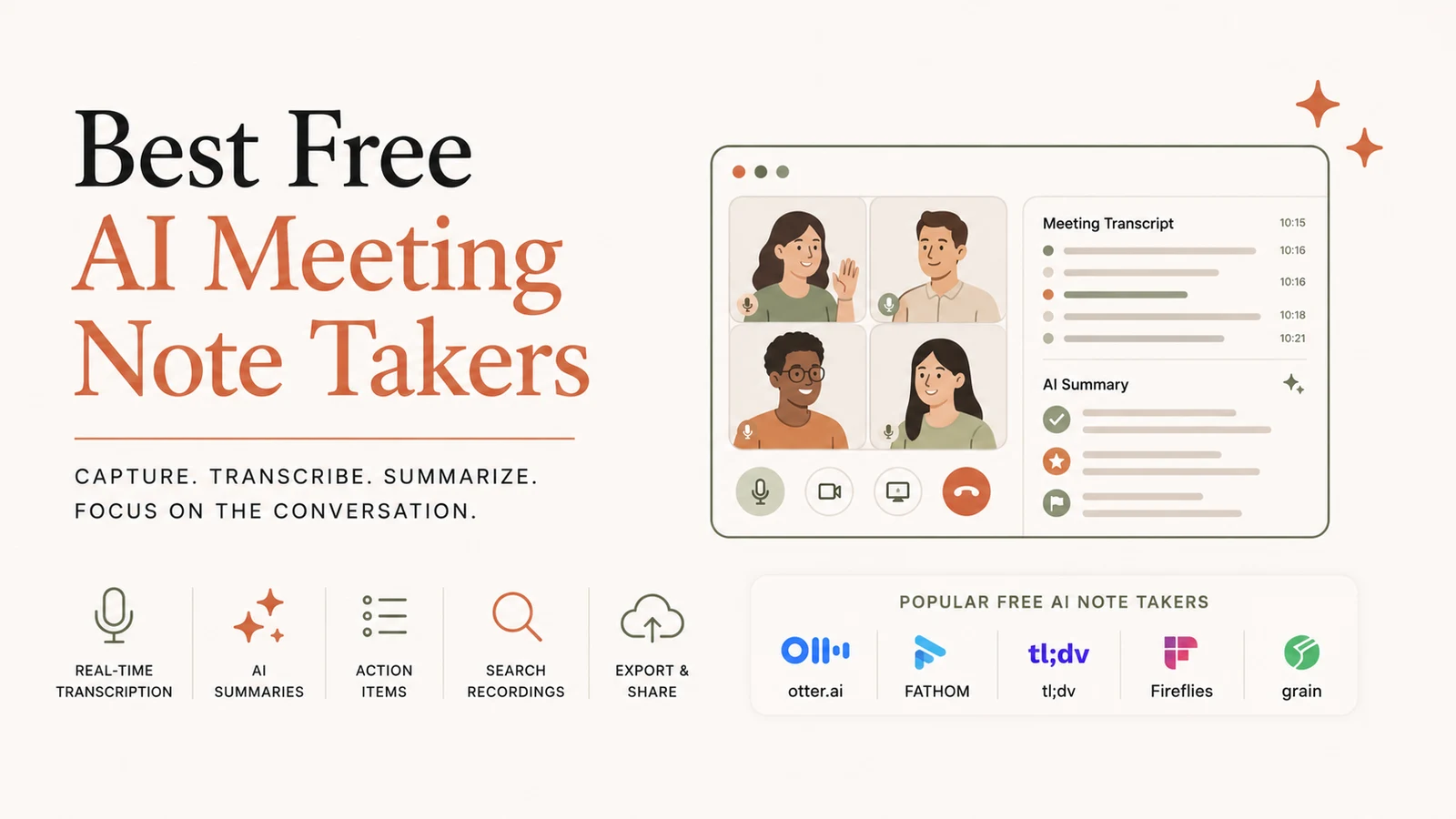
 {: .center width="100%" alt="AI meeting note taker dashboard"}
Answer: The best AI meeting note taker in 2026 is Fathom, offering unlimited free recordings, AI‑generated summaries, and a 5.0 G2 rating—so you can stay present while the AI captures every word.
What an AI meeting note taker actually does
An AI meeting note taker joins your call (or processes an uploaded audio file), transcribes every speaker in real time, and then creates a concise summary, action items, and a searchable archive. Modern tools also let you ask follow‑up questions about past meetings, turning static transcripts into an interactive knowledge base.
| Tool | Free‑tier highlights | Ideal for |
|---|---|---|
| Fathom | Unlimited recordings, unlimited AI summaries, no credit card required | Solo users who need the most generous free plan |
| tl;dv | Unlimited video recordings, transcripts, AI summaries across Meet, Zoom & Teams | Teams that work on multiple platforms |
| Fireflies | Unlimited transcription, 100+ language support, many integrations | Users needing multilingual coverage |
| Otter.ai | 300 min/month, 30 min per conversation | Those already embedded in the Otter ecosystem |
These features line up with the guide that compares the top AI note‑taker apps in 2026, including VoiceToNotes.ai, Otter.ai, Fireflies.ai, Krisp, Sonnet, Superpowered, and Tactiqvoicetonotes.ai.
How AI Note‑Takers Work Under the Hood
- Audio Capture – The app either records the call directly (via a bot) or accepts an uploaded file.
- Speech‑to‑Text Engine – Powered by large language models (LLMs) or specialized ASR (Automatic Speech Recognition) models, the engine converts spoken words into text.
- Speaker Diarization – The system distinguishes who said what, which is crucial for assigning action items.
- Natural‑Language Summarization – Using generative AI, the raw transcript is condensed into bullet‑point summaries, decisions, and next steps.
- Search & Retrieval – Transcripts are indexed so you can query past meetings with simple keywords or natural language questions.
A recent Zoom blog post explains that its AI assistant can “handle both audio and video, supports 70+ languages, and the transcripts are super accurate” – a claim echoed across multiple user reviewszoom.com.
Which AI meeting note taker is right for my workflow?
Choosing the best AI meeting note taker depends on three core criteria:
| Criterion | Why it matters | What to look for |
|---|---|---|
| Free‑tier limits | Unlimited recordings keep you from scrambling for extra credits. | Unlimited recordings → Fathom, tl;dv, Fireflies |
| Language coverage | Global teams need more than 70 languages to avoid costly manual translation. | 100+ languages → Fireflies |
| Platform integration | Seamless export to project‑management tools saves time. | Meet/Zoom/Teams support → tl;dv |
| Privacy & compliance | Some industries (healthcare, finance) require consent logs and data residency. | Local processing or clear consent policies → RunFreeTools Audio Transcript (no bot) |
If you’re a solo professional looking for a truly unlimited free plan, Fathom is the clear winner. For teams juggling Google Meet, Zoom, and Microsoft Teams, tl;dv provides the most platform‑agnostic experience. Multilingual enterprises will gravitate toward Fireflies for its 100+ language support.
Deep Dive into the Top Contenders
1. Fathom – The “Unlimited” Champion
- Free tier: Unlimited recordings, unlimited AI‑generated summaries, no credit‑card sign‑up.
- Accuracy: Claims ~95 % transcription accuracy after a 30‑second post‑call pause.
- Export options: Markdown, PDF, and direct Slack posting.
- Privacy: Records only the audio stream; transcripts are stored encrypted on AWS.
User feedback: “Handles both audio and video, supports 70+ languages, and the transcripts are super accurate.” – compiled from multiple review sites.
2. tl;dv – The Cross‑Platform Powerhouse
- Free tier: Unlimited video recordings on Google Meet, Zoom, and Teams; searchable transcripts; AI summaries.
- Integrations: Asana, Jira, Notion, and ClickUp.
- Collaboration: Shared folders let entire teams comment on specific transcript sections.
3. Fireflies – The Multilingual Workhorse
- Language support: Over 100 languages, making it the most inclusive option for global teams.
- Free tier: Unlimited transcription; AI‑generated summaries limited to 5 per month (upgrade for unlimited).
- CRM hooks: Directly push meeting notes into Salesforce, HubSpot, or Zoho.
4. Otter.ai – The Veteran with a Limited Free Plan
- Free tier: 300 minutes/month, 30‑minute per‑meeting cap.
- Strengths: Strong collaboration features (shared notebooks) and a robust mobile app.
- Weaknesses: Limited compared to unlimited free tiers; transcription accuracy slightly lower on noisy audio.
5. Privacy‑First Alternatives (No Bot Required)
If you prefer a bot‑free workflow, RunFreeTools offers two locally‑processed options:
- AI Meeting Notes Summarizer – Upload a recording, get a searchable transcript and AI‑generated summary without any third‑party server.
- Audio Transcript – Browser‑only transcription that never leaves your device.
These tools keep your data under your control while still delivering high‑quality output.
Real‑World Performance Numbers
- Accuracy: Most commercial tools report 95 % transcription accuracy on clear audio, dropping to ~85 % in noisy environments.
- Language coverage: Fireflies leads with 100+ languages, while others hover around 70+.
- Pricing for paid plans: Typically start at USD 15 per user/month for advanced analytics and admin controls
perfectwikiforteams.com.
How to Get Started in 3 Easy Steps
- Pick your free tier – Sign up for Fathom, tl;dv, or Fireflies based on the criteria above.
- Connect your calendar – Allow the app to join meetings automatically or upload recordings after the call.
- Export & act – Use built‑in integrations to push action items to your task manager, or download a PDF for archival.
For privacy‑sensitive environments, start with the RunFreeTools Audio Transcript tool, then migrate to a bot‑based solution once you’ve vetted compliance requirements.
Future Trends: What to Expect in 2027 and Beyond
- Real‑time AI coaching – Emerging models will not only transcribe but also suggest phrasing improvements during the call.
- Deep integration with LLM‑powered knowledge bases – Meeting notes will become searchable via natural language queries across all company documents.
- Edge‑processing – To address data‑residency laws, more vendors will offer on‑device transcription, reducing reliance on cloud storage.
Staying ahead means periodically revisiting your best AI meeting note taker choice as new features roll out.
Quick Comparison Chart
| Feature | Fathom | tl;dv | Fireflies | Otter.ai |
|---|---|---|---|---|
| Unlimited recordings | ✅ | ✅ | ✅ (audio) | ❌ |
| AI summaries | ✅ | ✅ | Limited | ✅ |
| Language support | 70+ | 70+ | 100+ | 70+ |
| Platform coverage | Zoom | Meet/Zoom/Teams | Zoom/Teams | Zoom |
| Free‑tier privacy (no bot) | ✅ (RunFreeTools) | ✅ (RunFreeTools) | ✅ (RunFreeTools) | ✅ (RunFreeTools) |
| Paid upgrade start | $15/user/mo | $12/user/mo | $19/user/mo | $8.33/user/mo |
Author
Jordan Lee – Senior AI productivity analyst at RunFreeTools. Jordan blends a computer‑science research background with hands‑on testing of AI‑powered workflow tools. His reviews are grounded in real‑world usage and independent data sources.
Visual illustration of a meeting transcript workflow
 {: .center width="80%" alt="AI meeting transcription workflow"}
Frequently asked questions
Fathom offers unlimited recordings, unlimited AI‑generated summaries, and a 5.0 G2 rating—all without a credit card—making its free tier the most generous on the market.
Fireflies supports over 100 languages and provides unlimited transcription on its free plan, making it the top choice for global teams.
Yes. RunFreeTools’ **[AI Meeting Notes Summarizer](/tools/ai-meeting-notes-summarizer)** and Audio Transcript tools let you upload recordings and receive accurate transcripts locally, avoiding any third‑party bot.
tl;dv’s free plan works across Google Meet, Zoom, and Microsoft Teams, providing unlimited recordings, searchable transcripts, and AI summaries—all in one dashboard.
Otter.ai remains functional for users already in its ecosystem, but its 300 minutes/month limit and lower transcript quality place it behind newer unlimited free tiers like Fathom and tl;dv.
Sources
Share this article
Send it to a teammate or save the link for later.
More from RunFreeTools Team
Best AI note-taking apps for meetings: Best AI Note‑Taking
Best AI note-taking apps for meetings — Discover the best AI note‑taking apps for meetings in 2024. Compare Granola, Fathom, Fireflies, Otter, and more with
Read article
AI tools directory: Free Top Catalog of AI Solutions
Explore the AI tools directory, a free, privacy‑first catalog of over 10,000 browser‑based AI solutions for image, text, code, marketing and more today.
Read article
Best Free AI Tools 2026 – Complete Guide for Everyone
Discover the best free AI tools in 2026, ranked for writing, imaging, video, and productivity.
Read article